Smart POS, Inventory & Business Management System
A complete business system for billing, stock control, purchases, customer management, payments and reports. Built and supported by SD CORE for growing businesses.
SD CORE Smart POS System Introduction
This page gives customers a clear introduction to the POS system: what it does, how it helps daily business operations and which key modules are included.
- Fast billing and professional POS invoicing
- Real-time stock, warehouse and barcode management
- Sales, purchases, expenses, payments and returns tracking
- Clear business reports for owners and managers
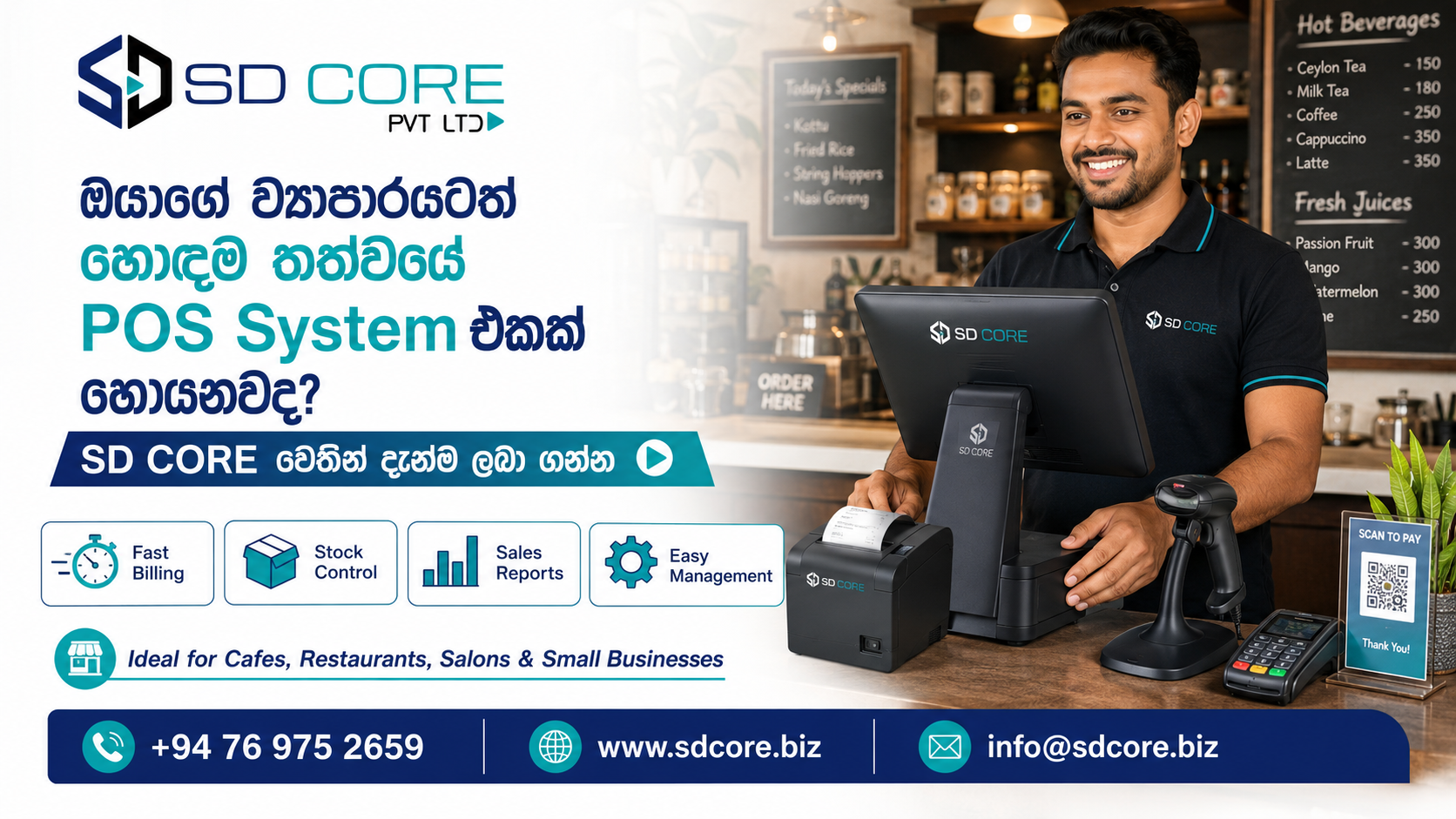
ඔයාගේ ව්යාපාරය Smart විදියට Manage කරන්න
Billing, stock control, sales reports, customer management සහ payments එකම system එකකින් handle කරන්න SD CORE POS System එක හොඳ solution එකක්.
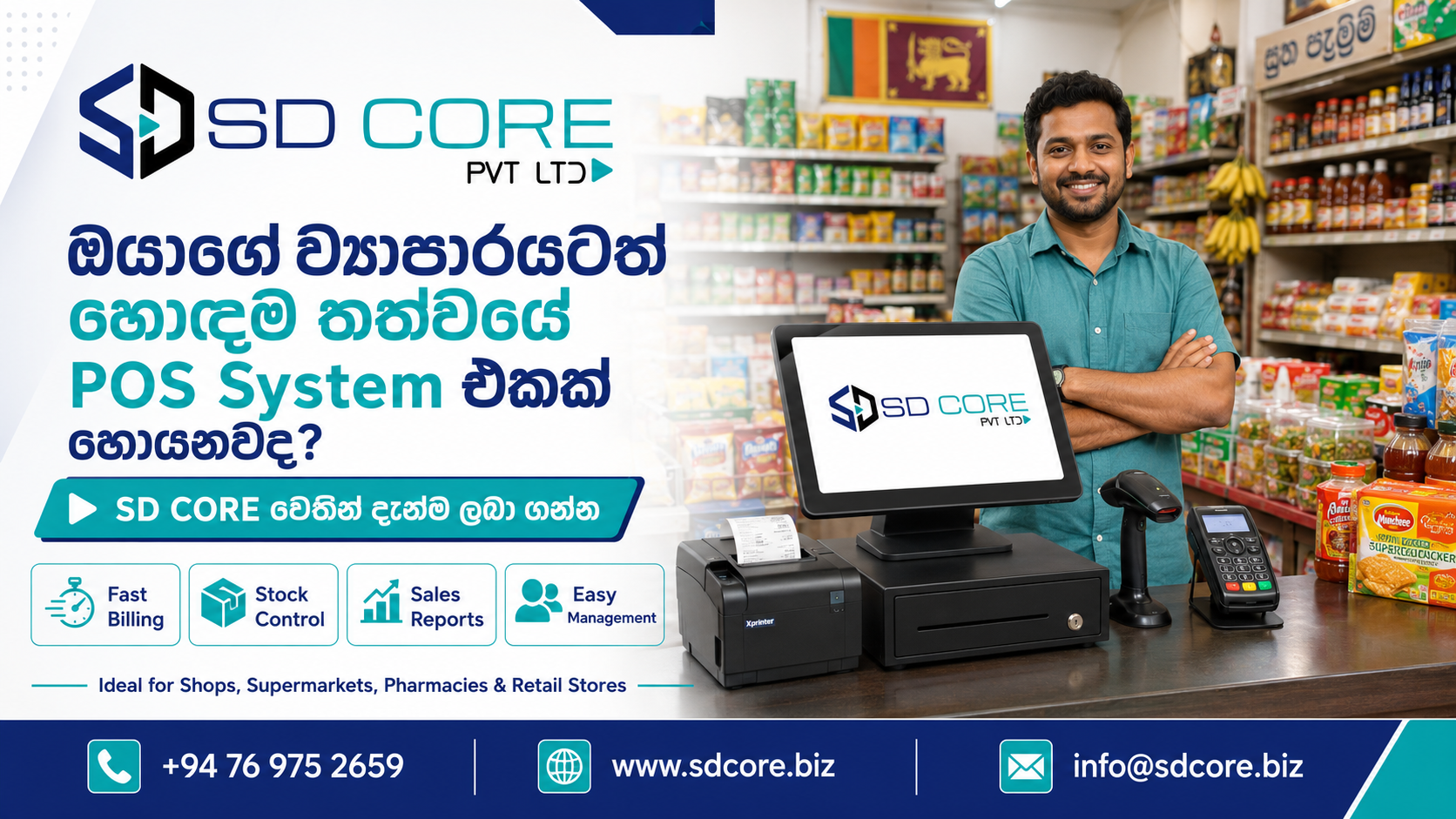
What is this POS system?
This POS system is a central platform that helps a business handle daily billing, product stock, purchases, customer details, supplier details, expenses, payments and business reports from one place.
- Create bills quickly from the POS screen
- Automatically reduce stock after each sale
- Track purchases, returns, expenses and payments
- Manage customers, suppliers, products and warehouses
- View daily sales, profit and stock reports
- Make business decisions with clear dashboard insights
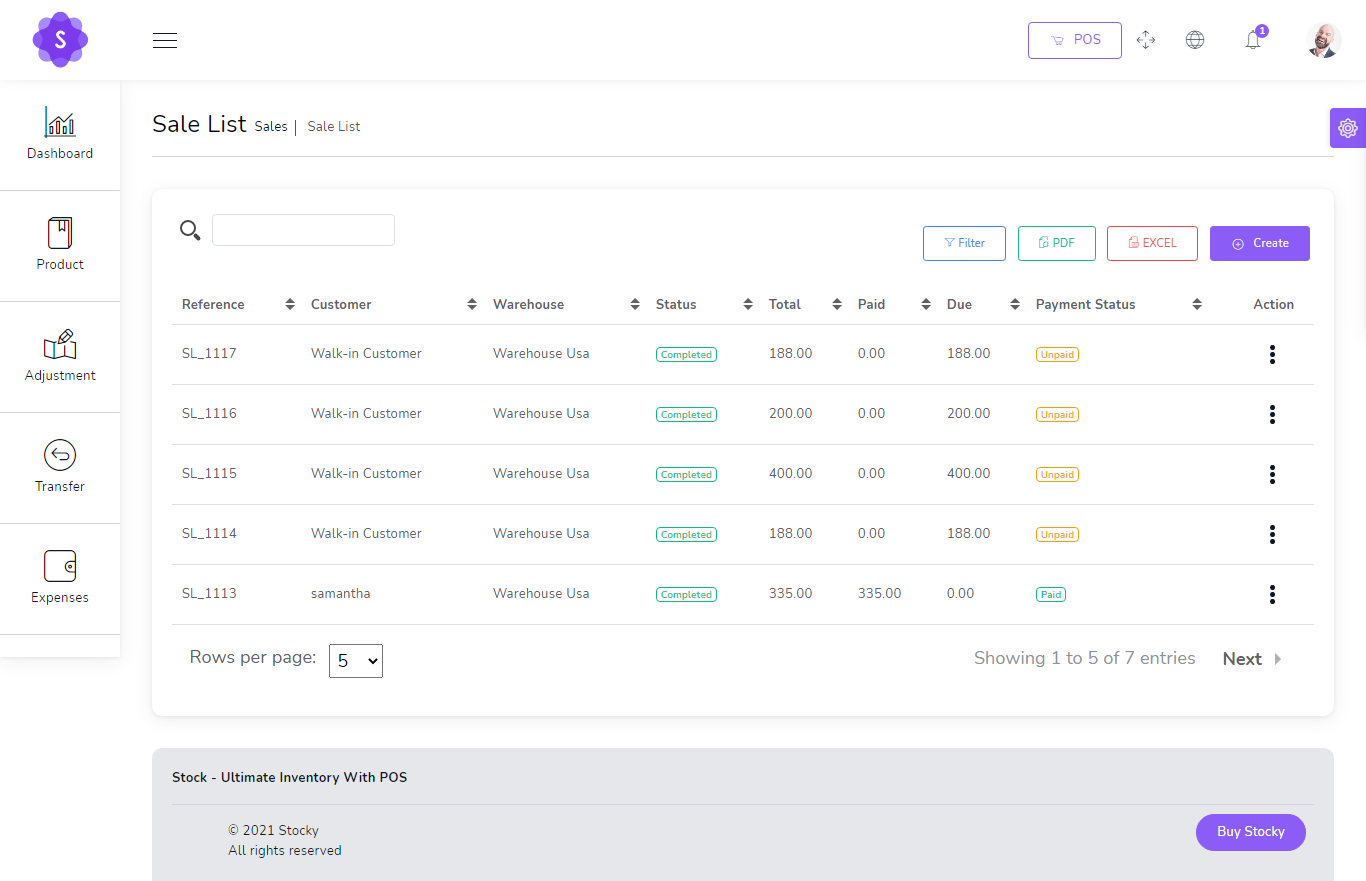
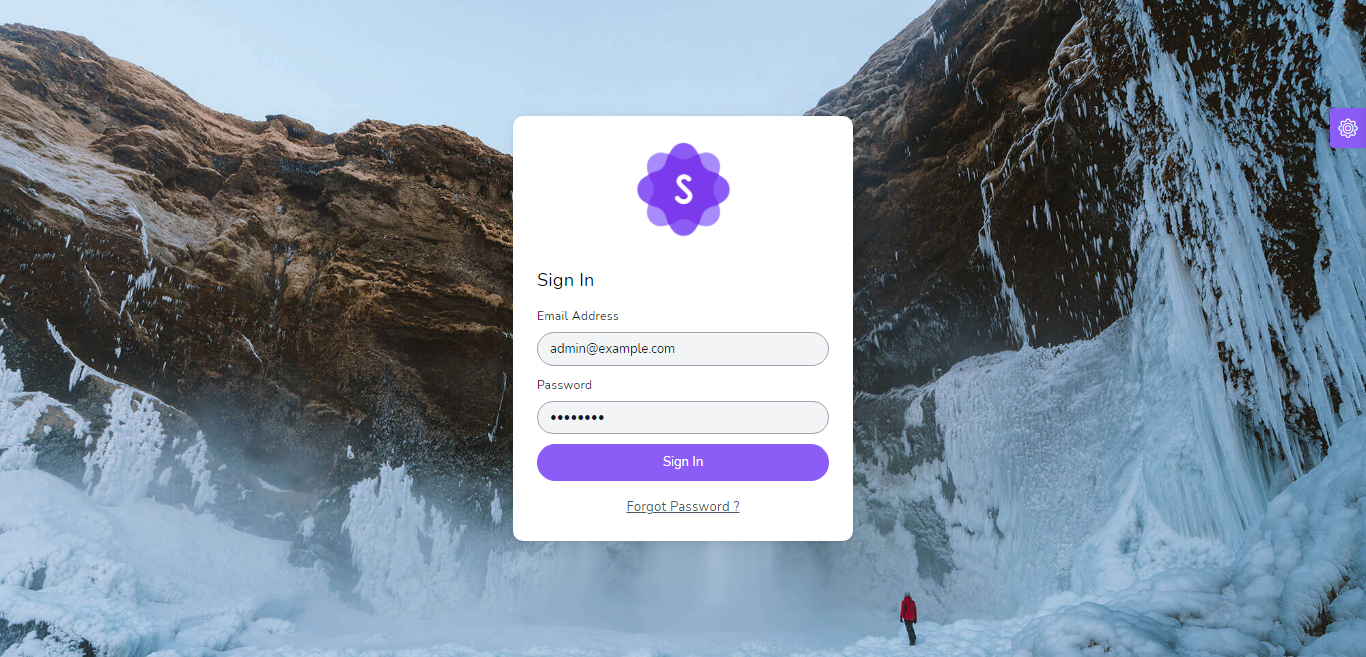
Login & Access
Users can securely access the system and continue with their assigned roles and permissions.
- Email and password based login flow
- Forgot password support screen
- Role-based access after login

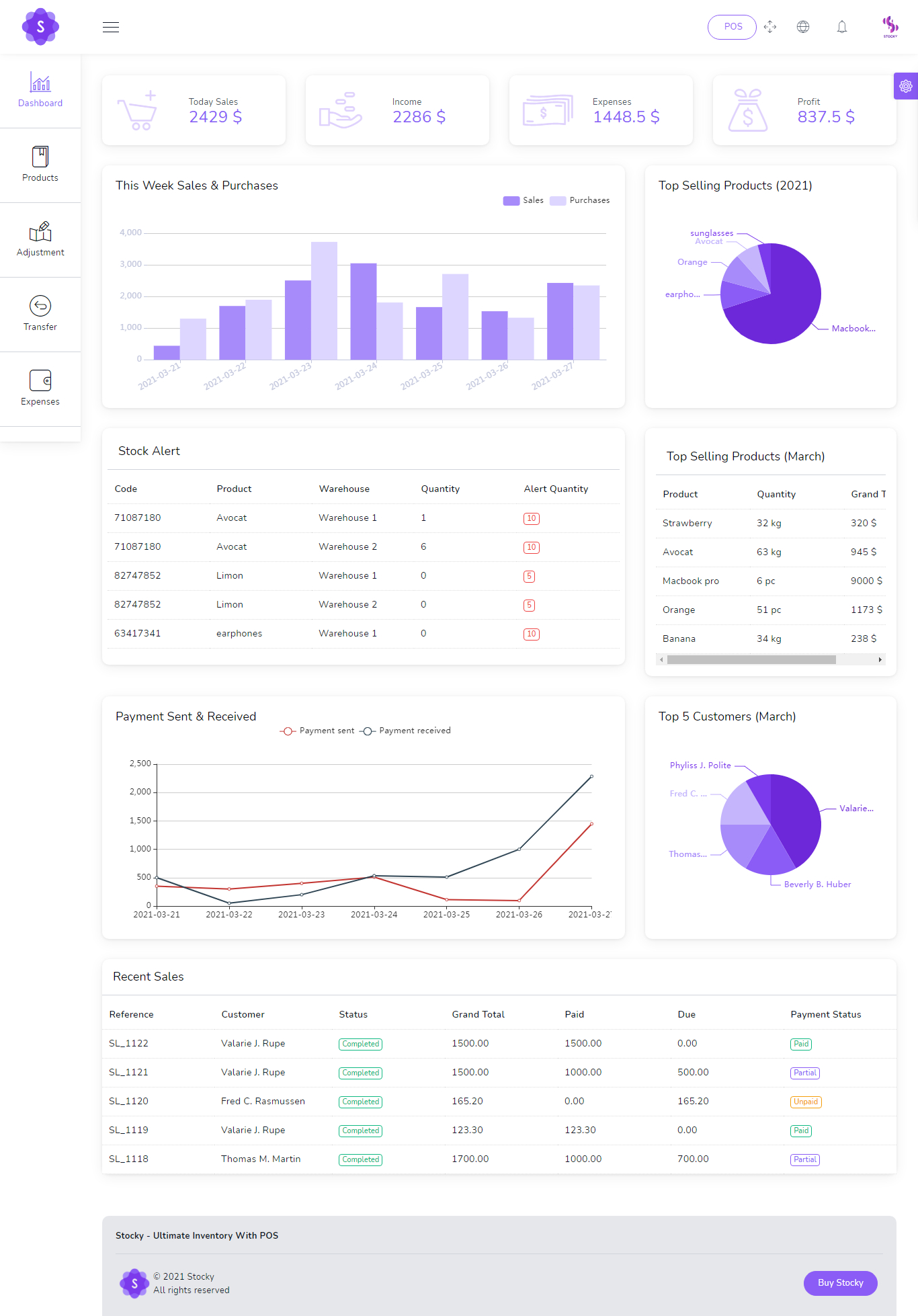
Dynamic Dashboard
The dashboard gives owners and managers a clear view of day-to-day business performance.
- Today sales, income, expenses and profit
- Weekly sales and purchase summary
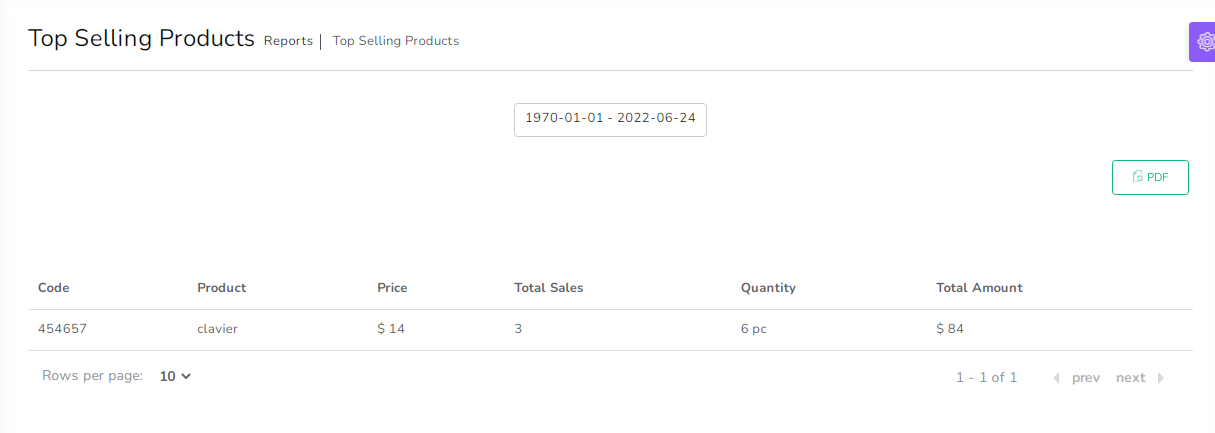
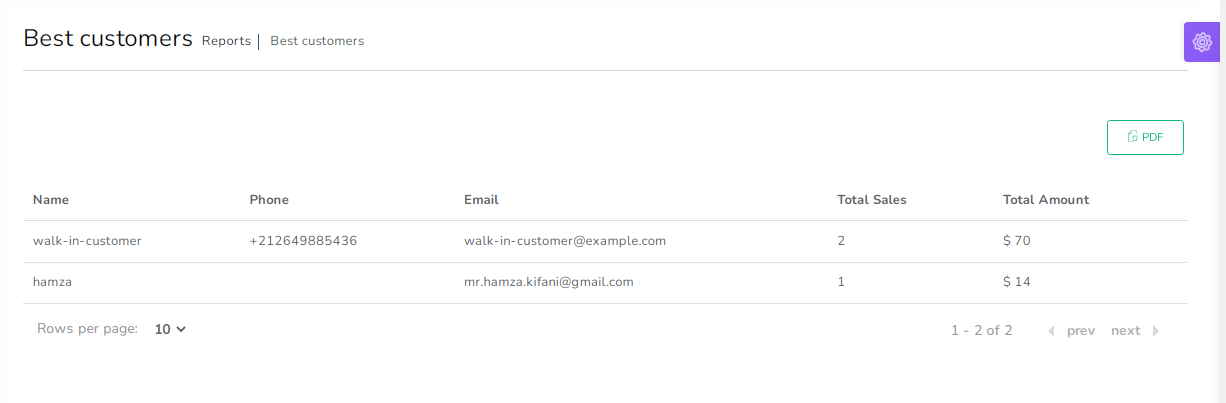
- Top selling products and best customers
- Recent sales and payment overview
Products, Barcode & Stock
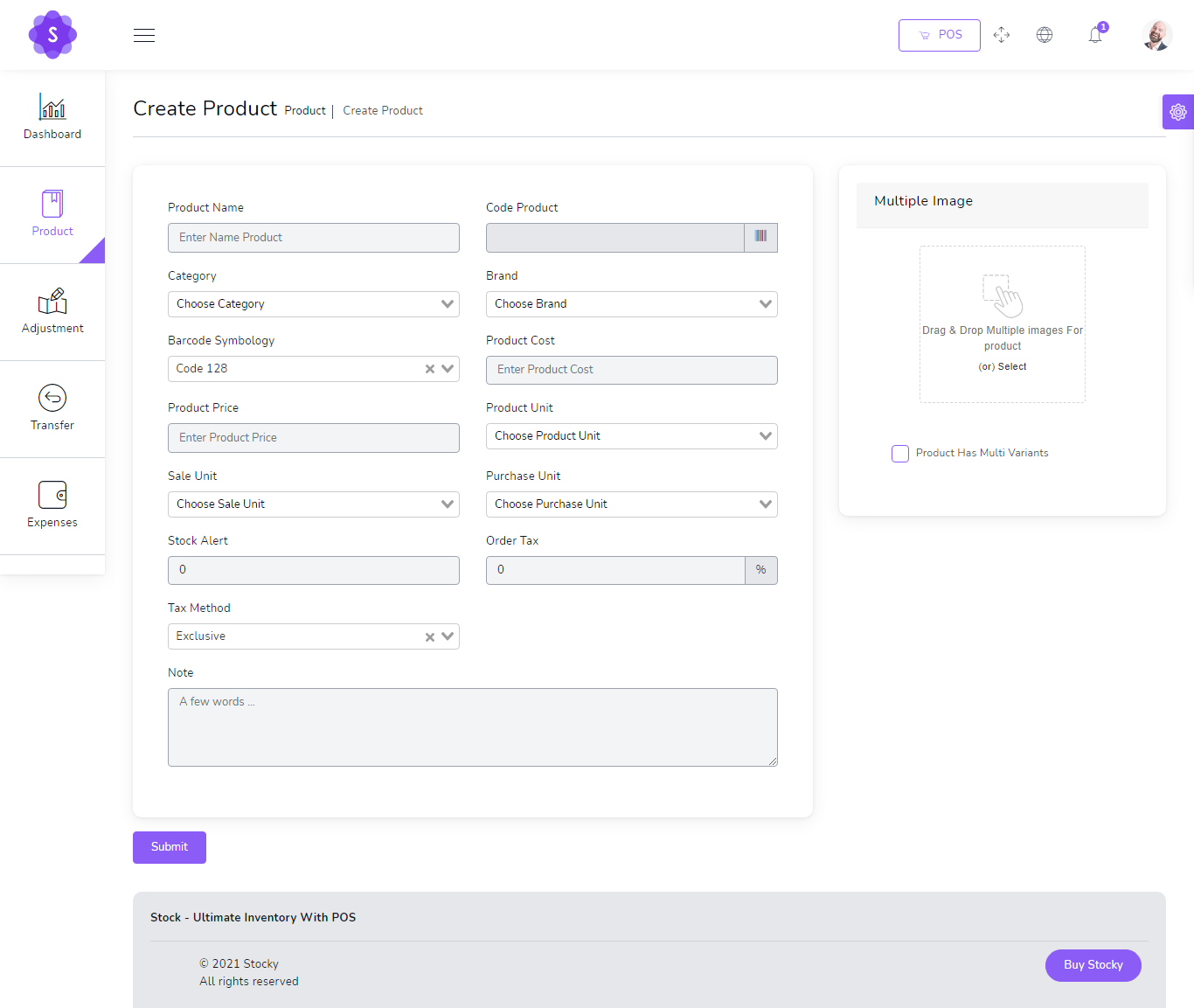
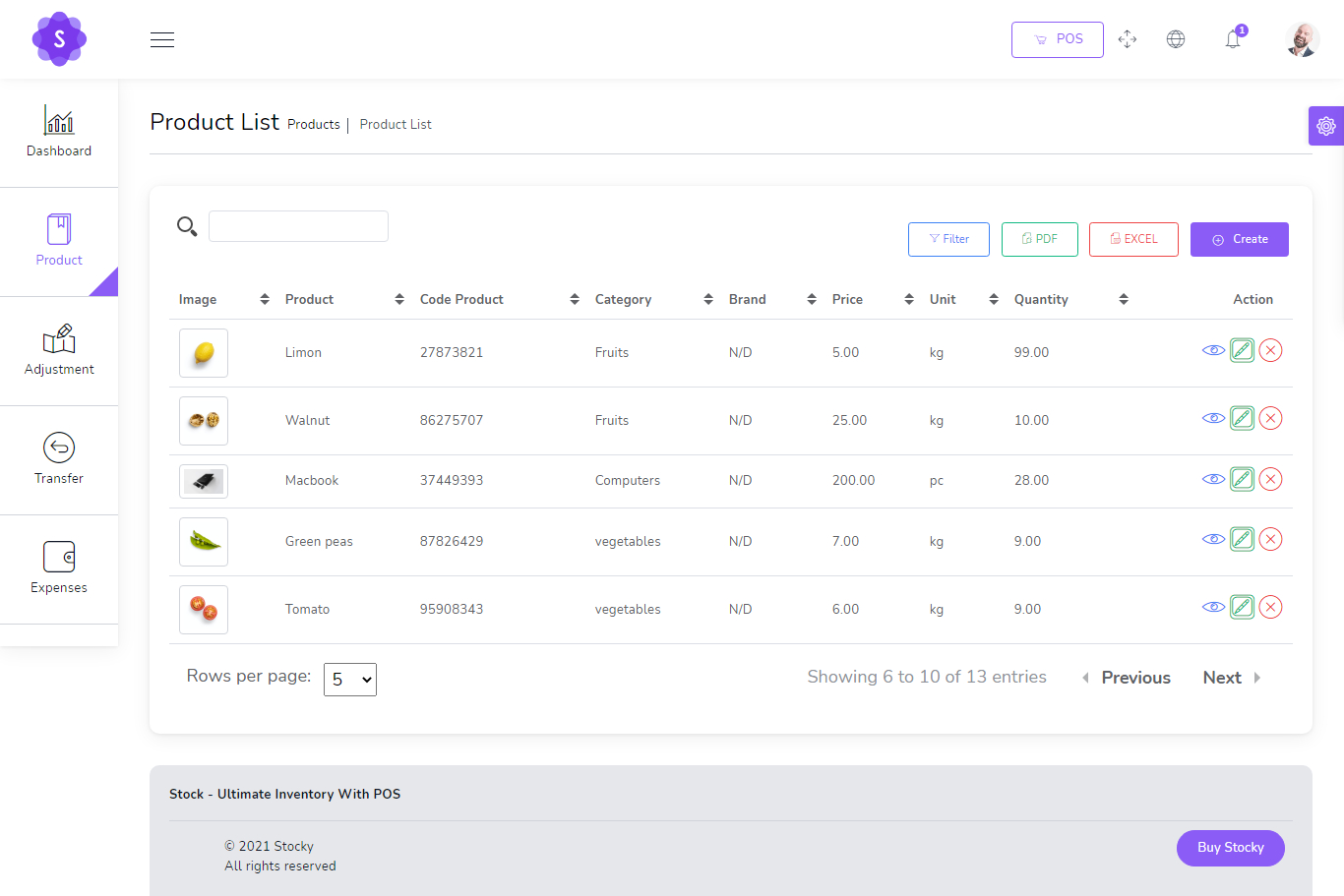
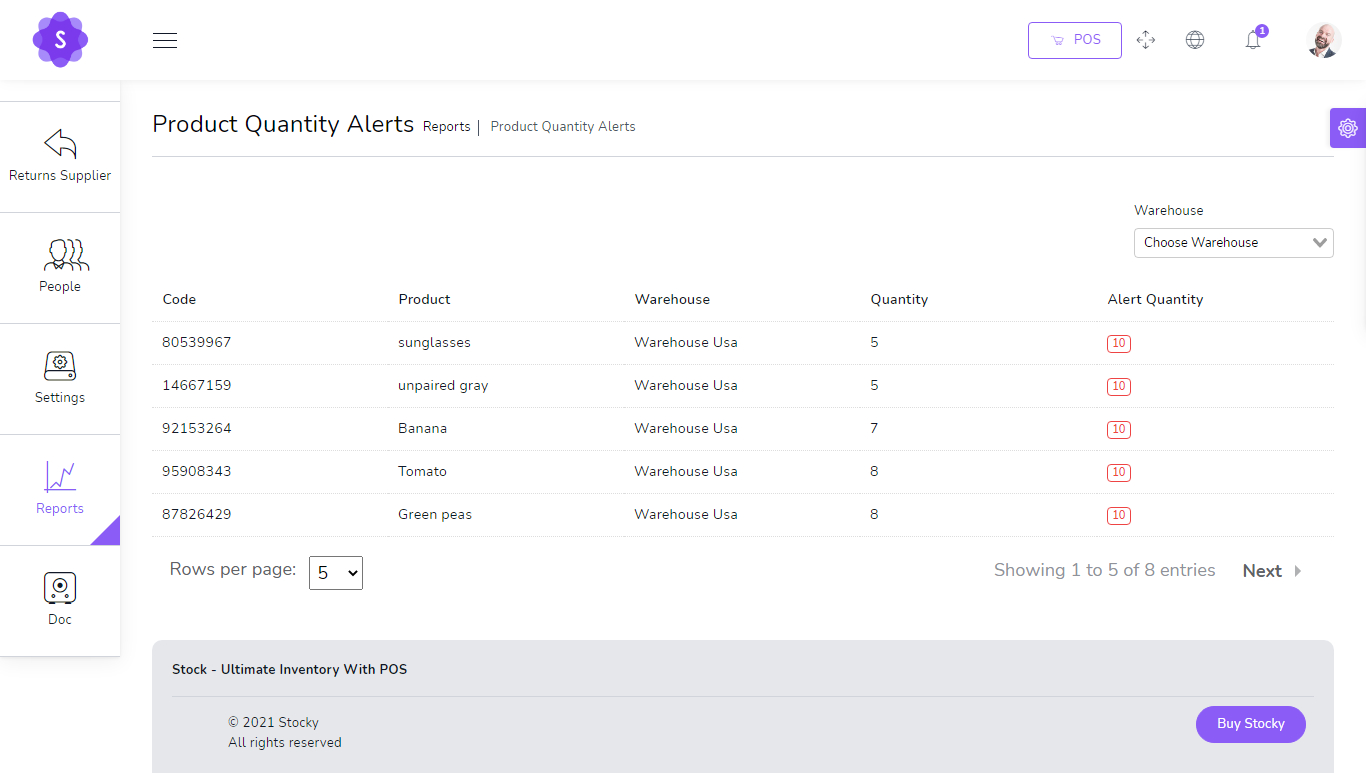
Manage products, variants, images, categories, brands, pricing, stock alerts and barcode workflows in one place.
- Create and edit product details
- Multiple product images and variants
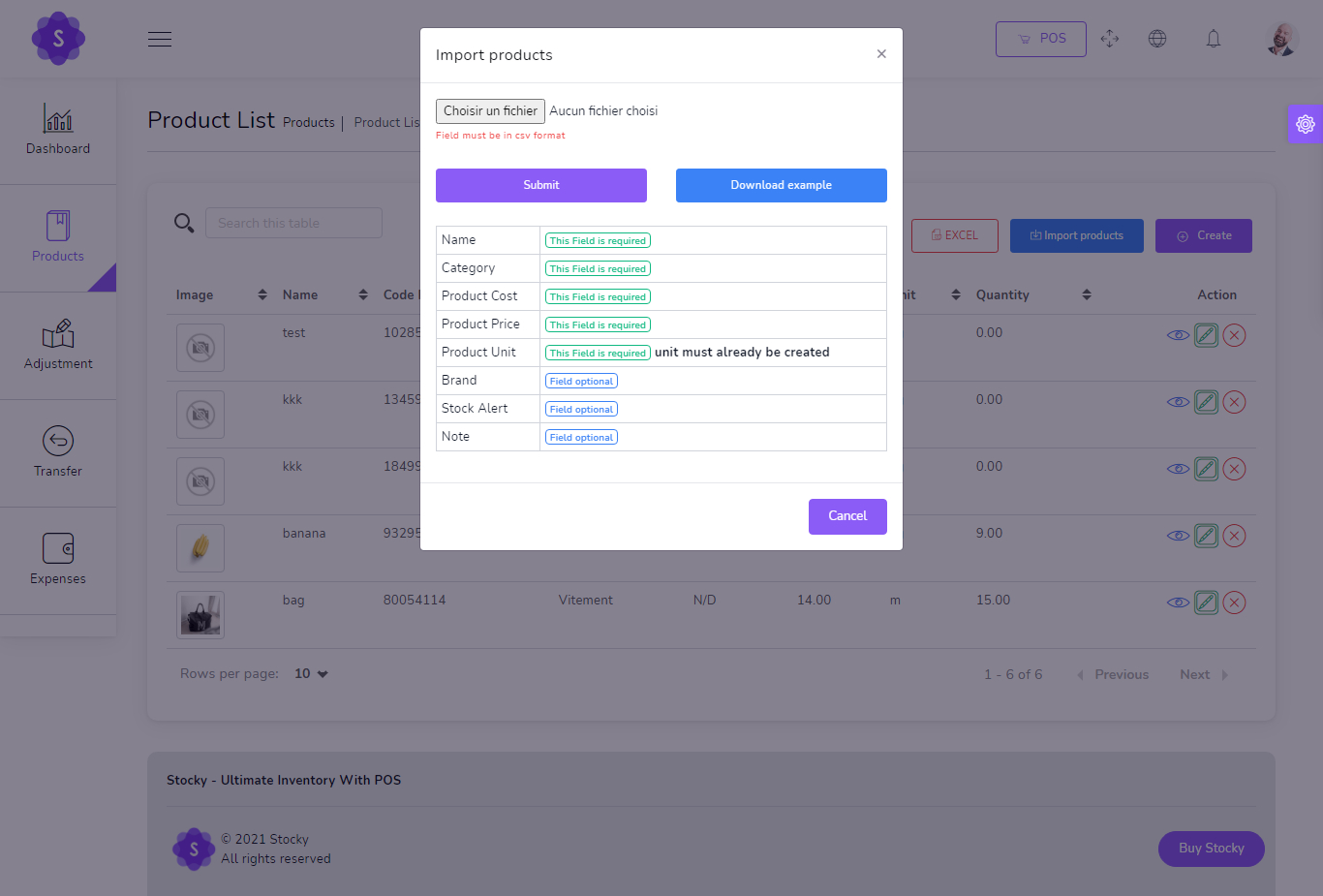
- Import products from CSV
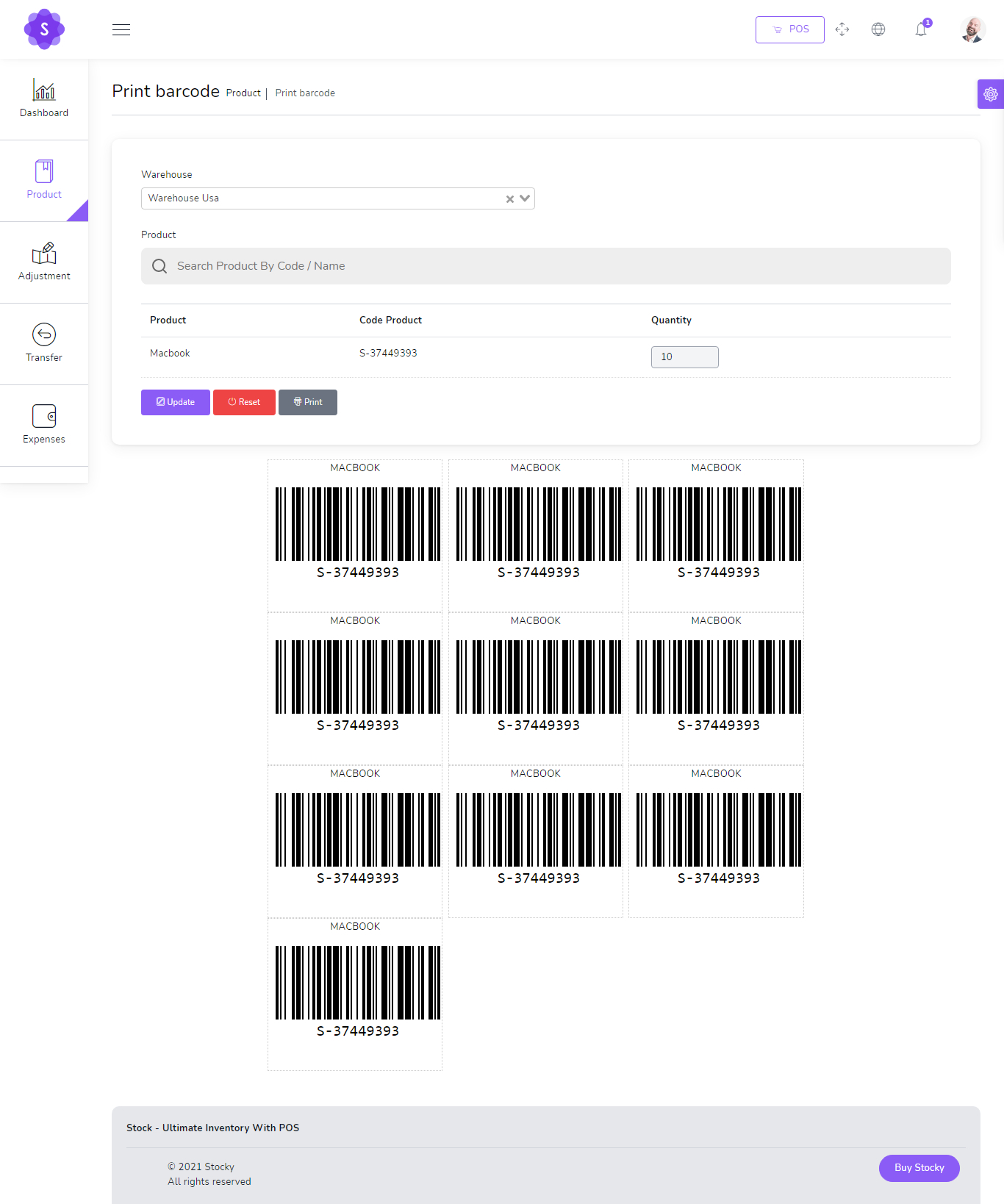
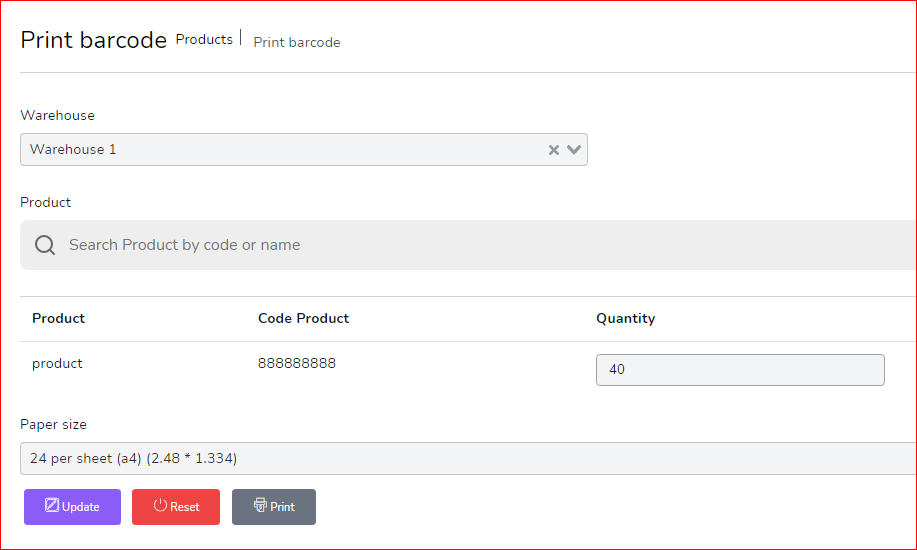
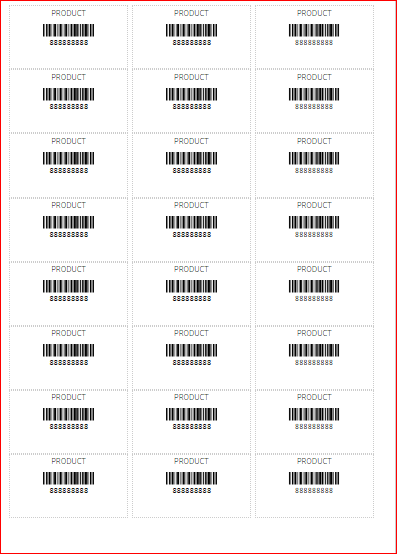
- Print barcode labels for products
- Stock alert and warehouse inventory support
Transfers, Adjustments & Warehouses
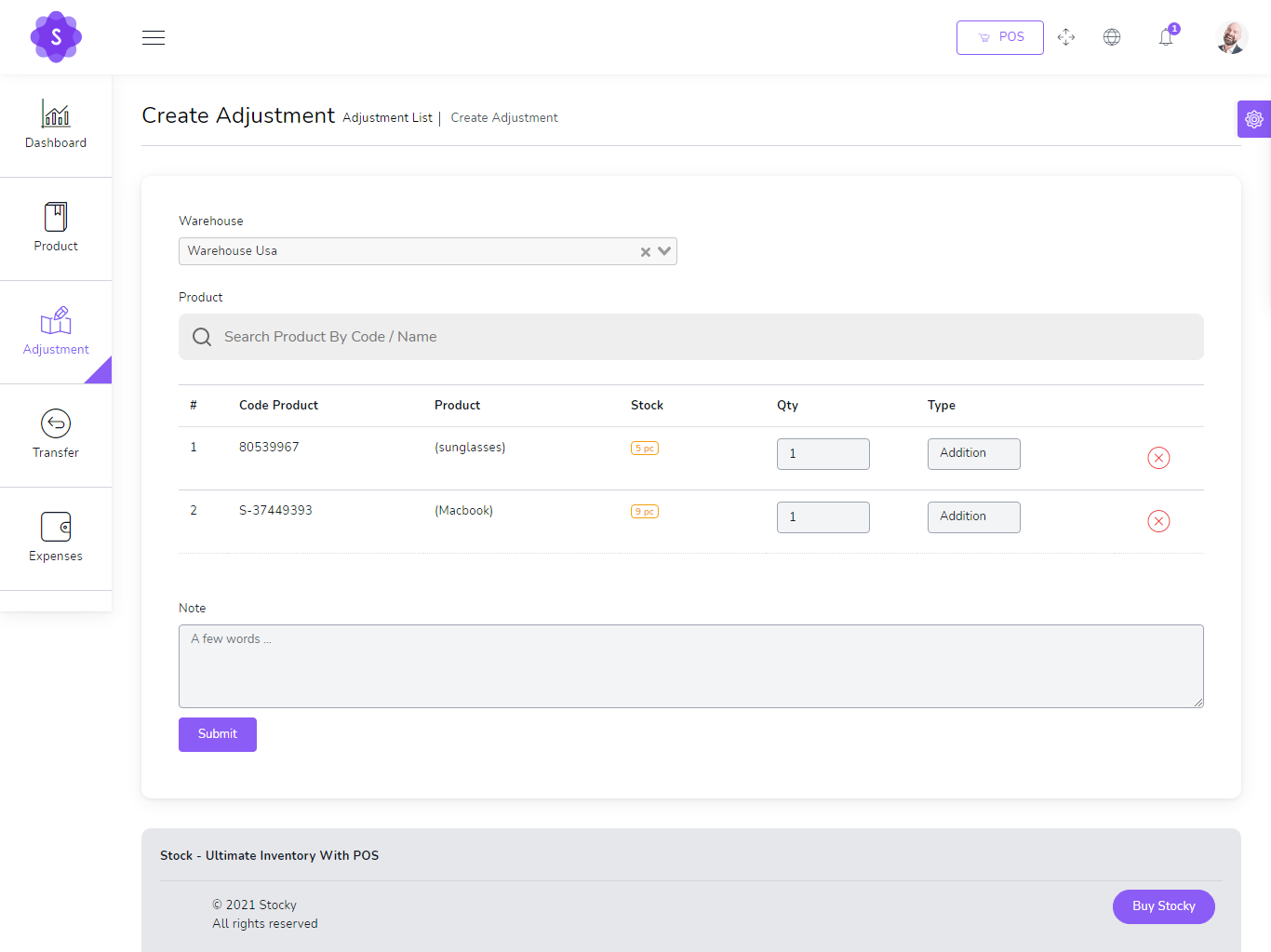
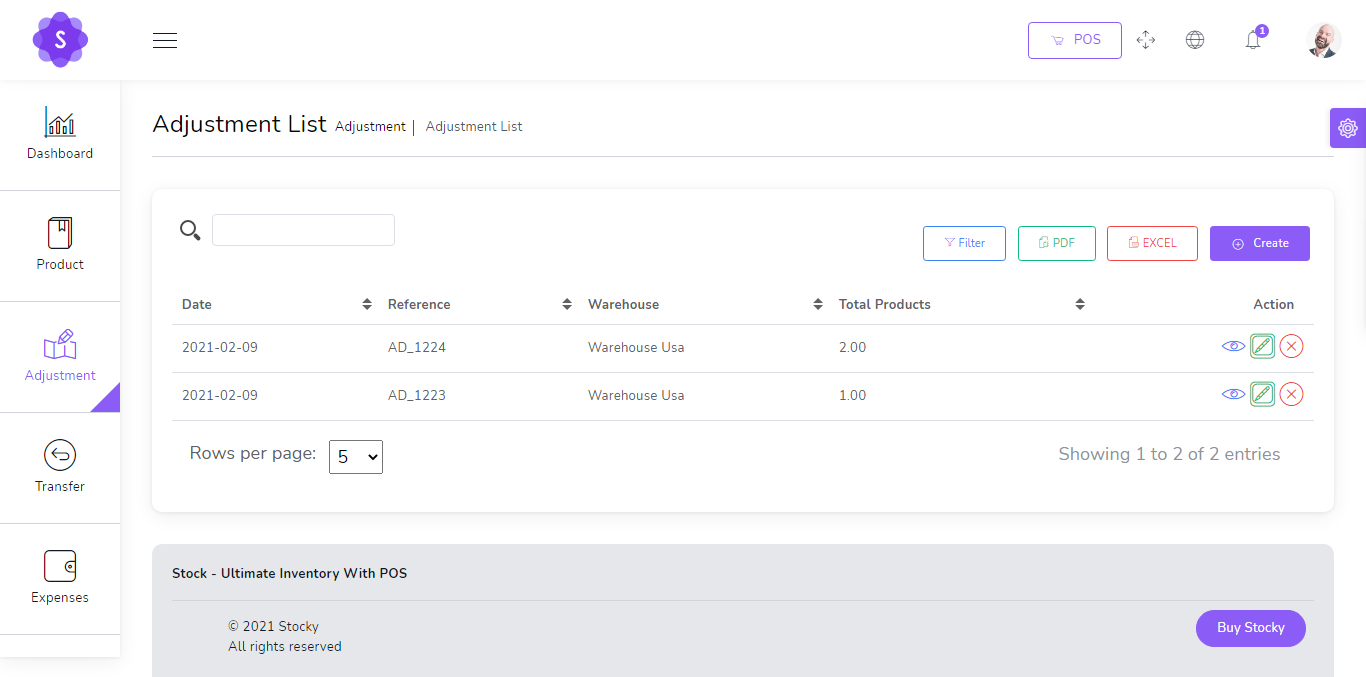
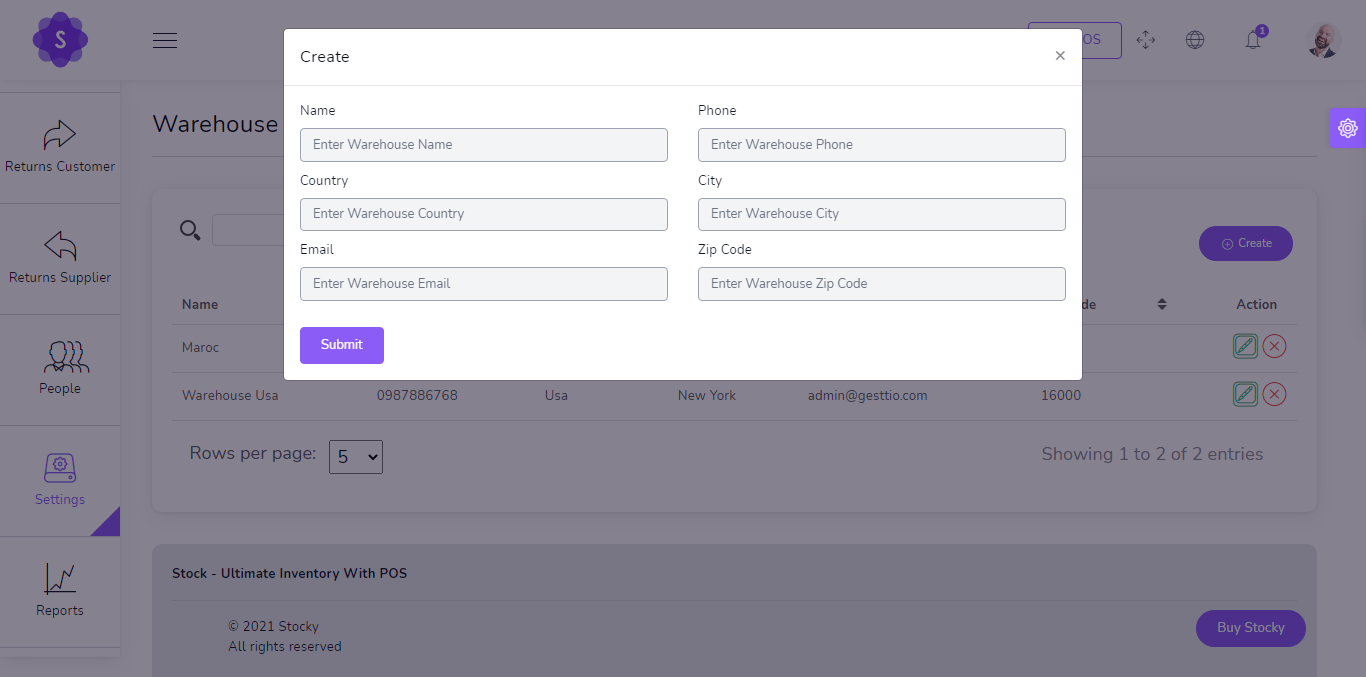
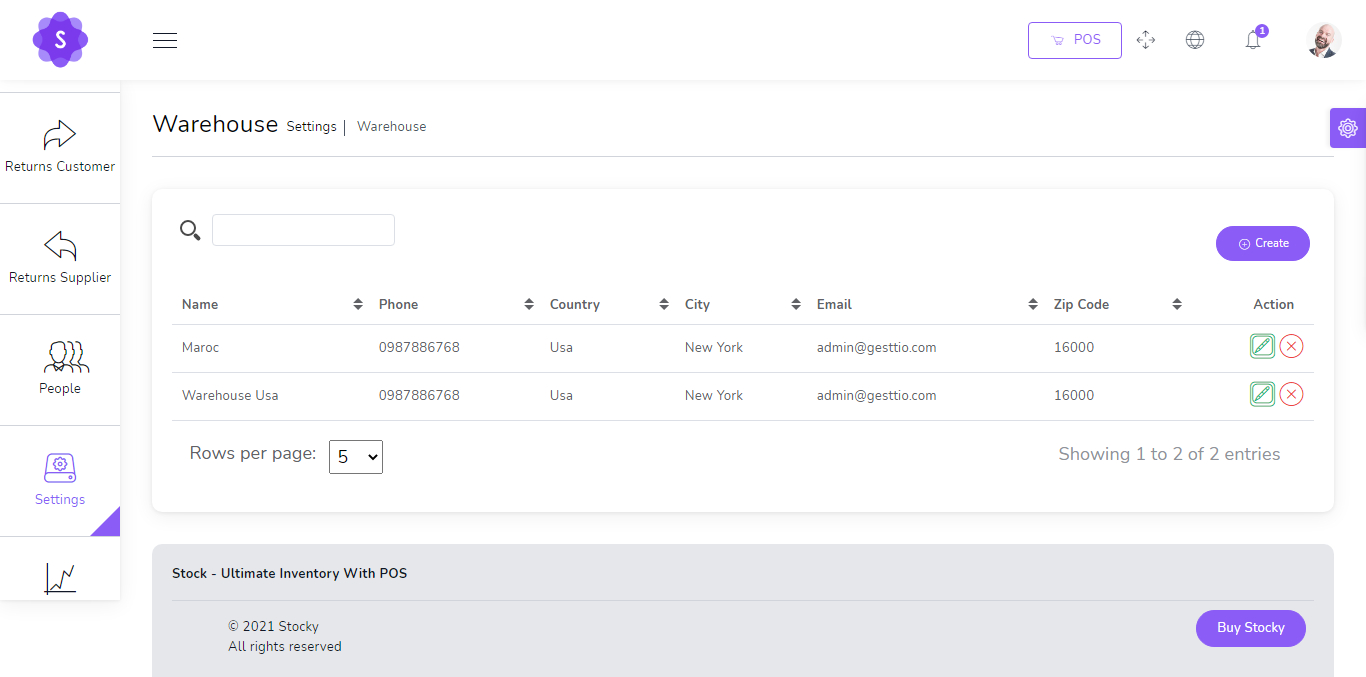
Keep stock accurate across warehouses using transfers, adjustments and warehouse management screens.
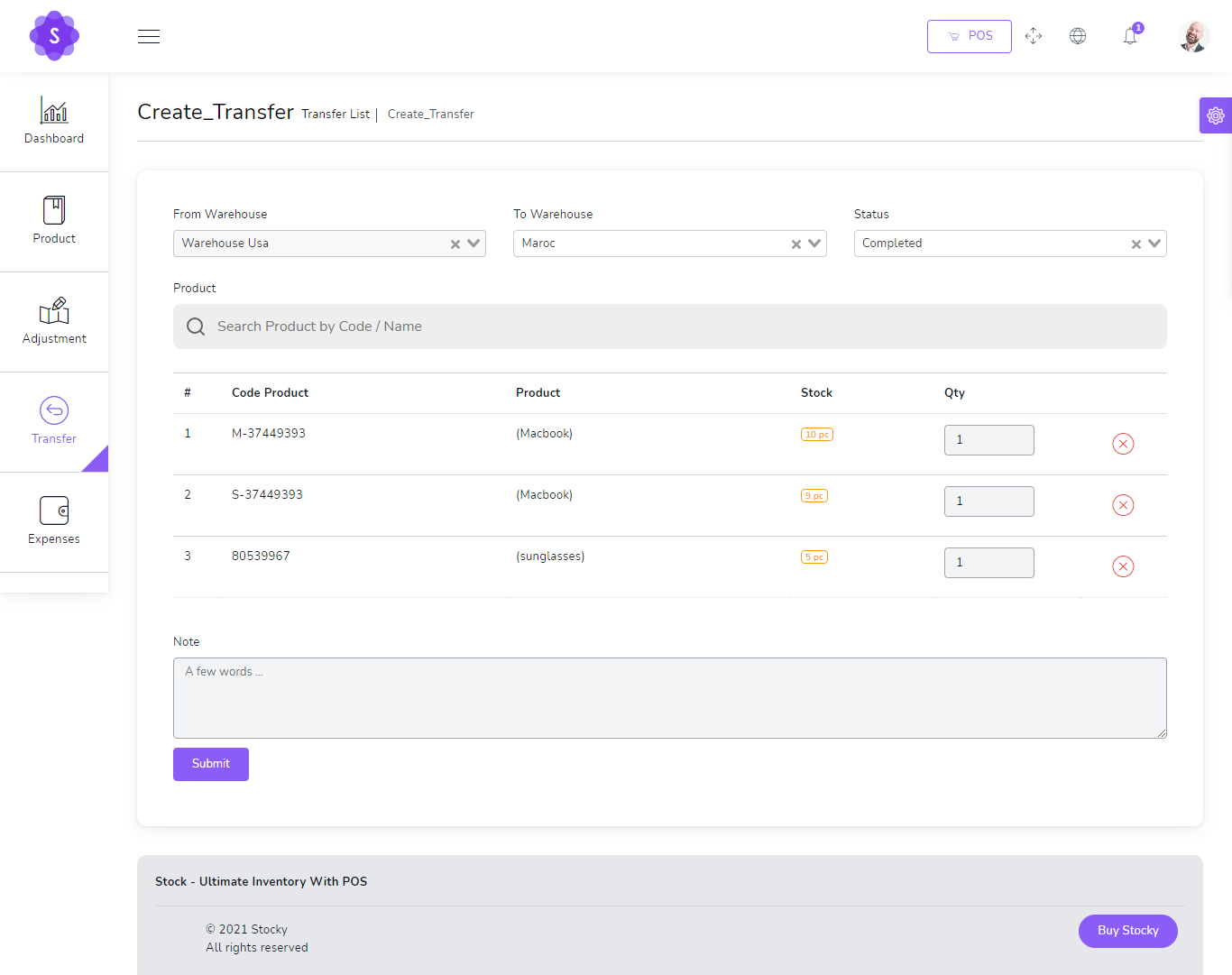
- Create stock transfers between warehouses
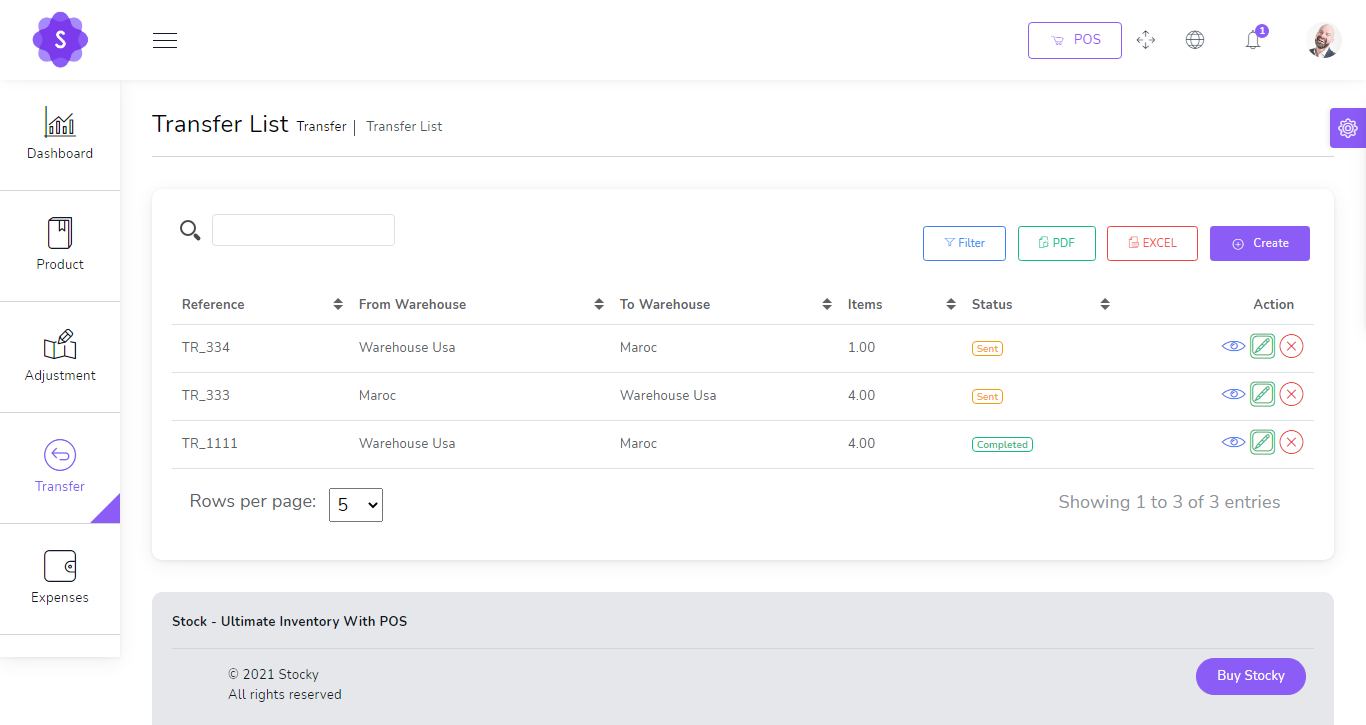
- Track transfer status and references
- Adjust stock quantities when required
- Manage warehouse list and stock locations
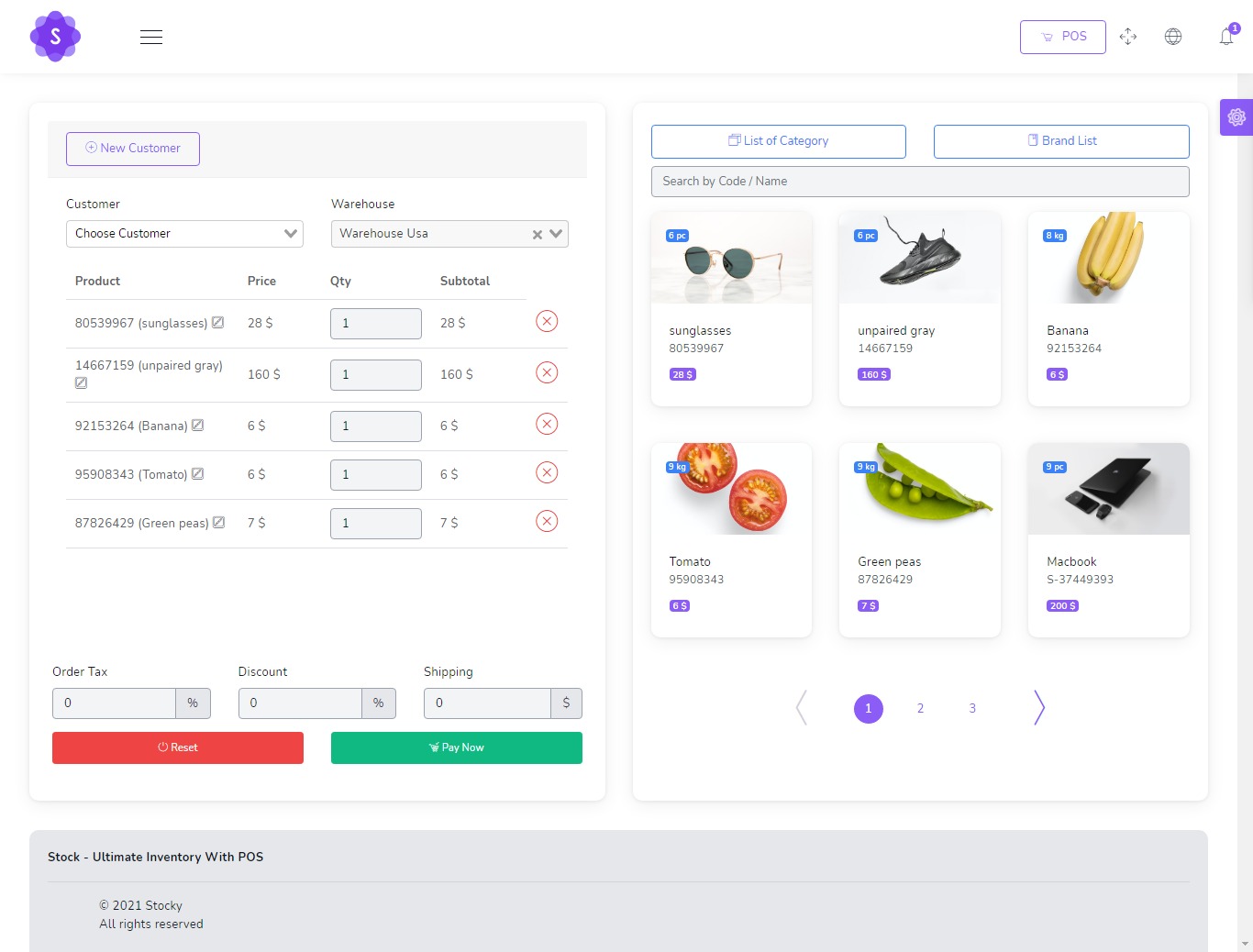
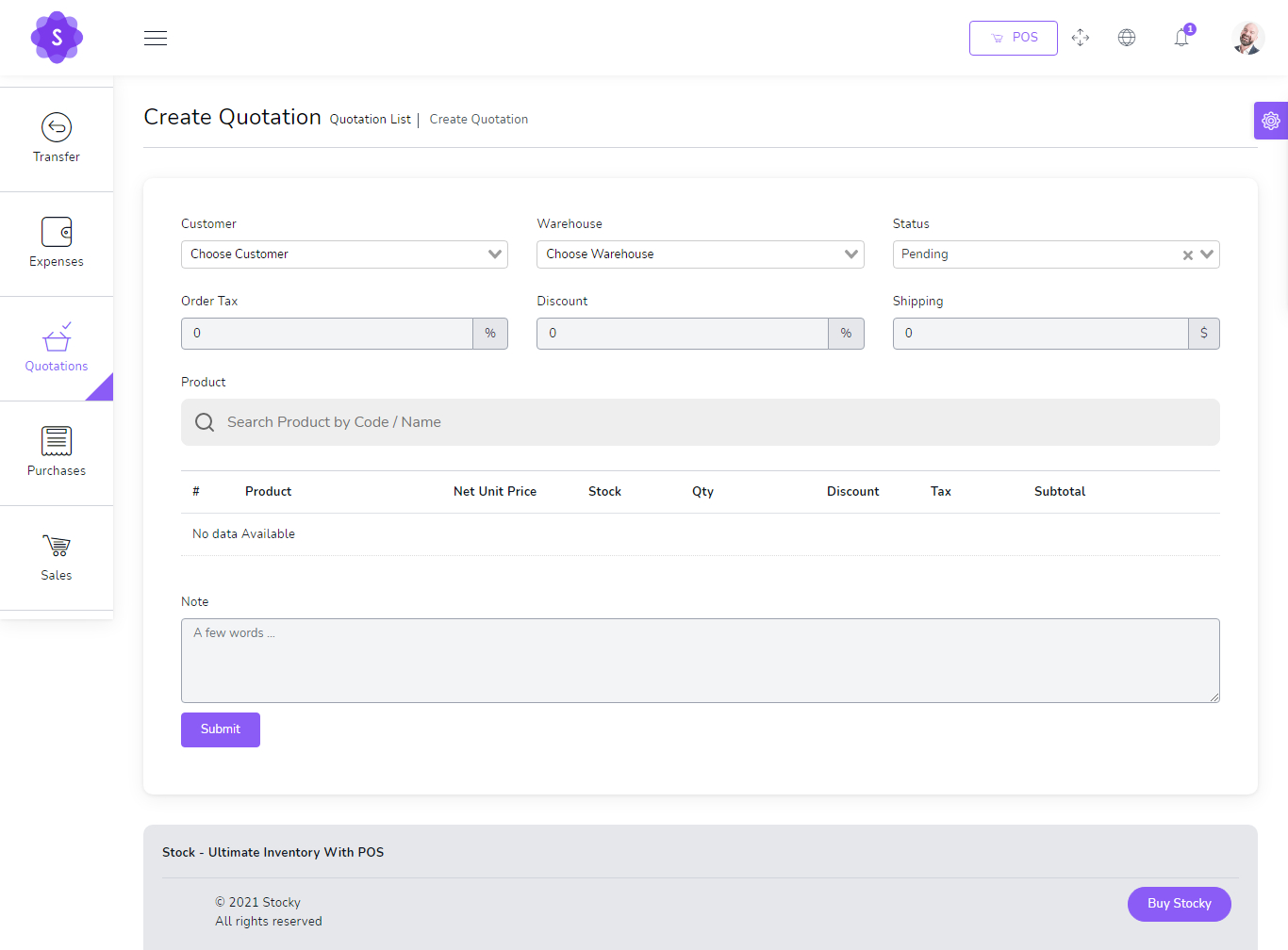
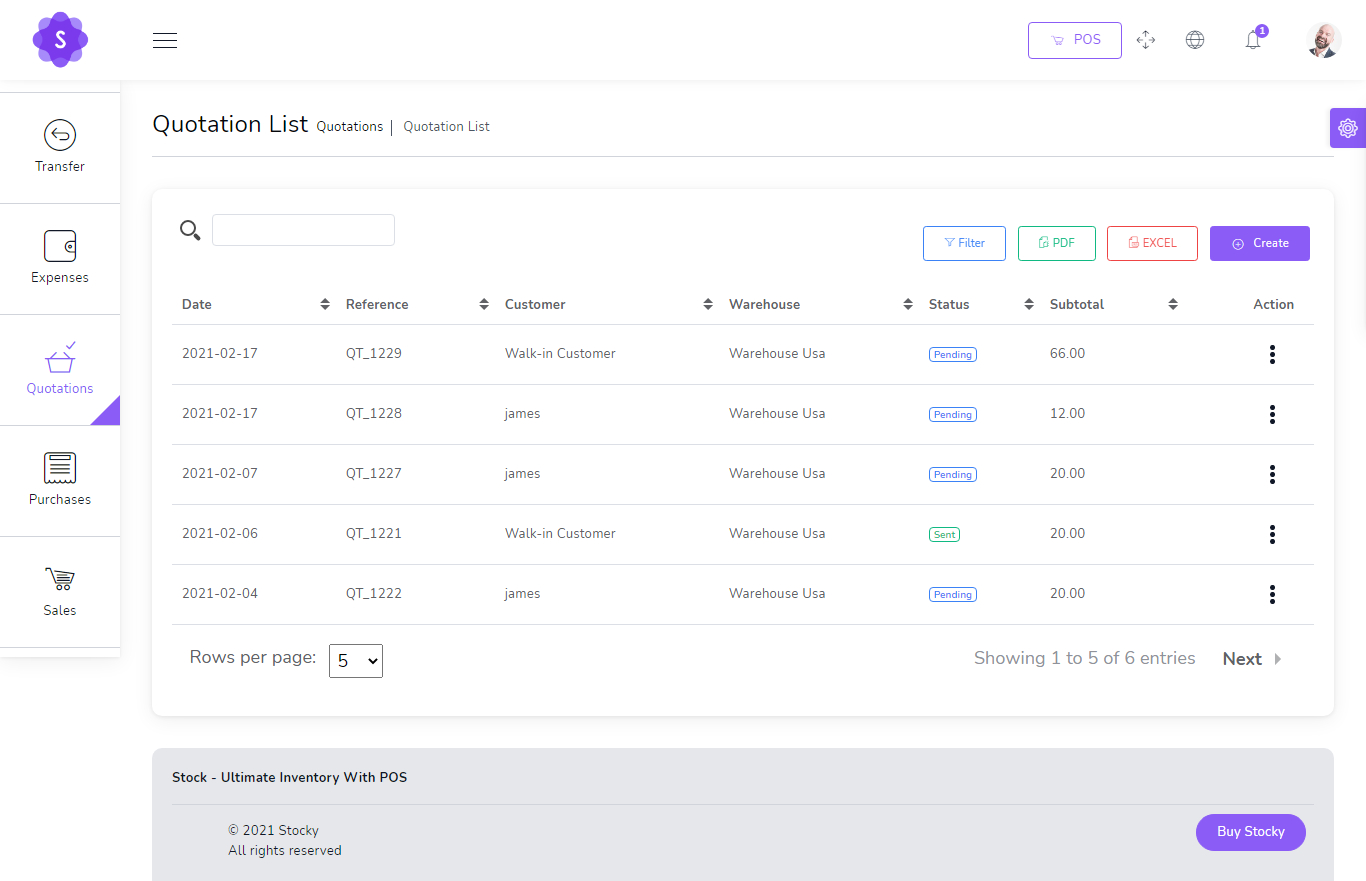
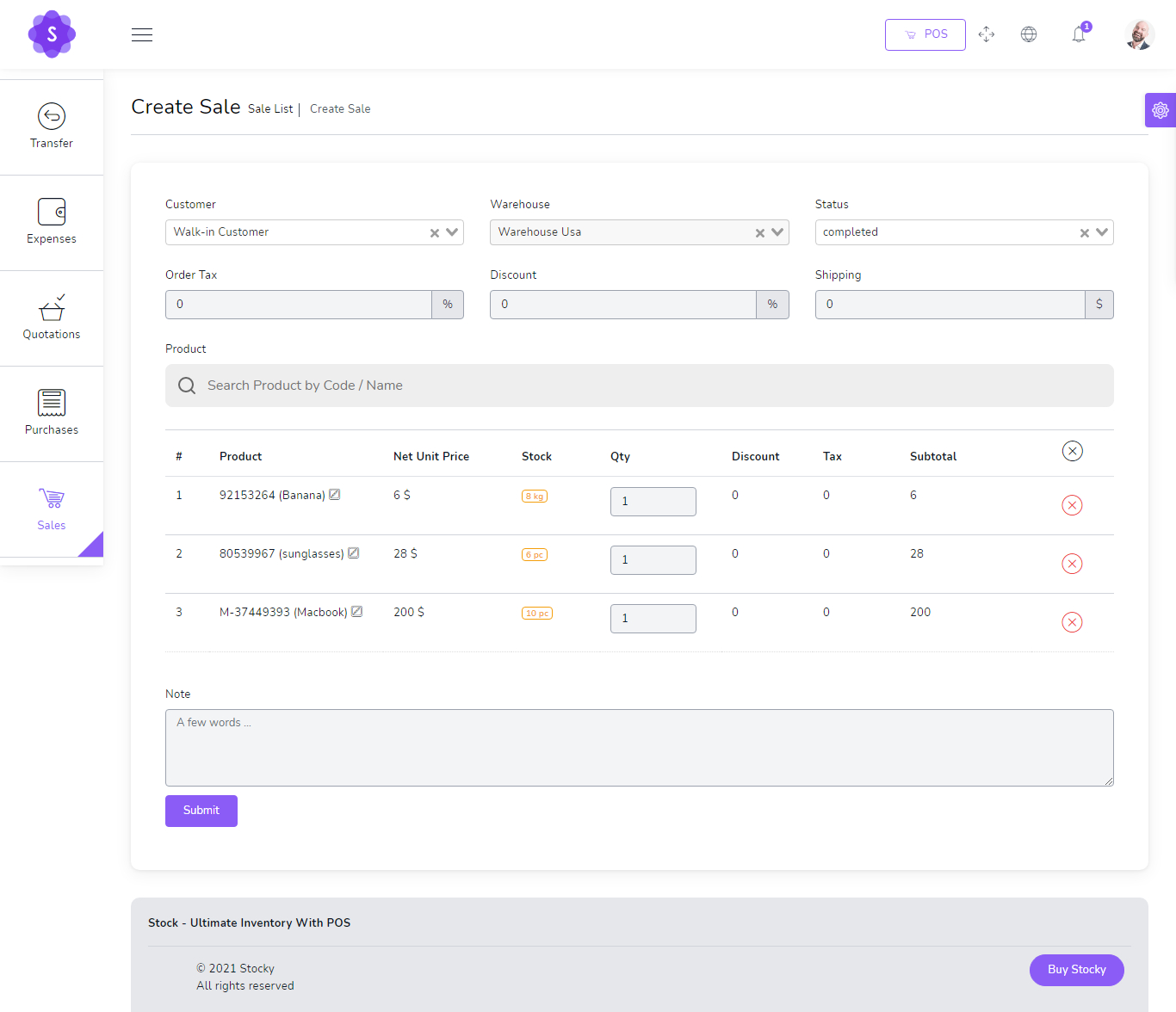
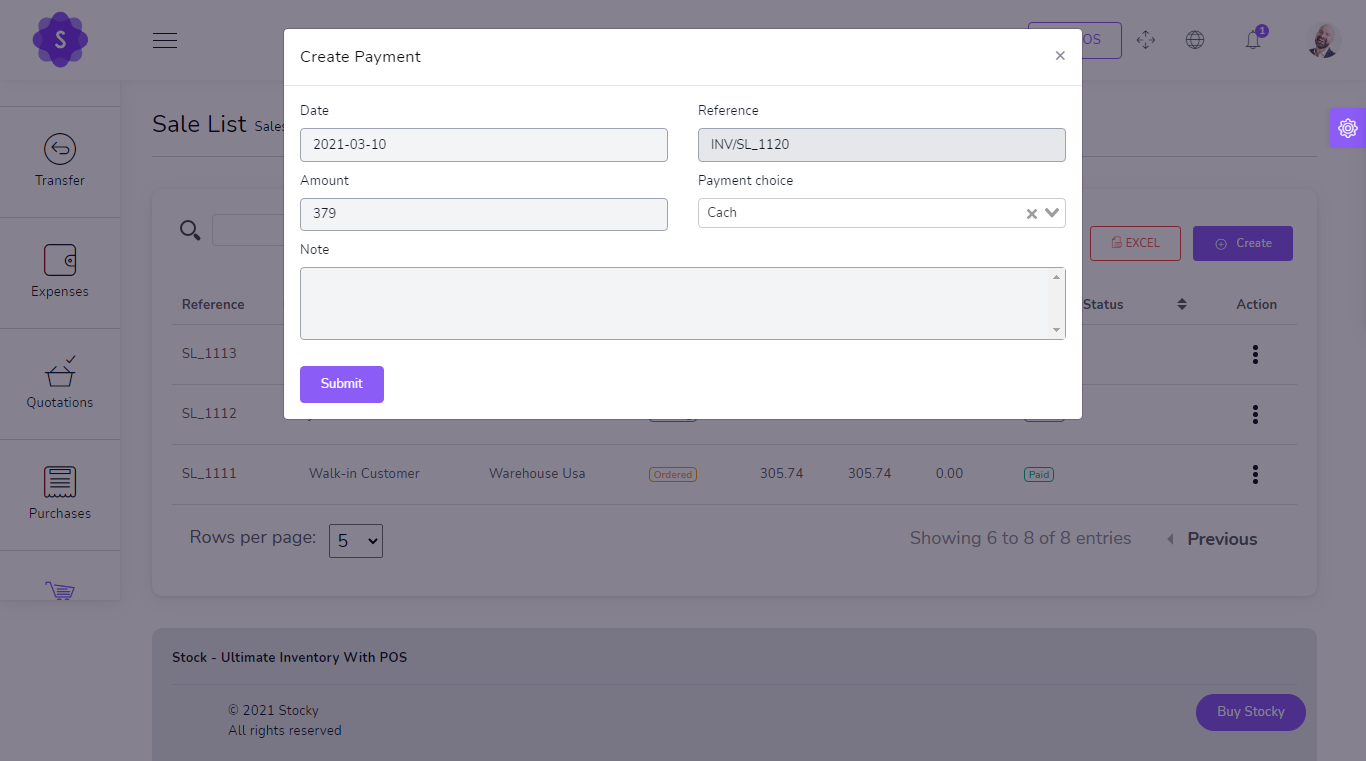
Quotations, Sales & POS
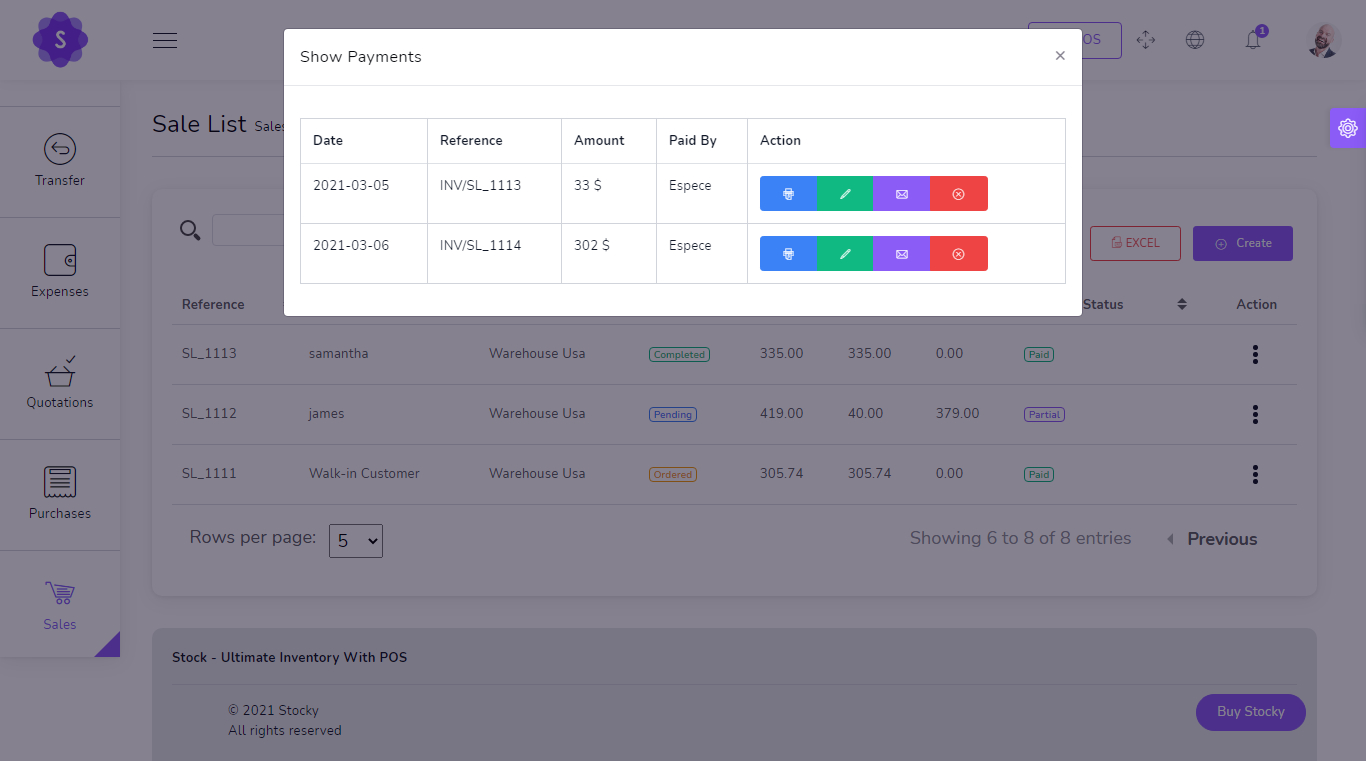
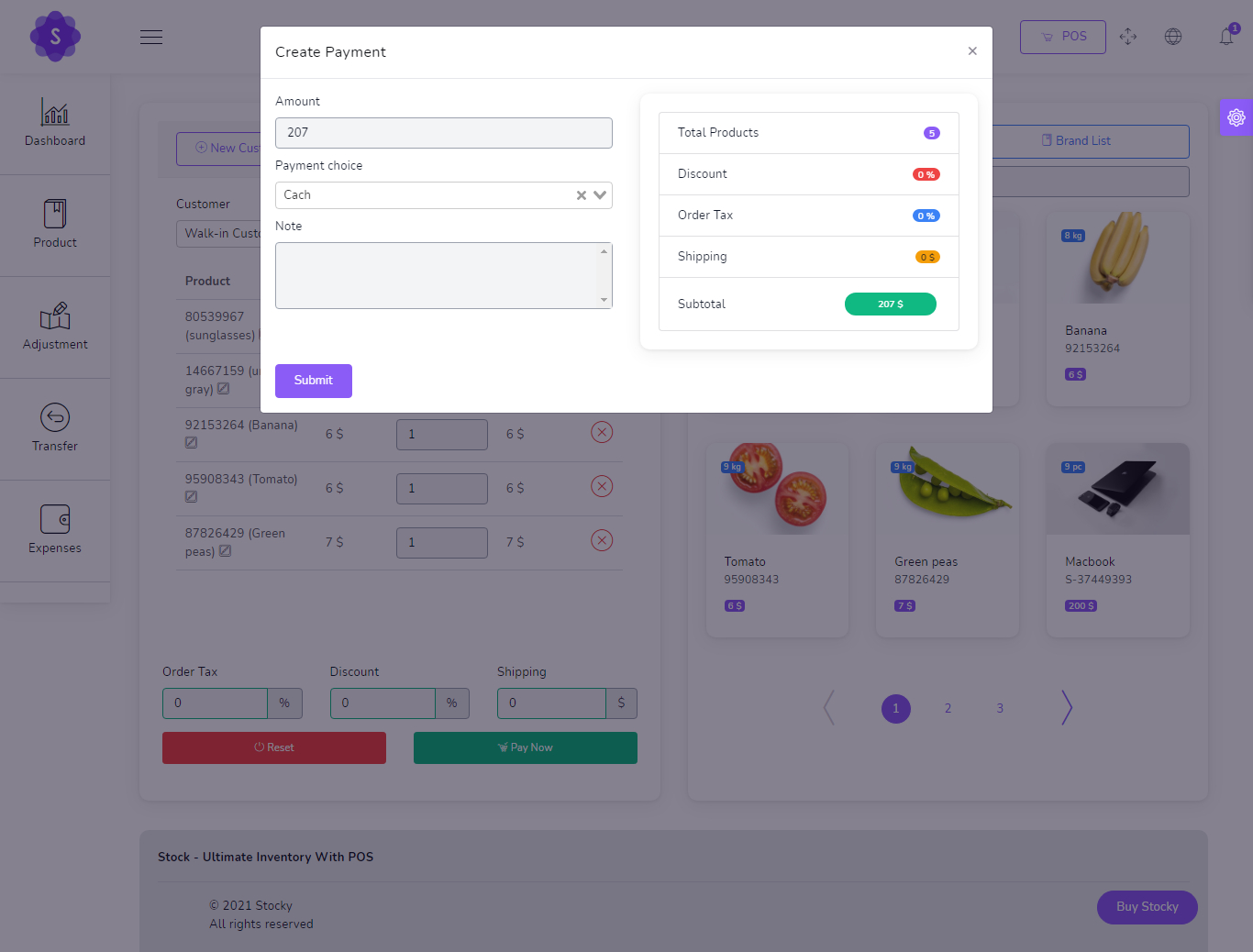
Handle the complete sales flow from quotations to invoices, payments and point-of-sale billing.
- Create and manage quotations
- Convert quotation flow into sales process
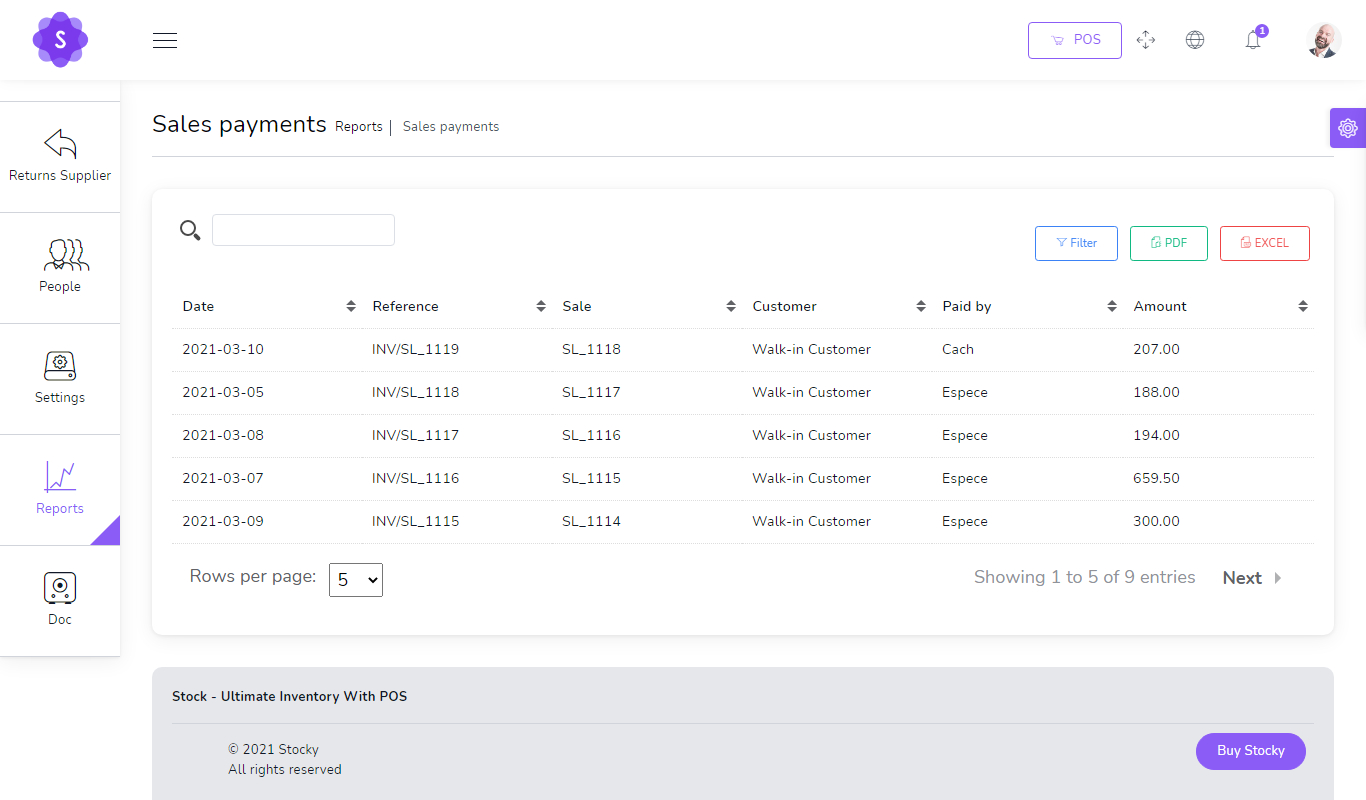
- Add and view sales payments
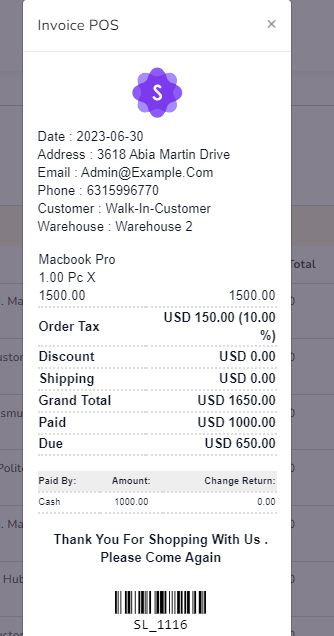
- POS billing with barcode scanner support
- Invoice generation for customer billing
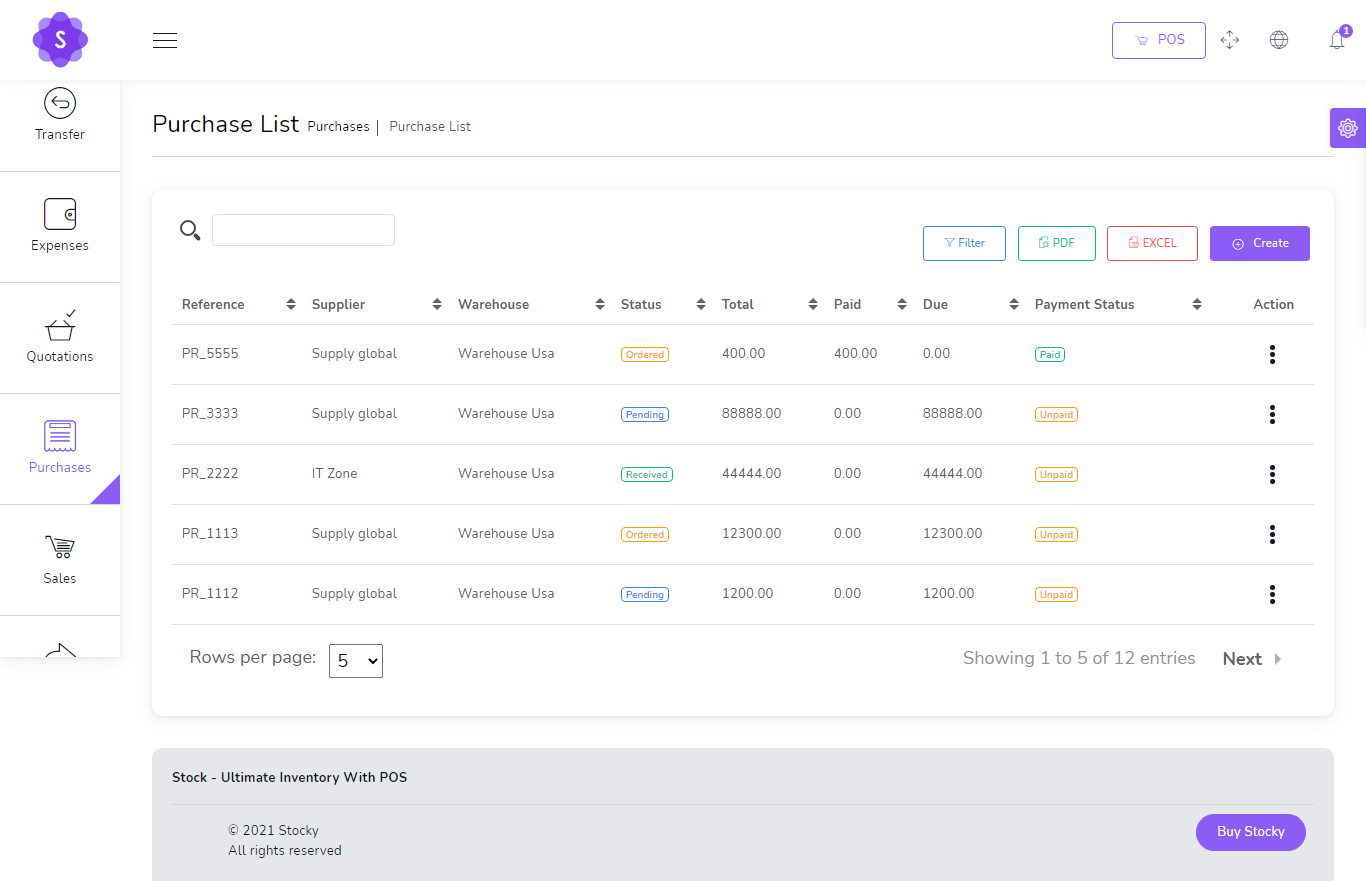
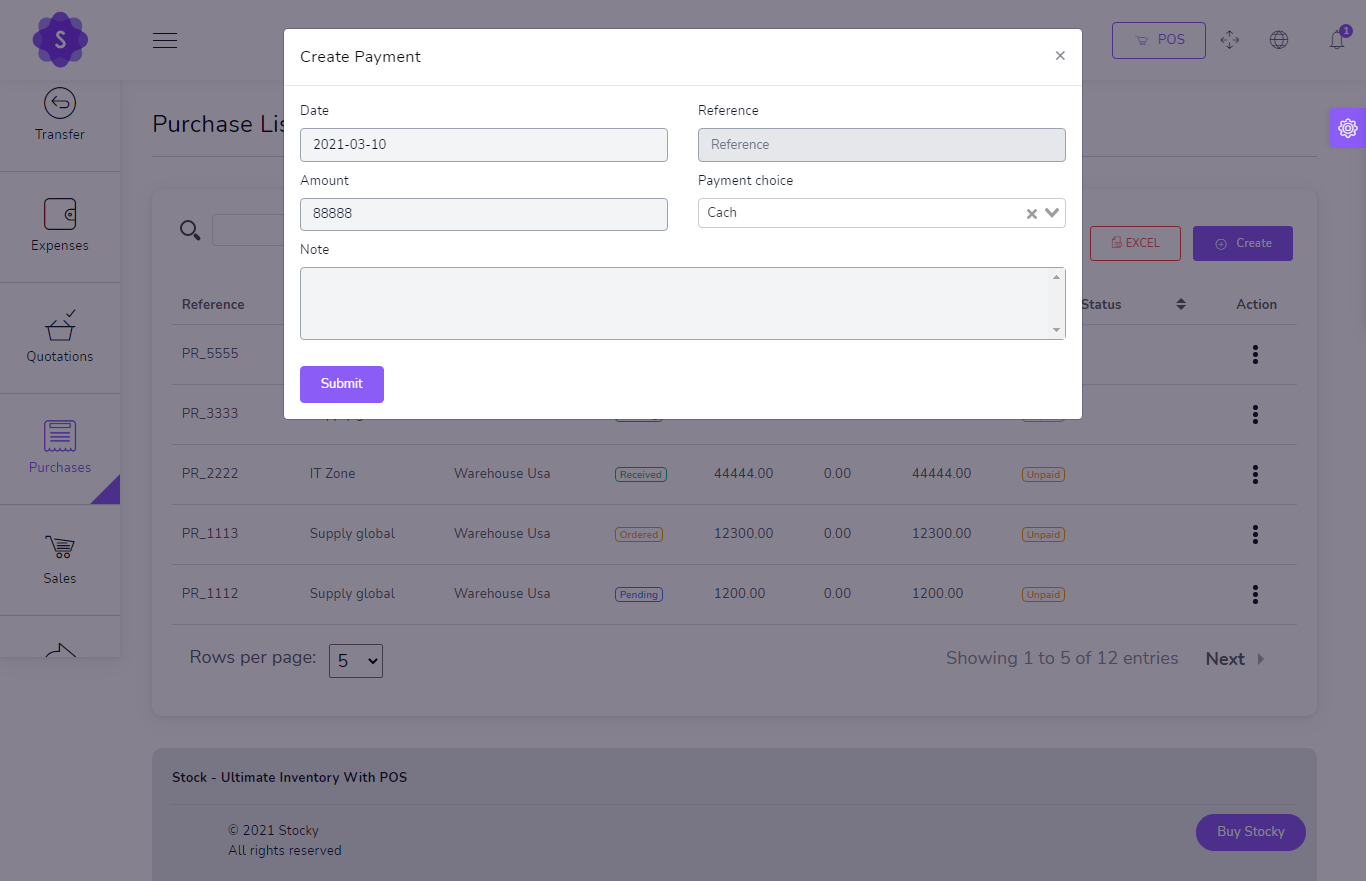
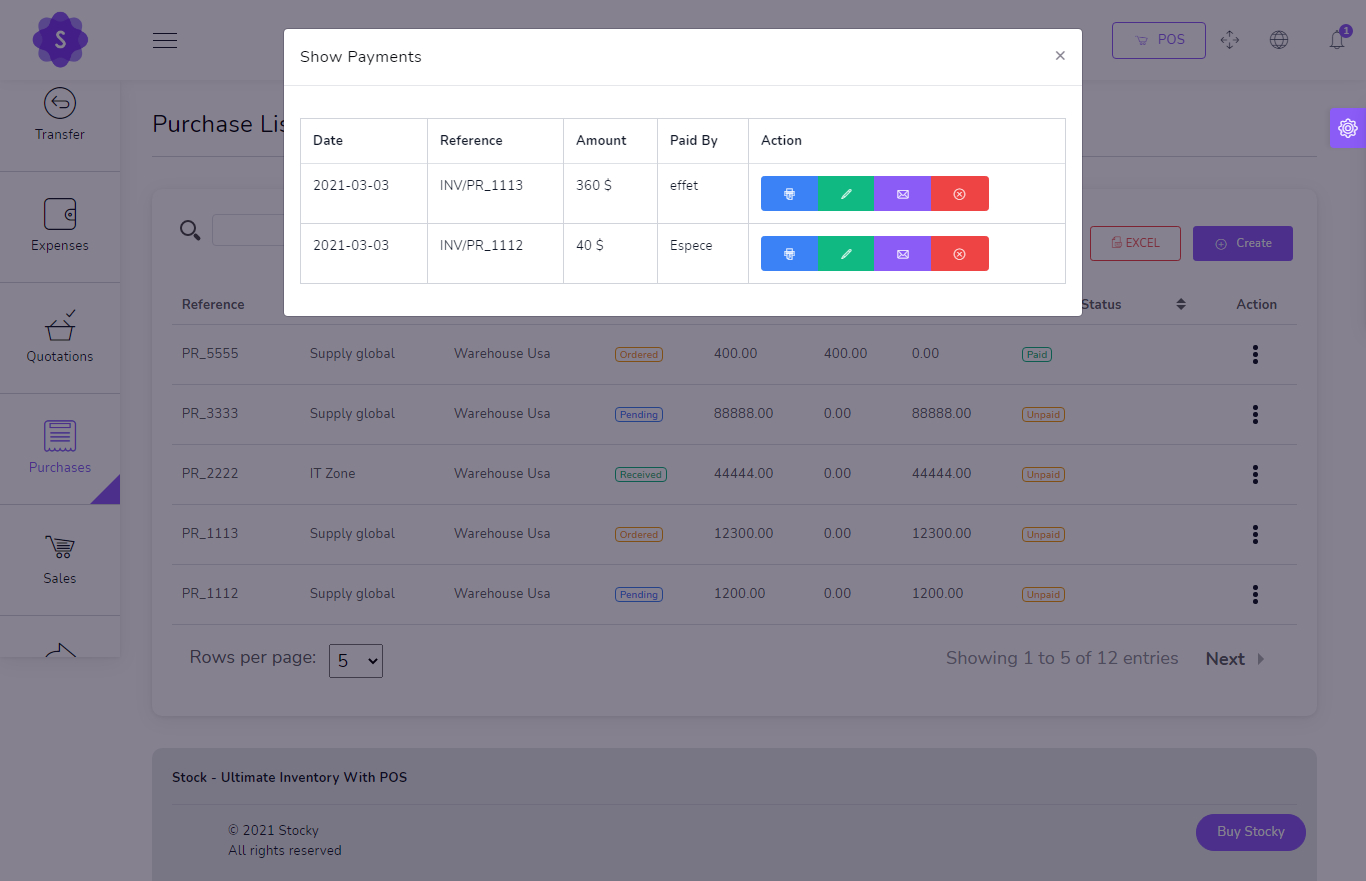
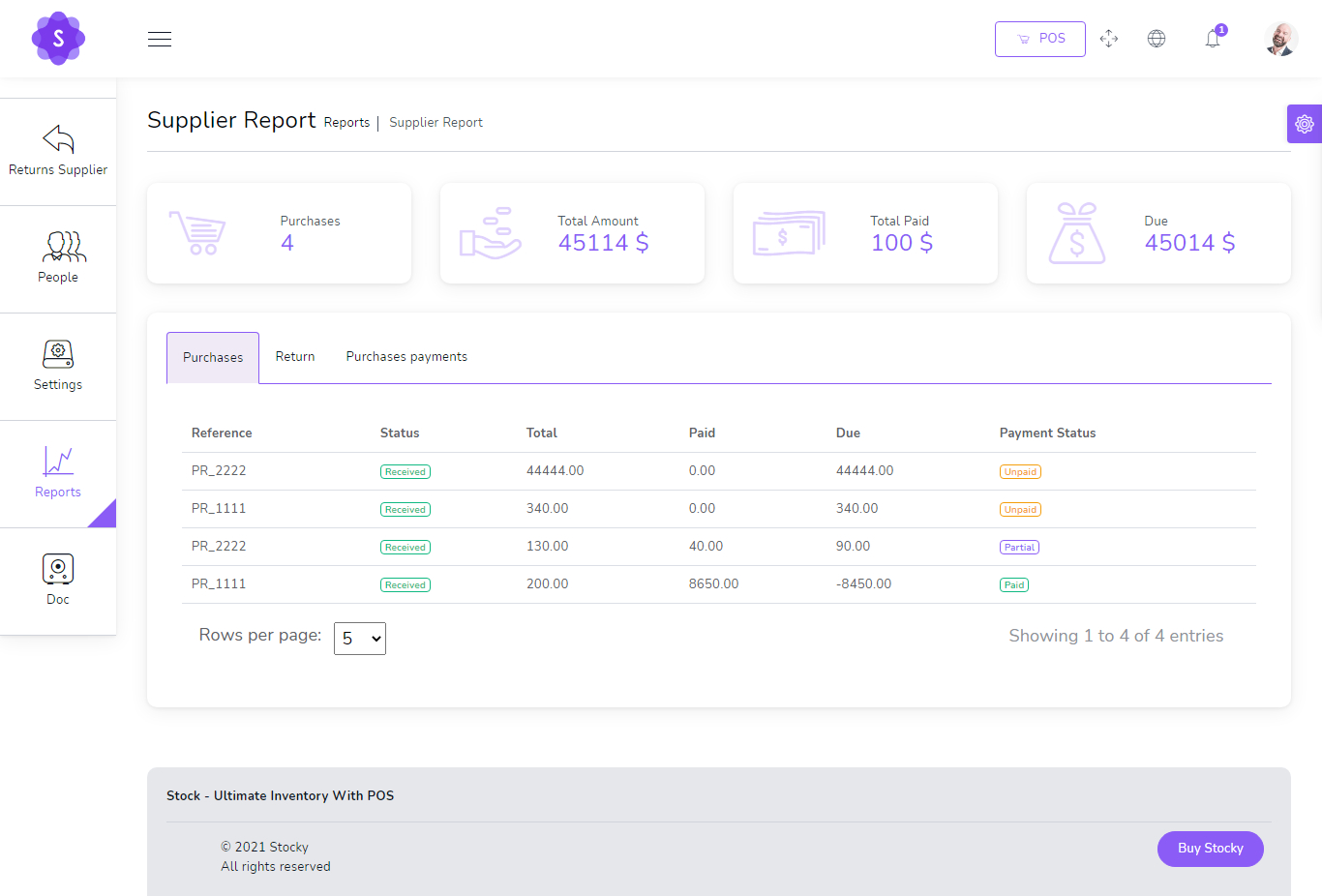
Purchases & Supplier Payments
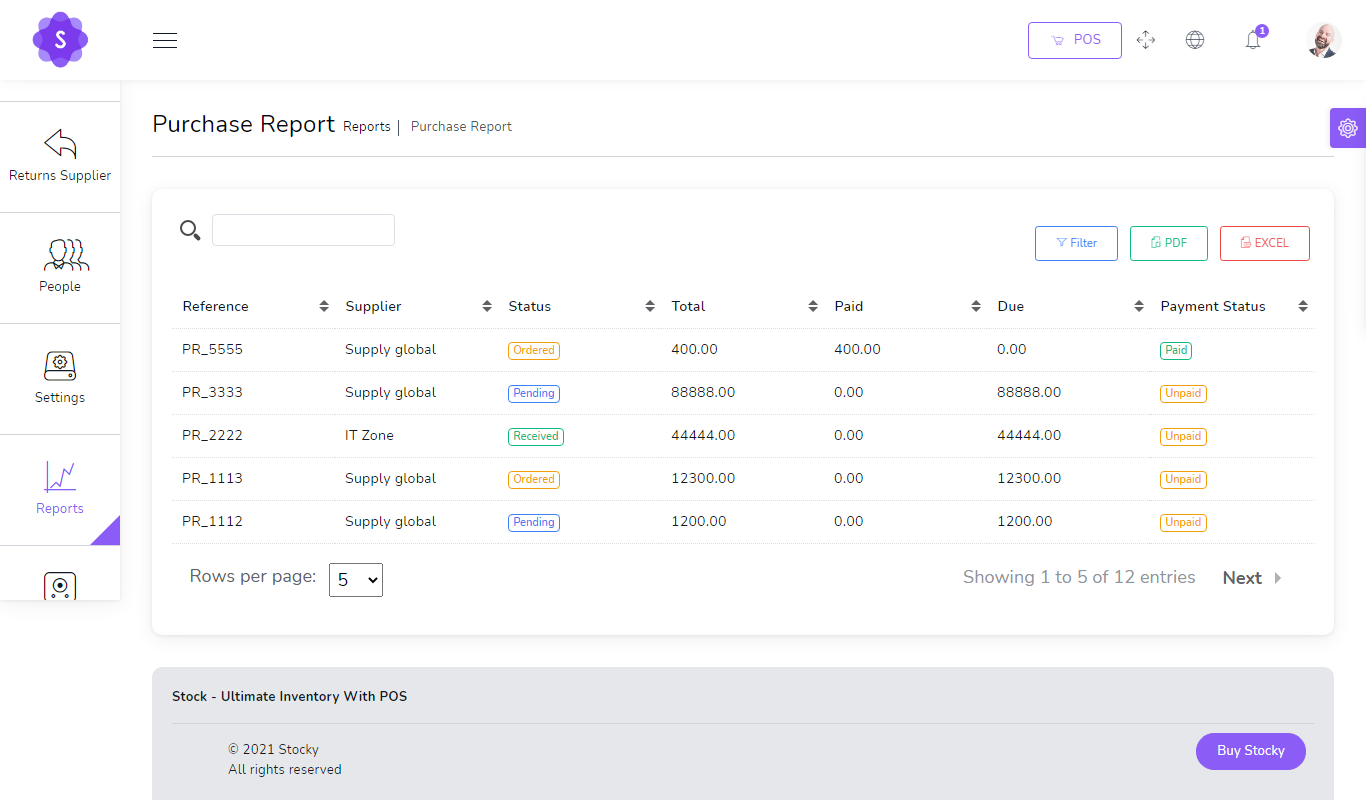
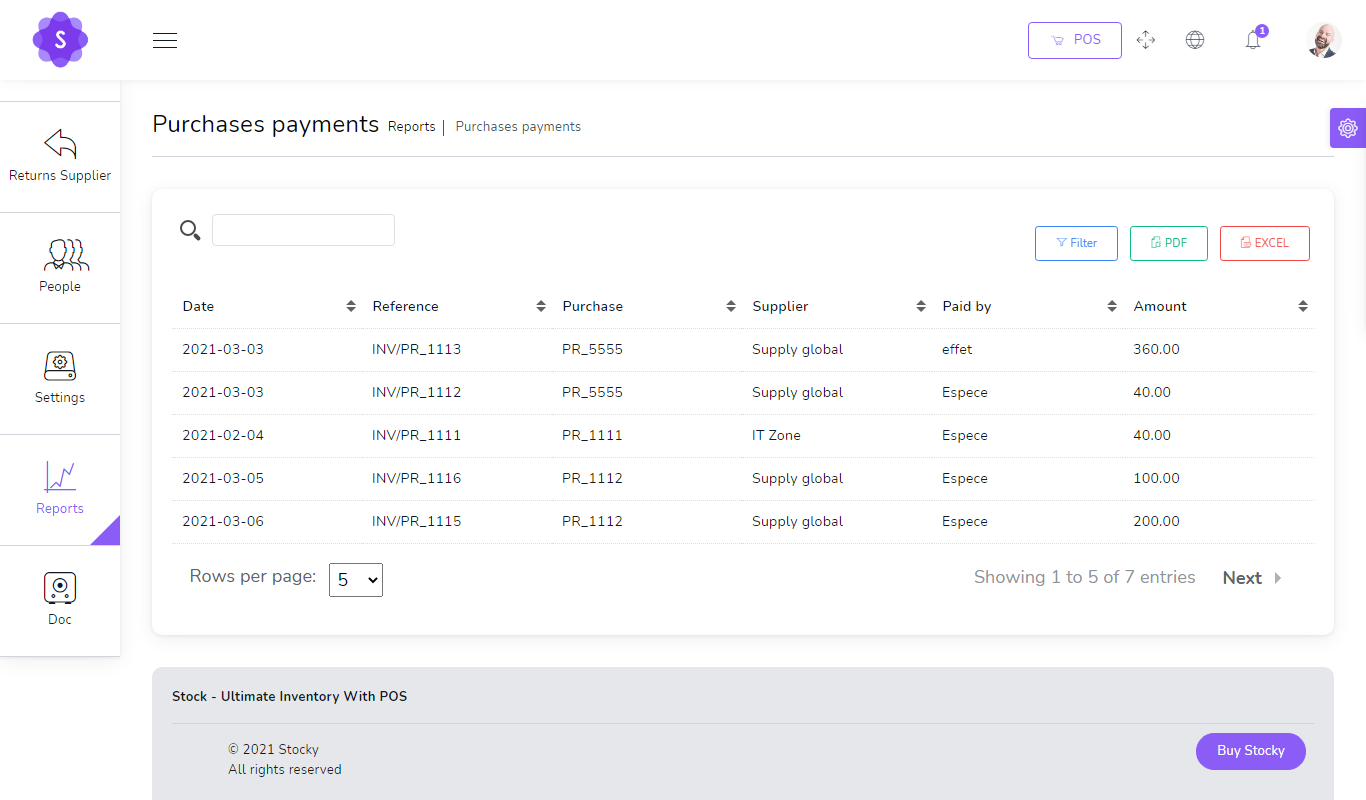
Control purchasing operations, supplier records, payment tracking and purchase reports.
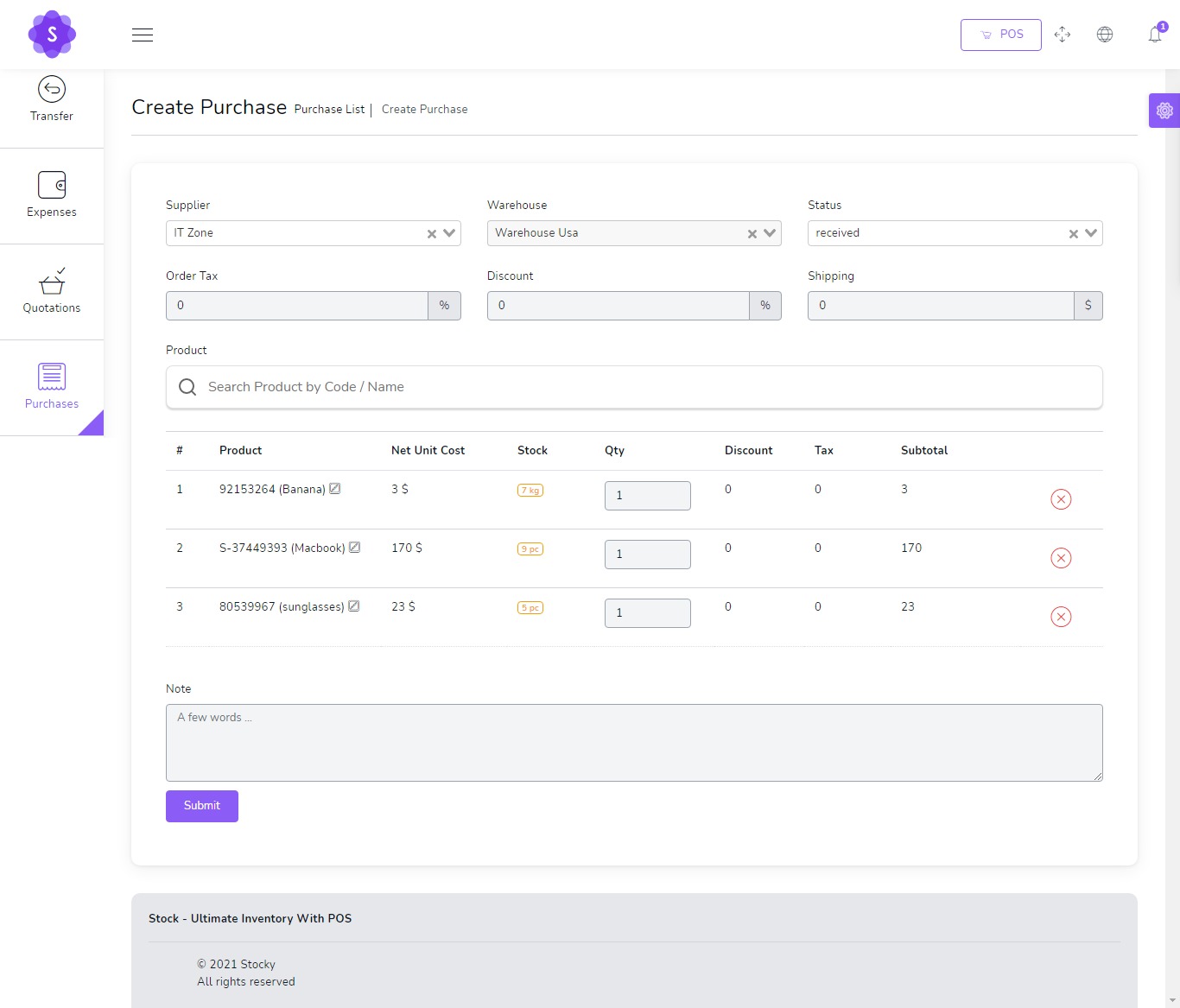
- Create and manage purchases
- Track purchase status and payment status
- Add purchase payments
- View supplier purchase history
- Generate purchase lists and reports
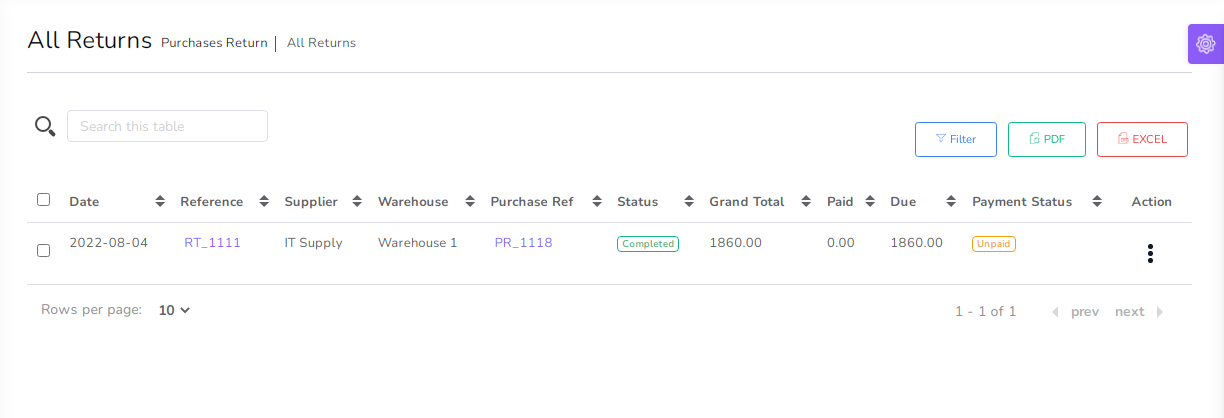
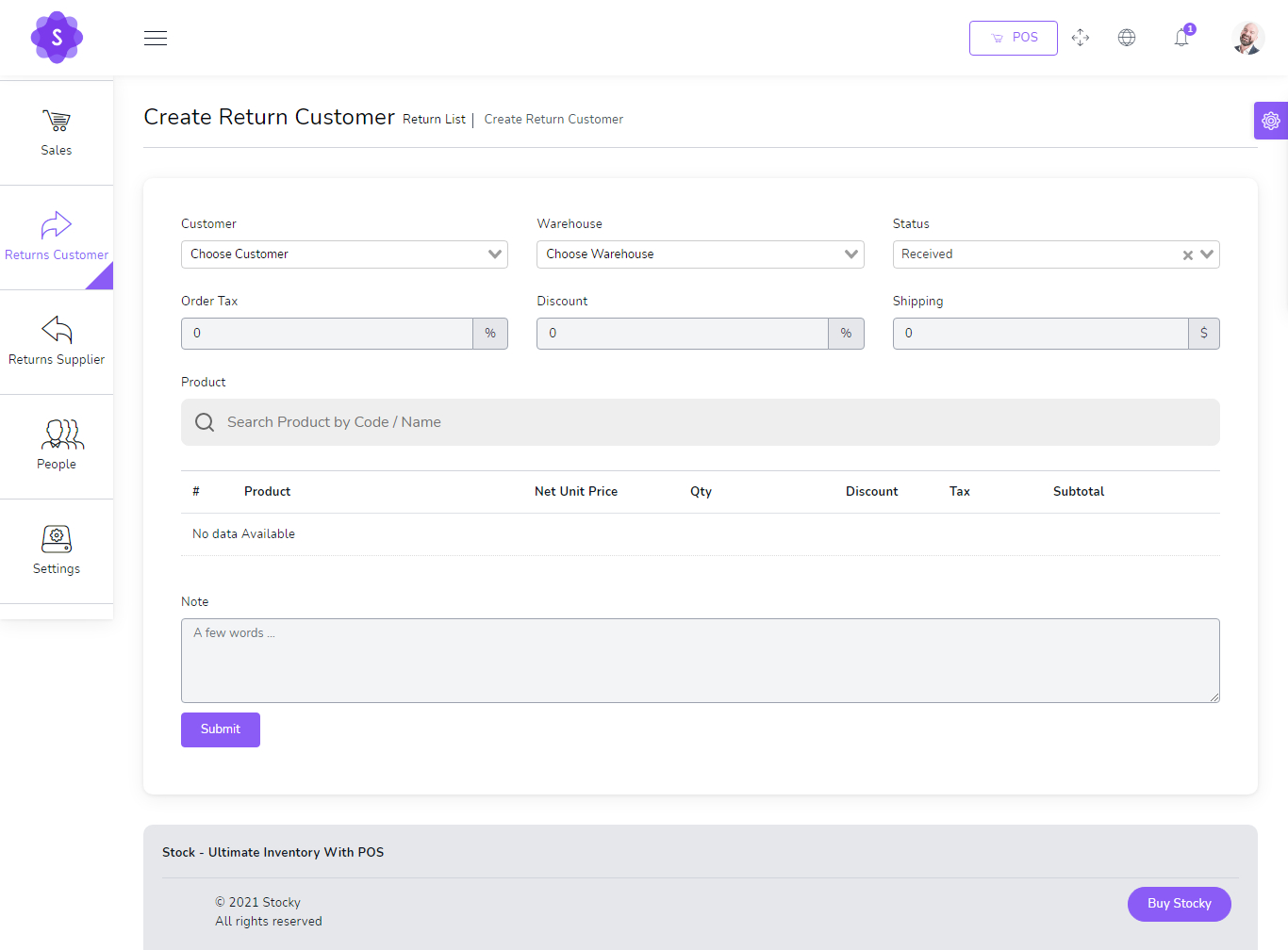
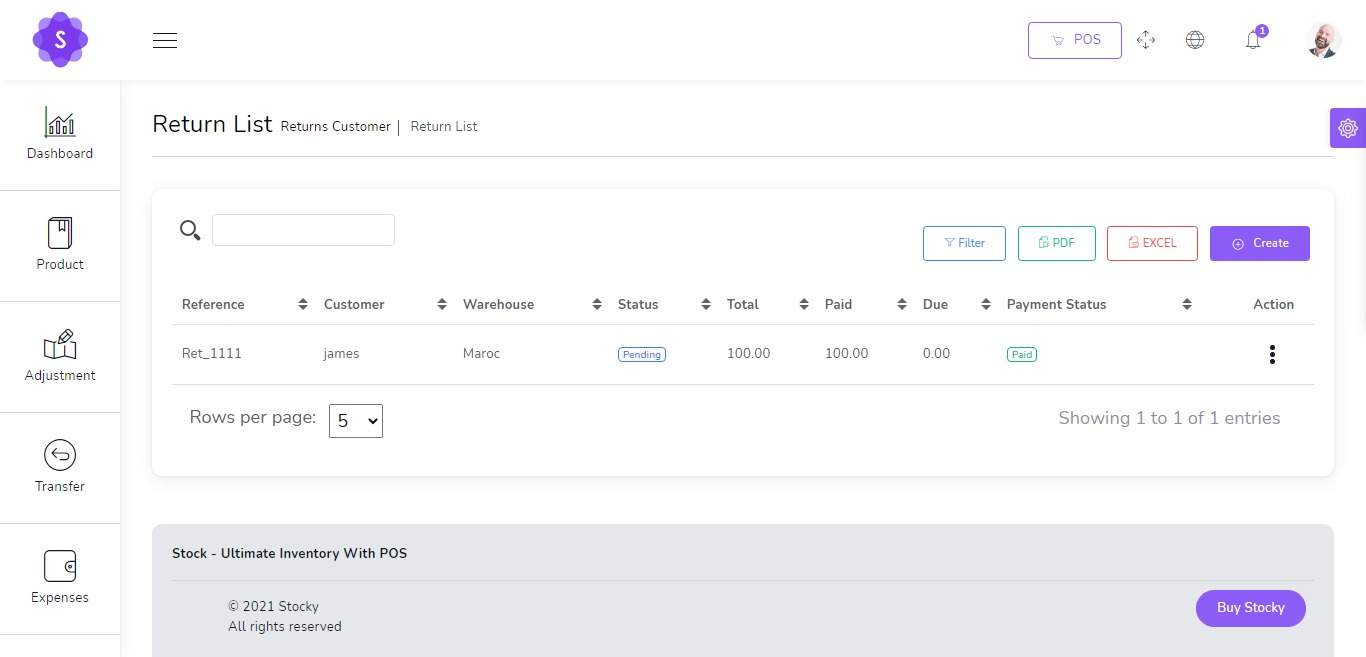
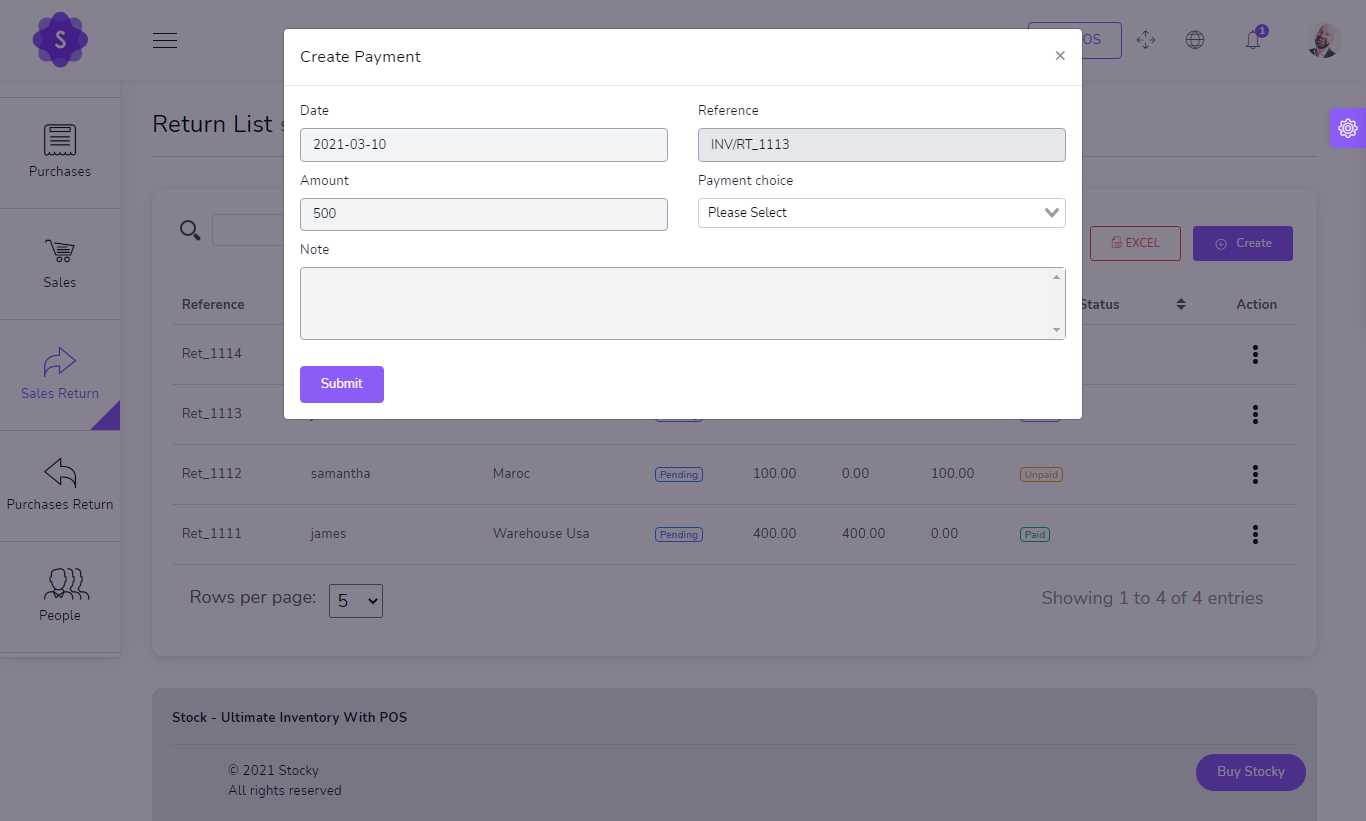
Sales & Purchase Returns
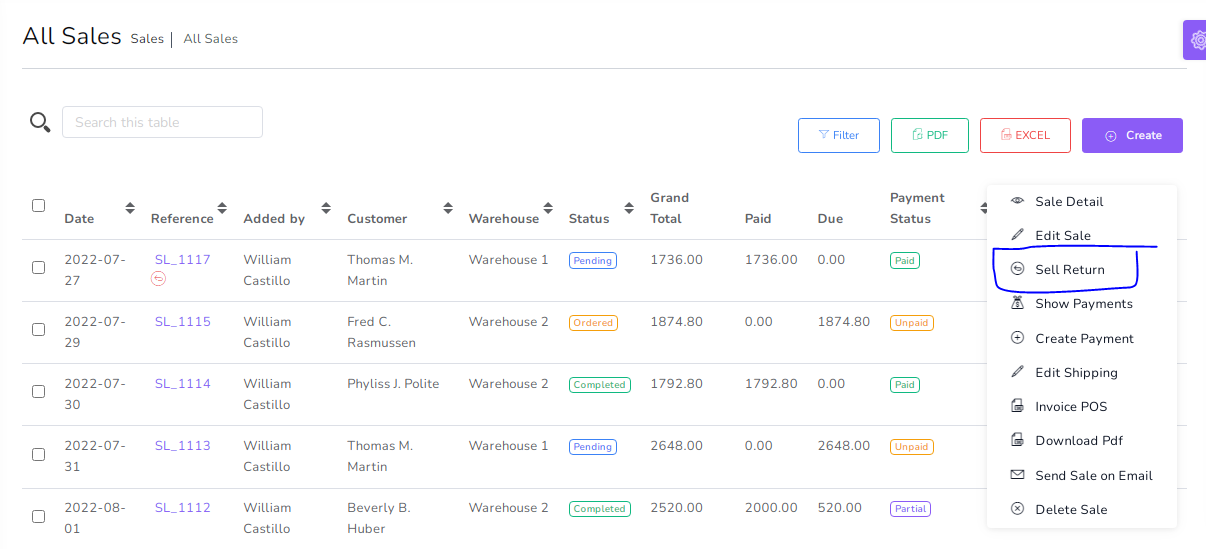
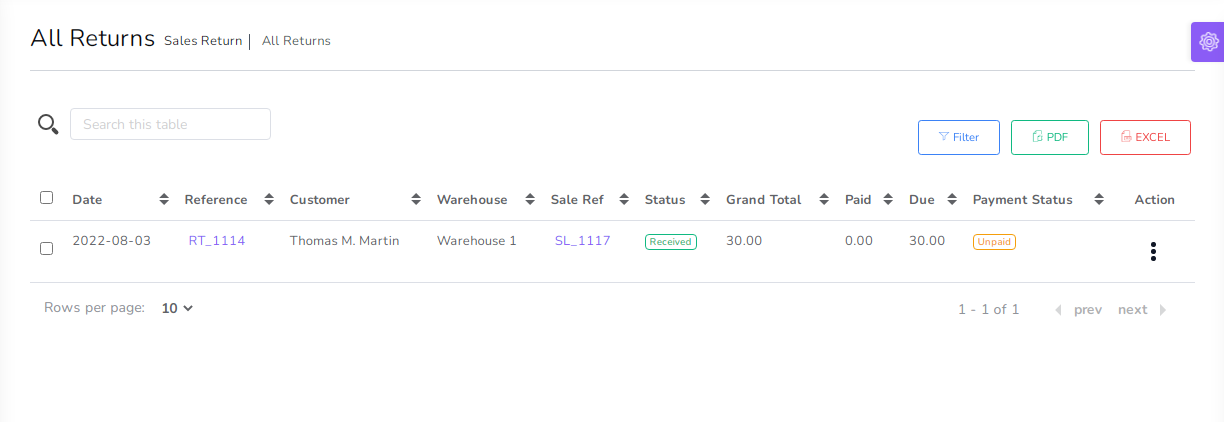
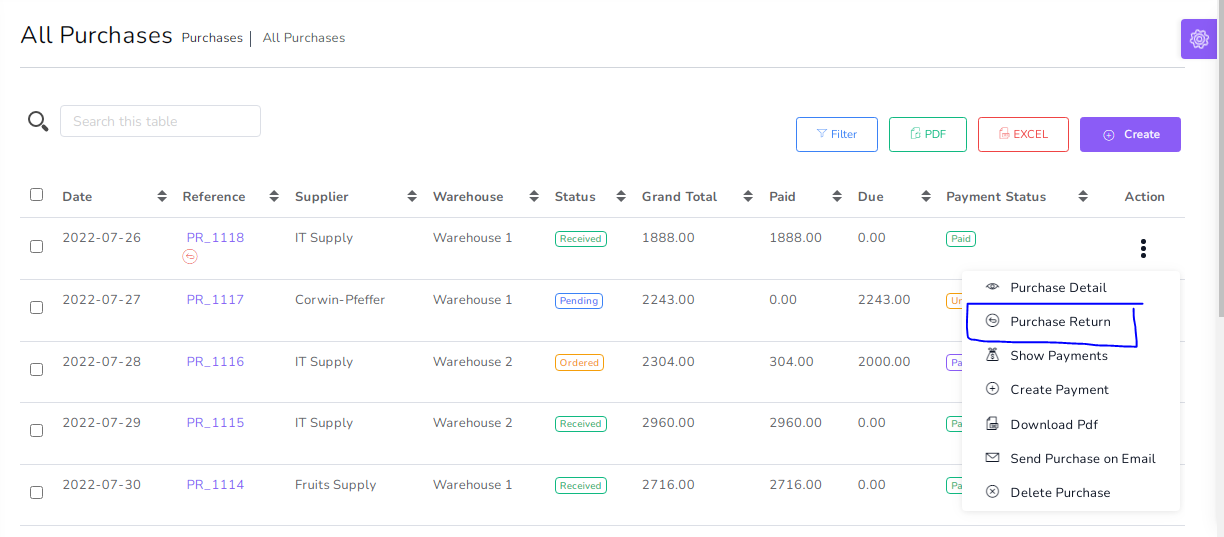
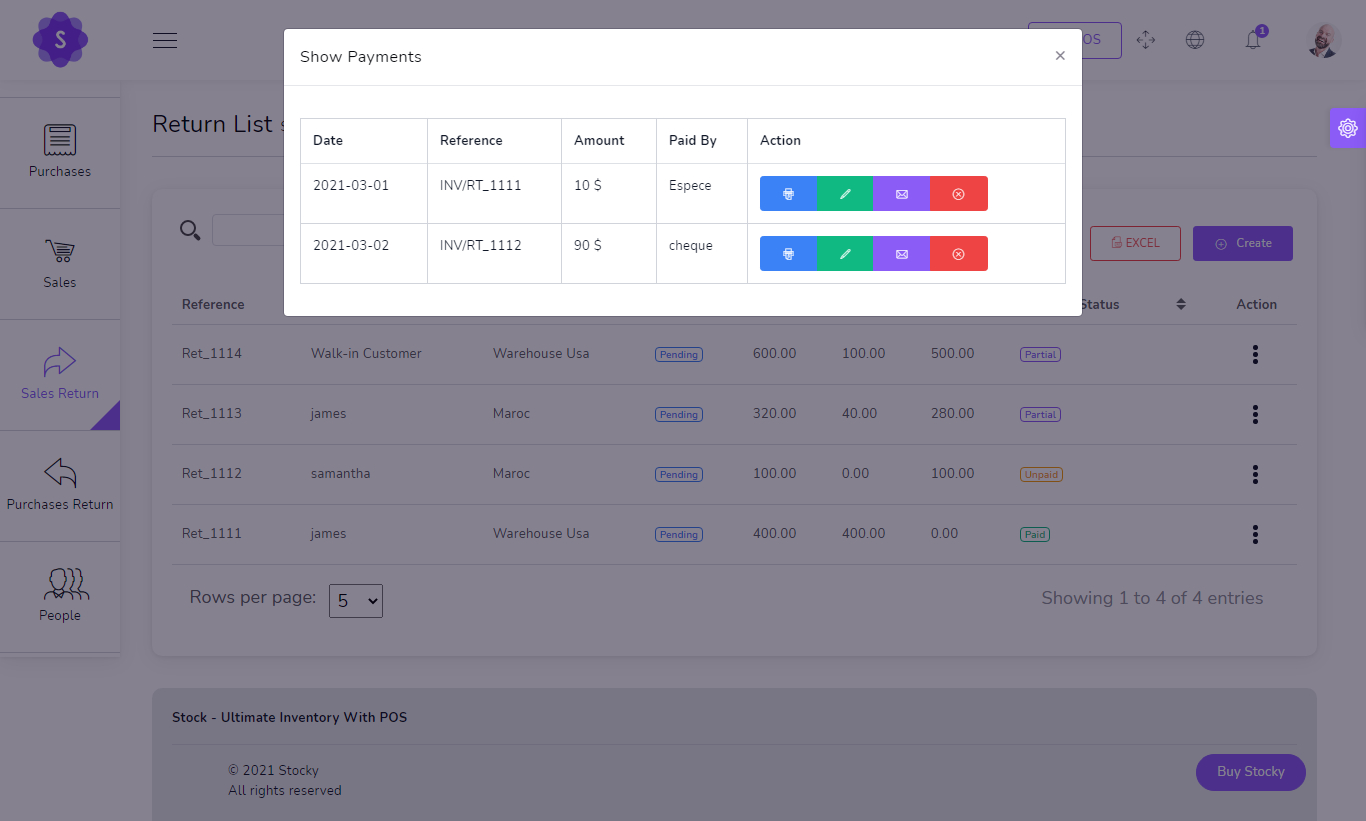
Process return flows for customers and suppliers with payment tracking and clean reporting.
- Create sales returns
- Create purchase returns
- Manage return customer records
- Track return payments and due balances
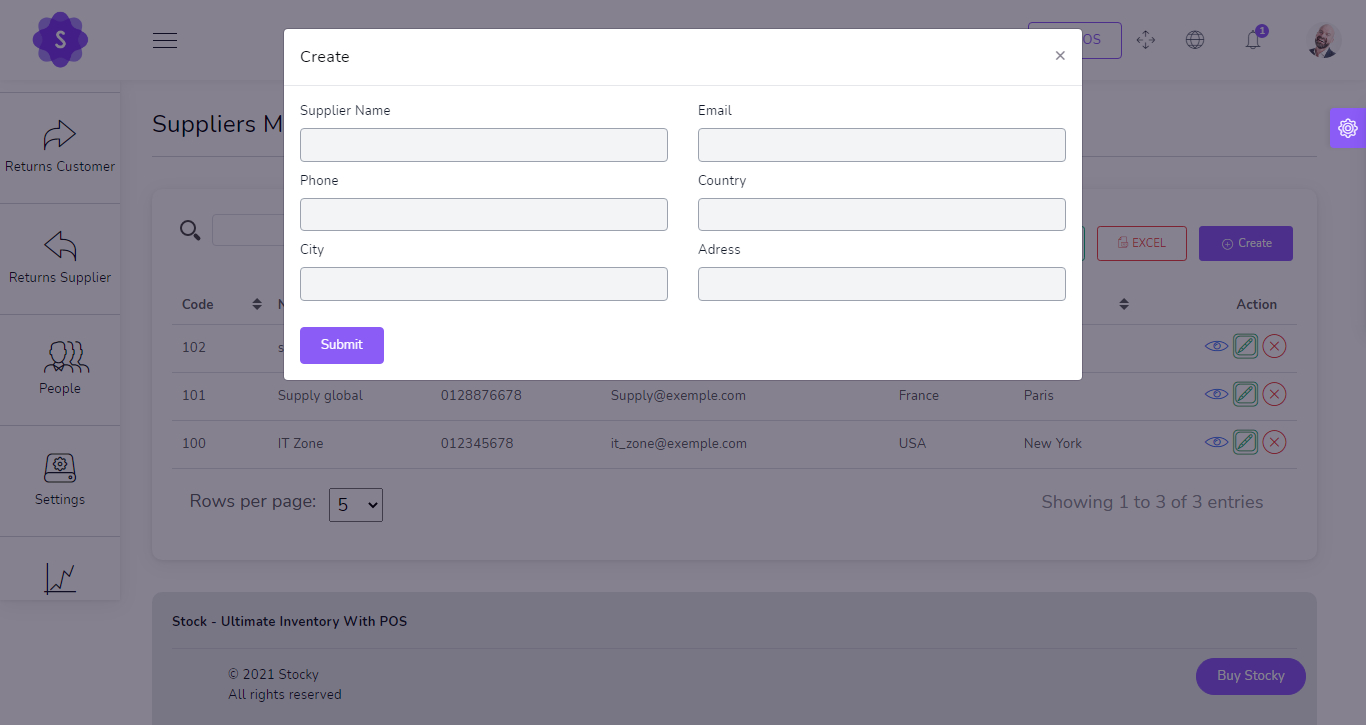
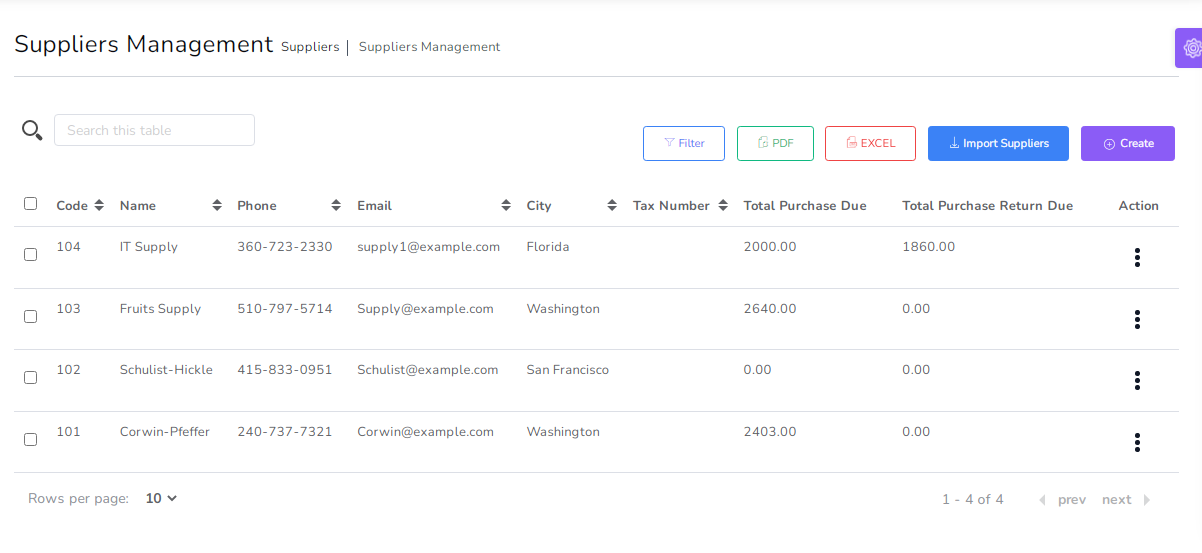
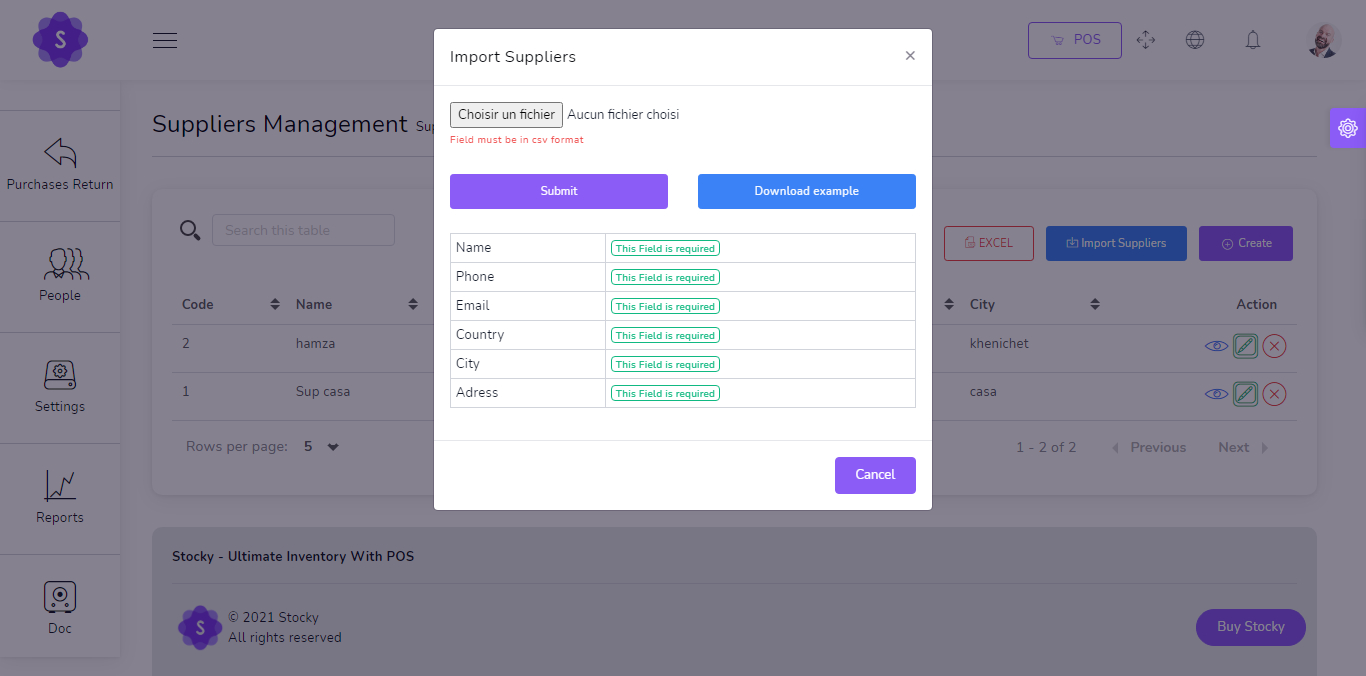
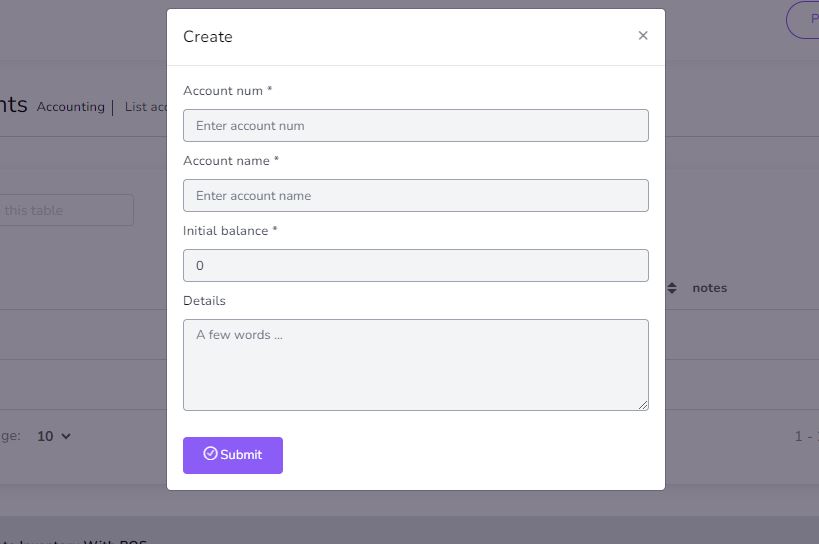
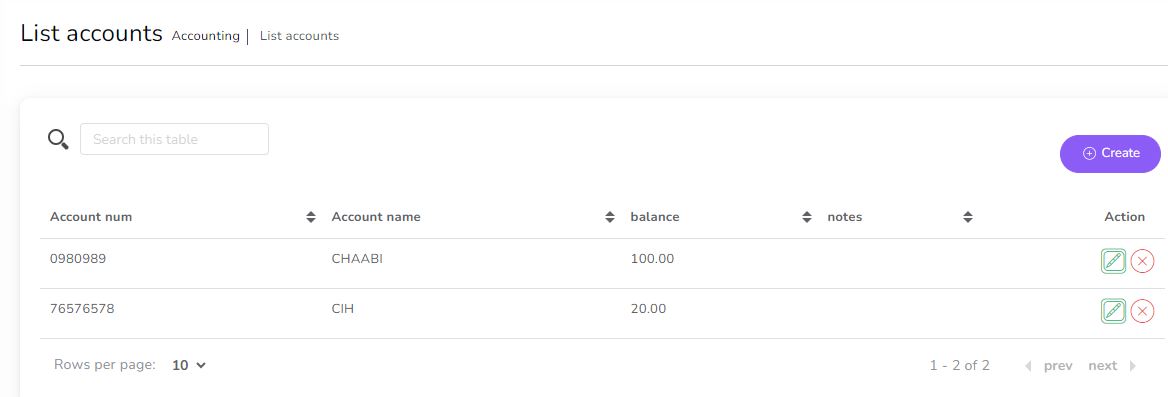
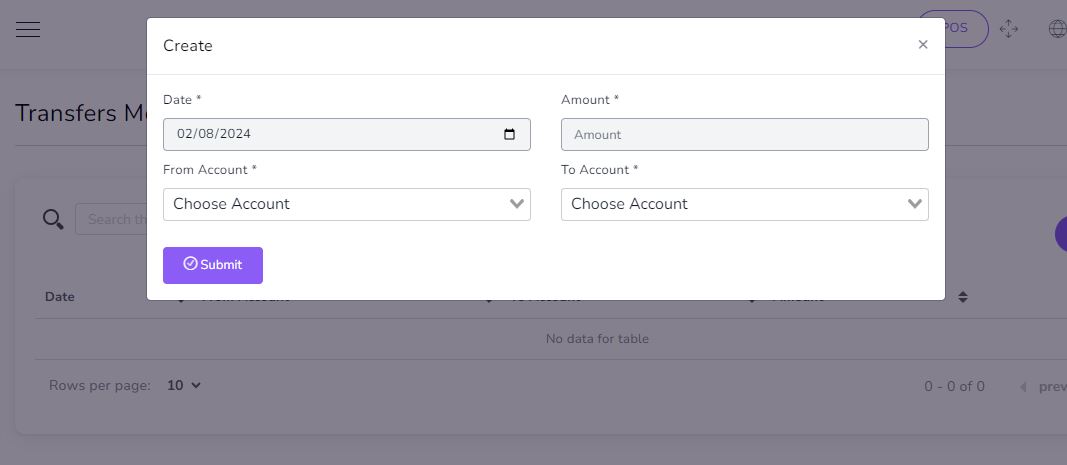
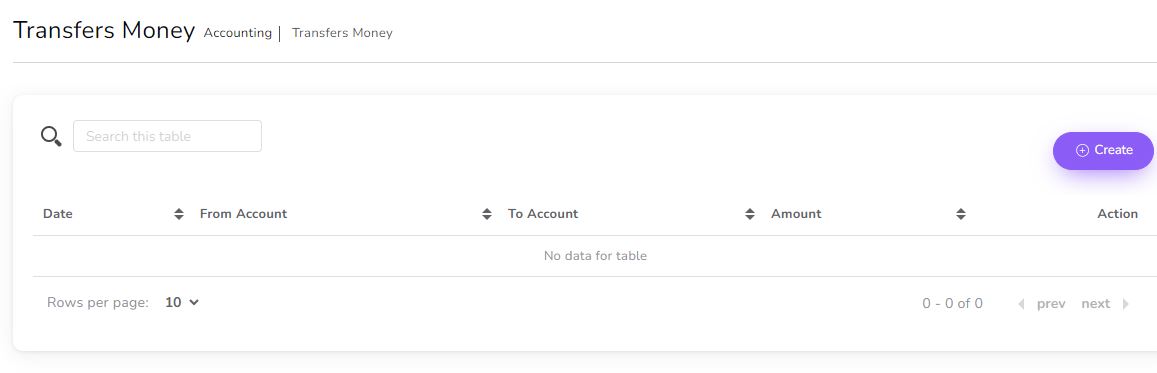
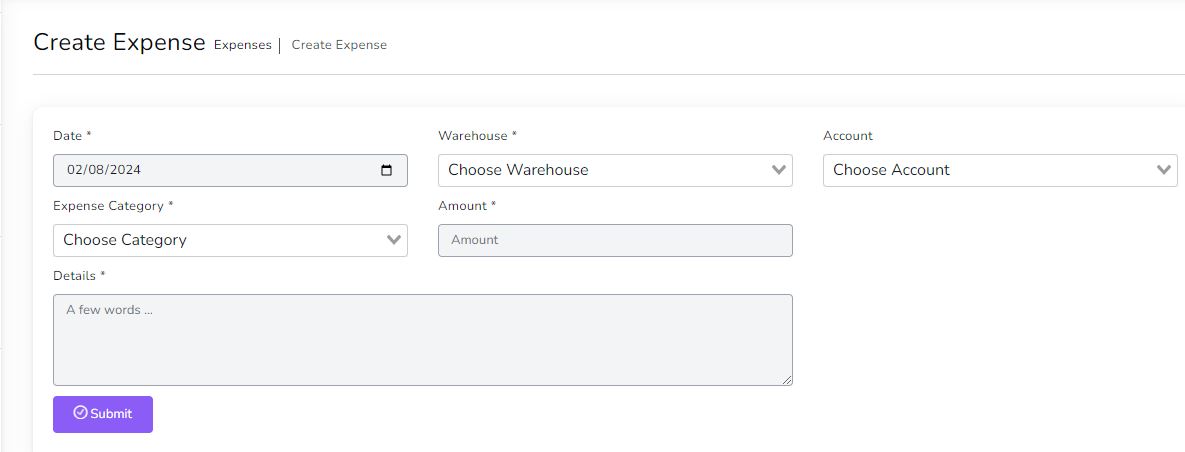
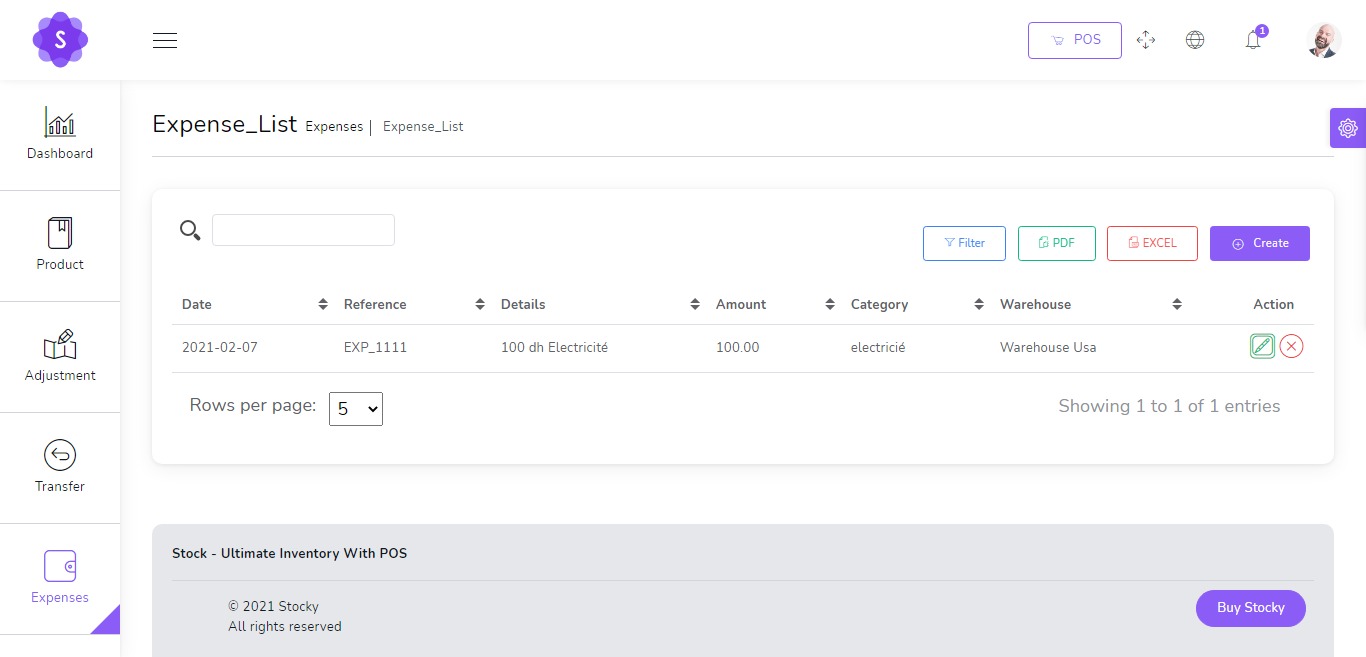
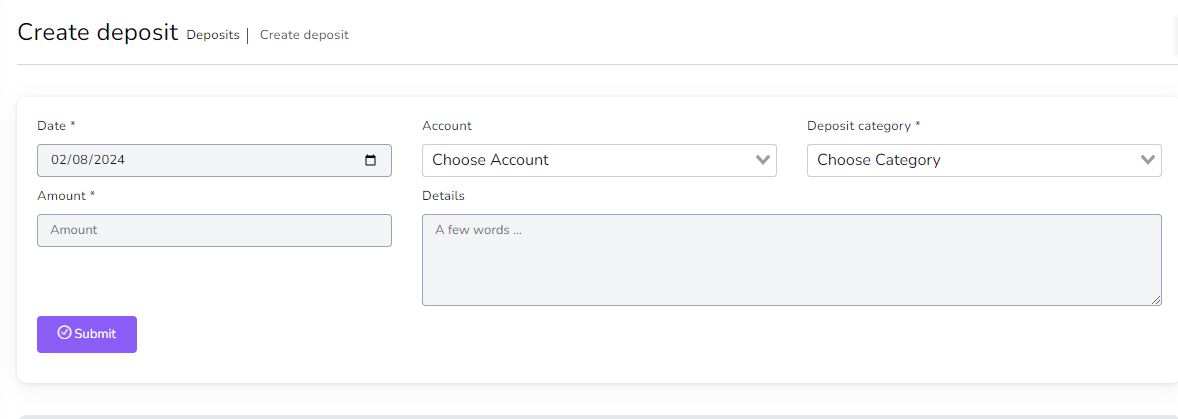
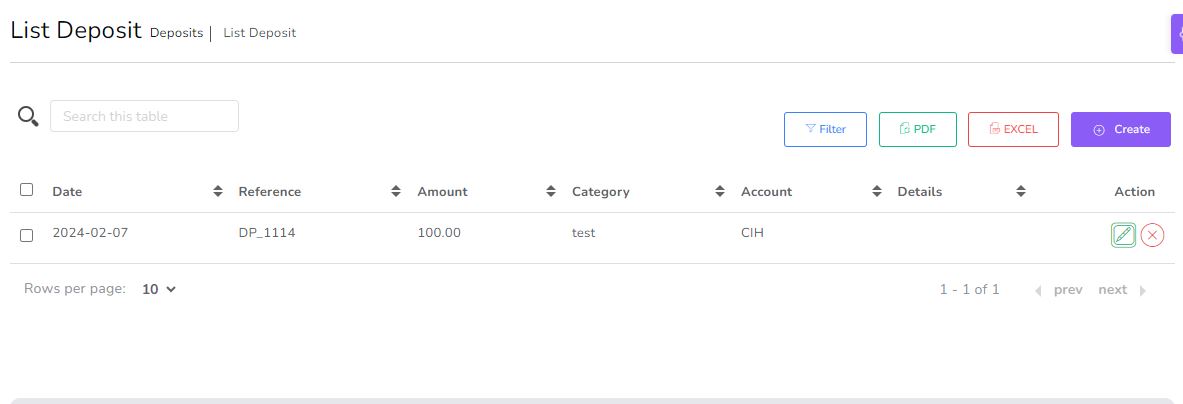
Customers, Suppliers & Accounts
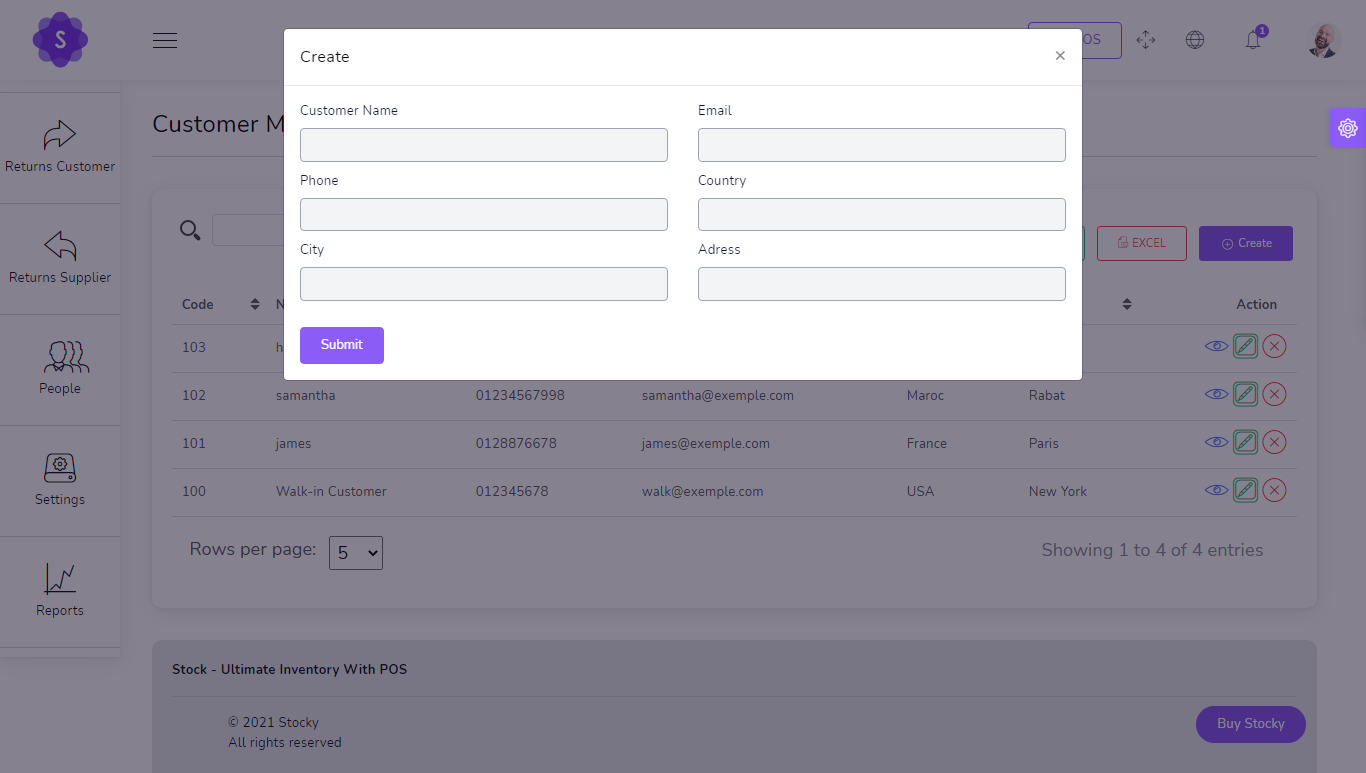
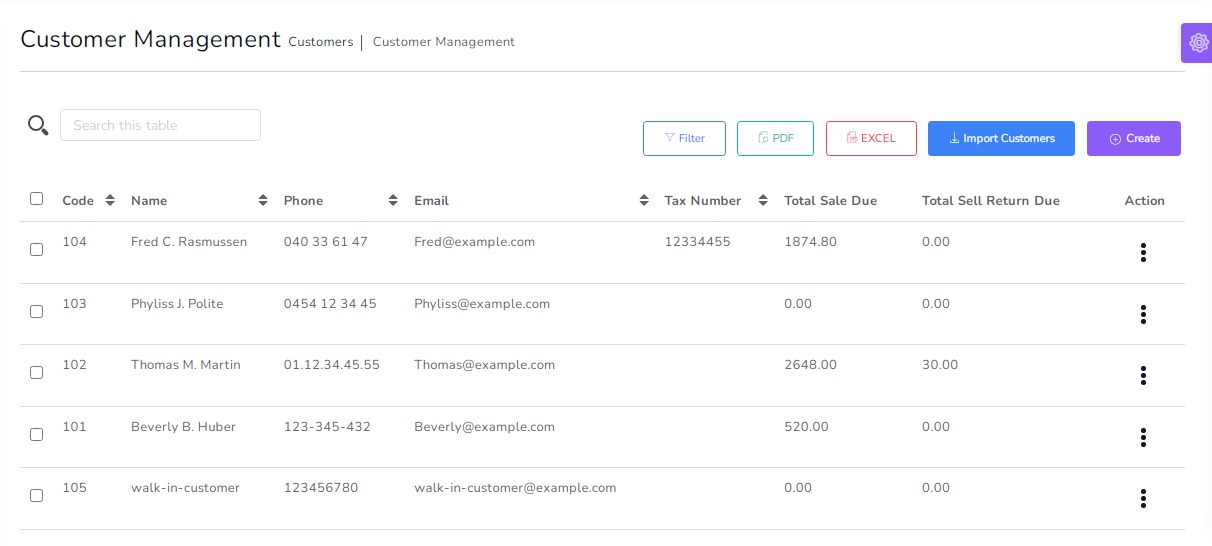
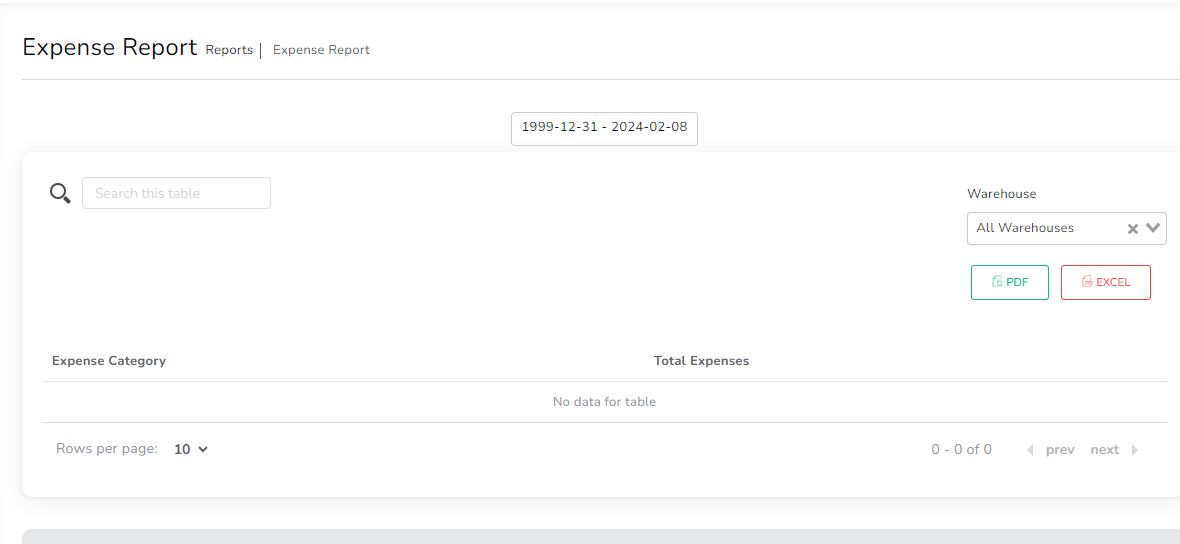
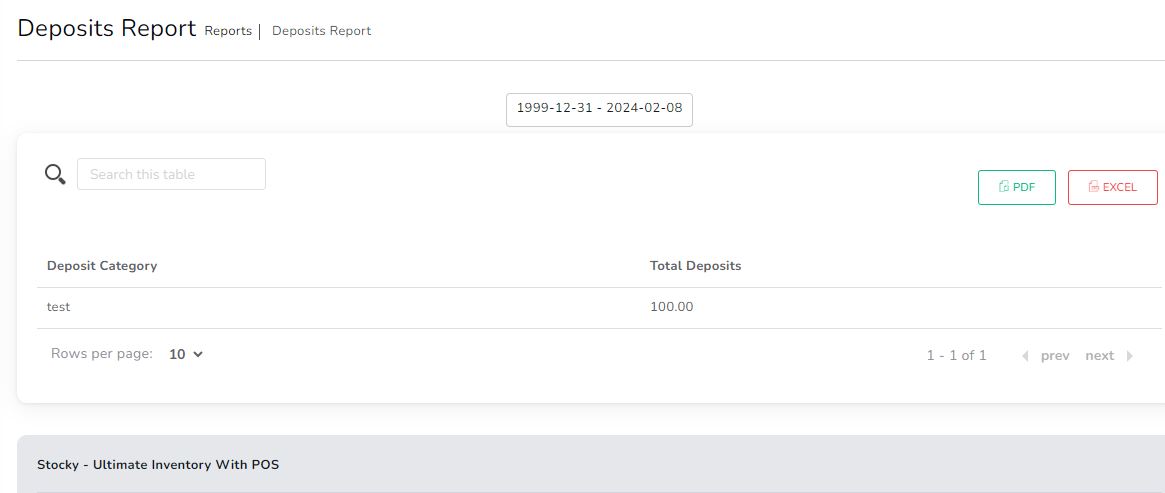
Organize customer and supplier information, accounts, deposits, expenses and money transfer workflows.
- Customer and supplier profile management
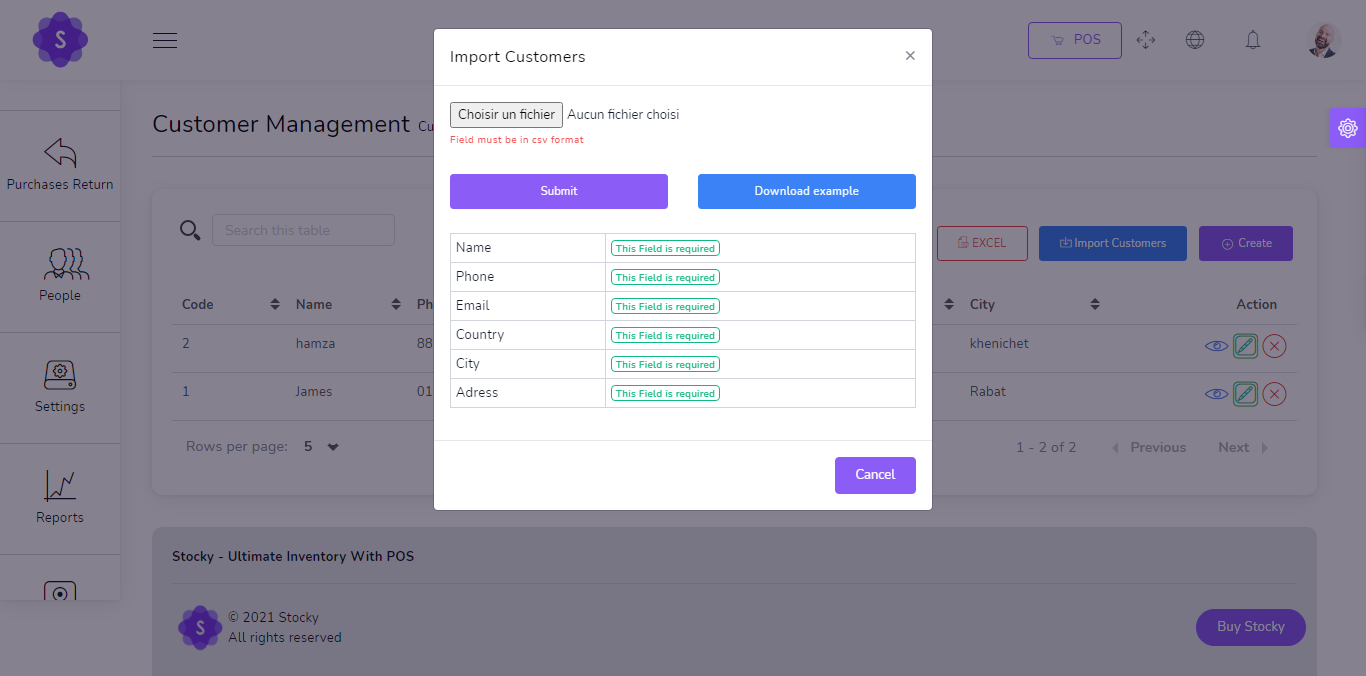
- CSV imports for customers and suppliers
- Account creation and money transfers
- Expense and deposit tracking
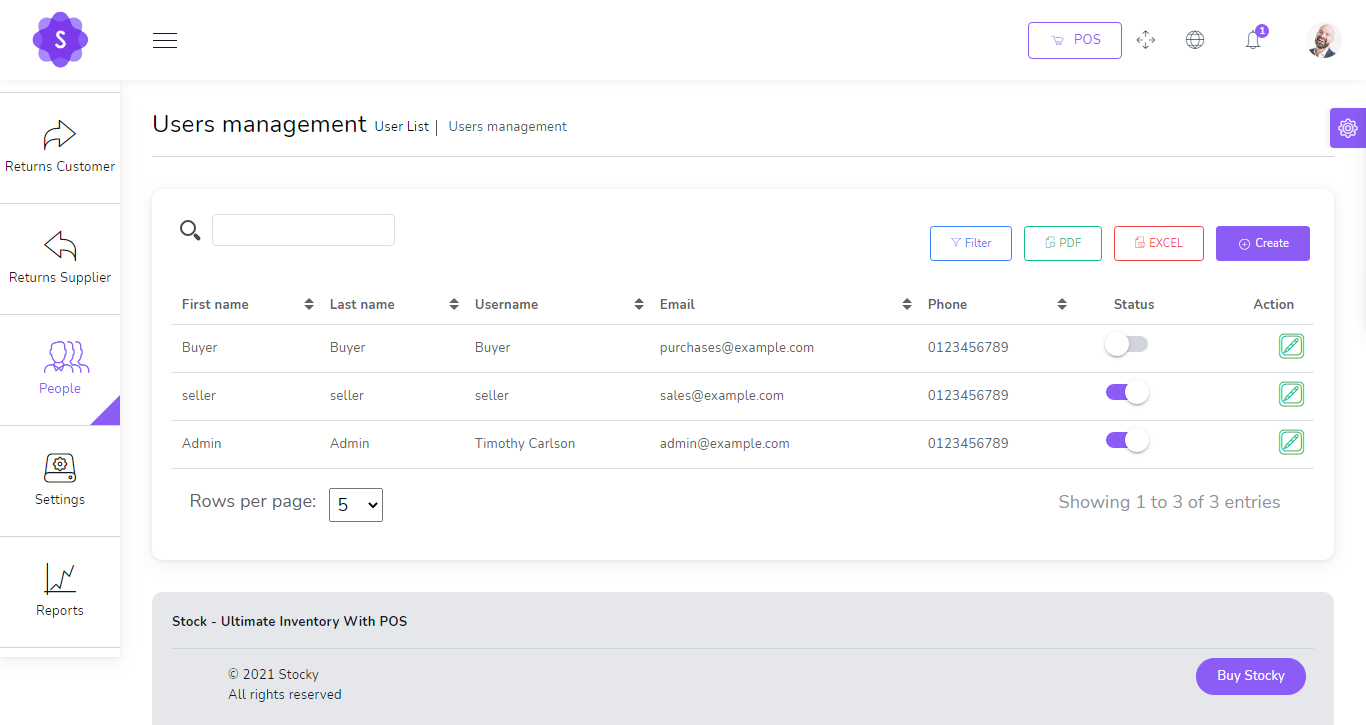
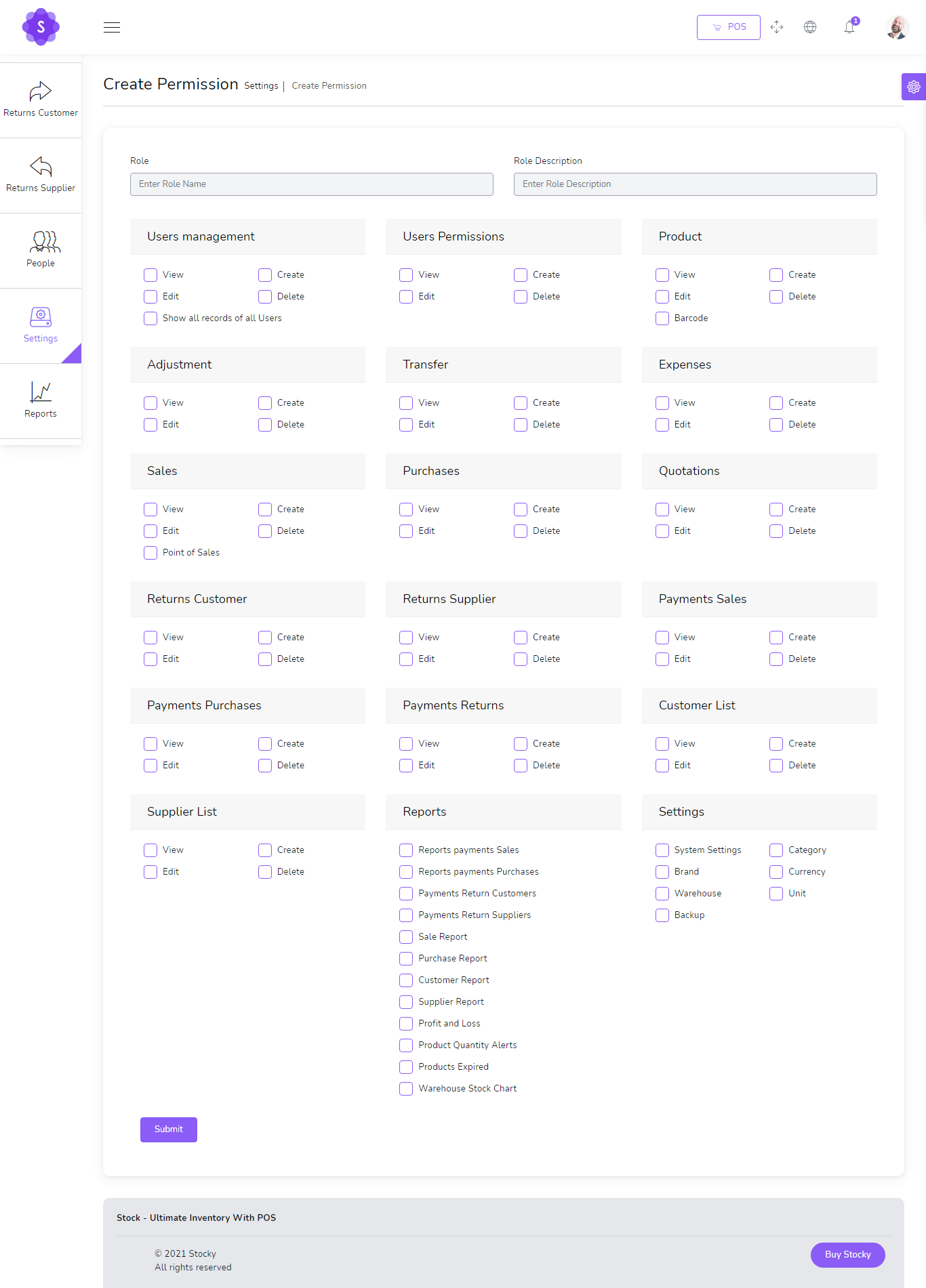
Users, Roles & Permissions
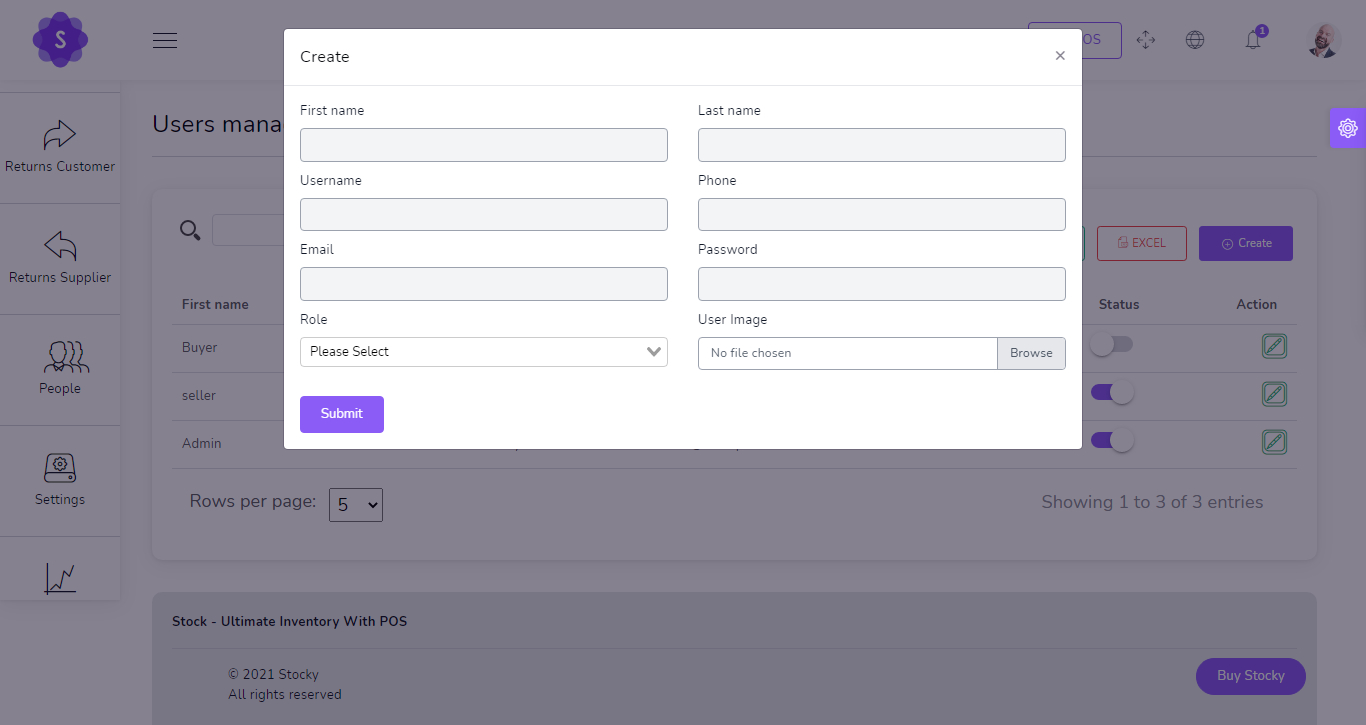
Build a controlled workflow with users, roles and permission management for each team member.
- Create system users
- Assign roles and permissions
- Manage user list and status
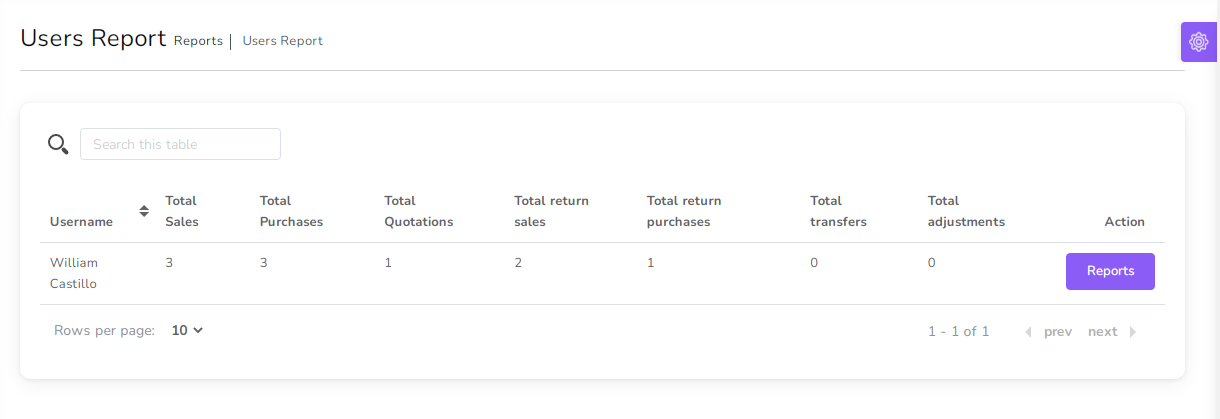
- Generate user reports
System Settings & Configuration
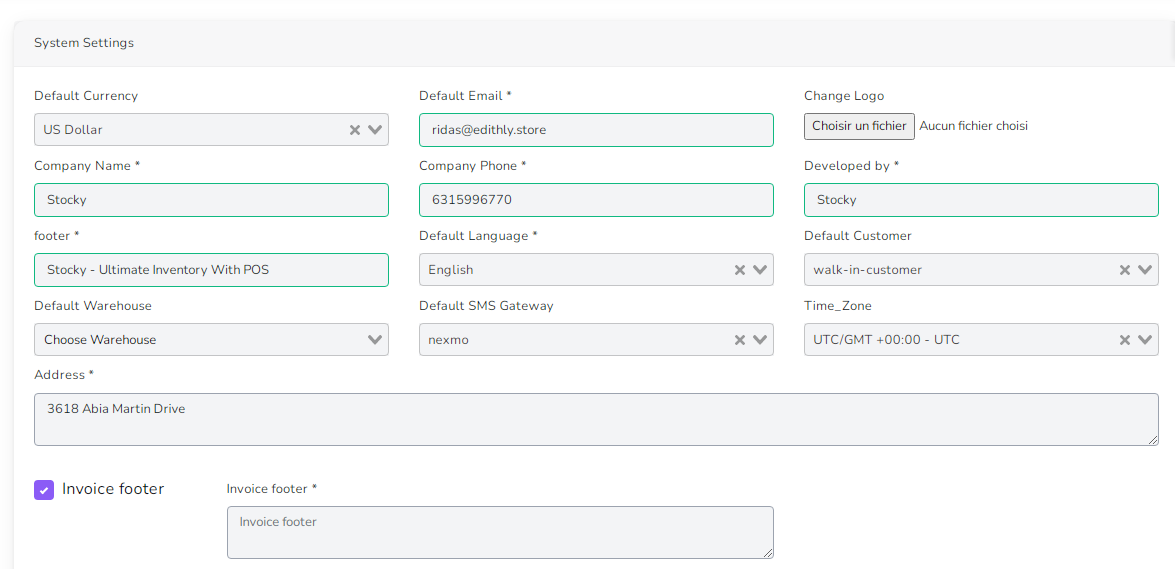
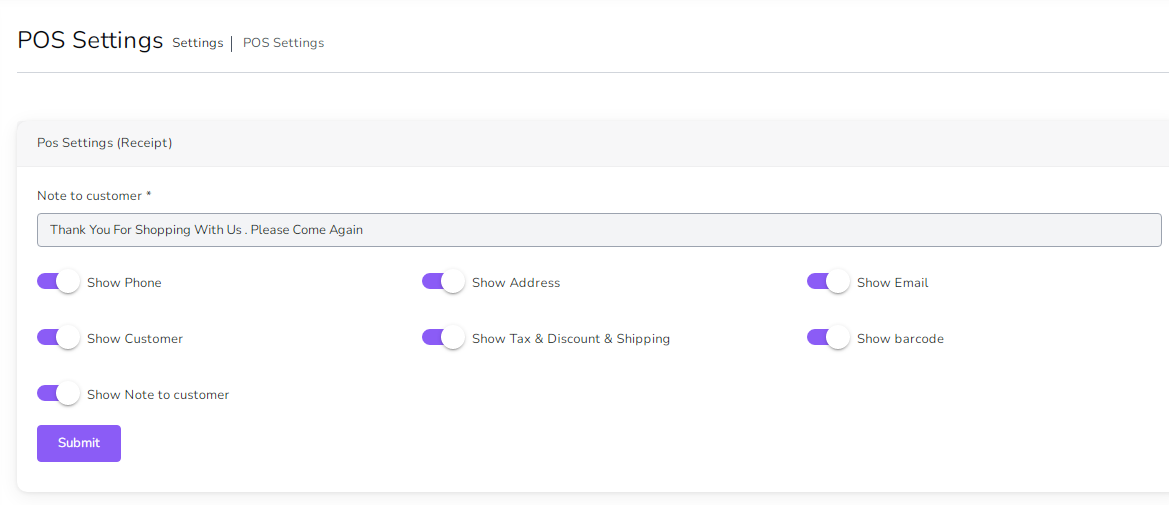
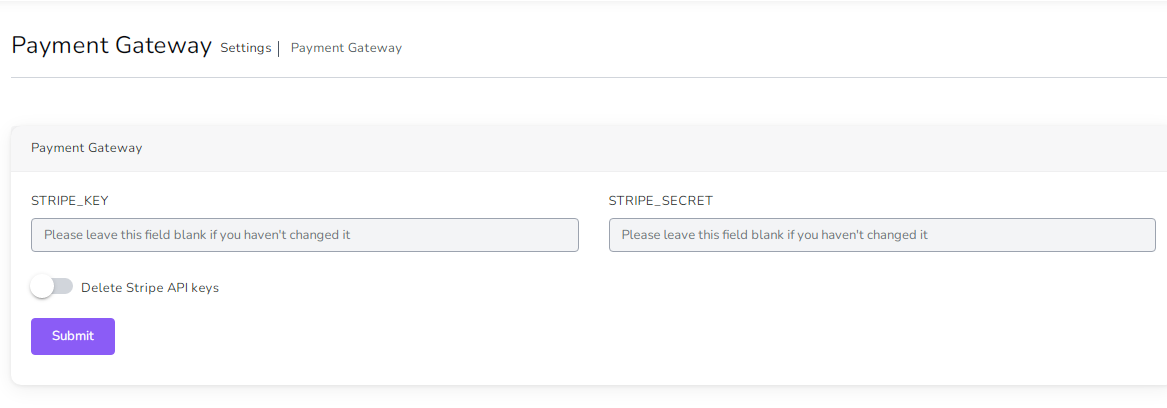
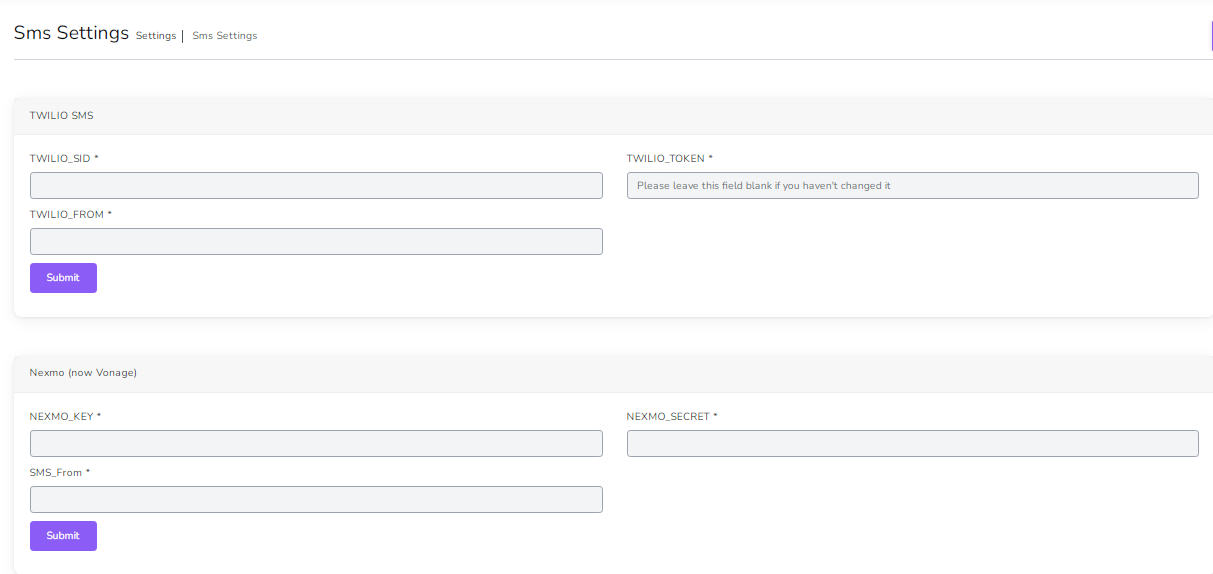
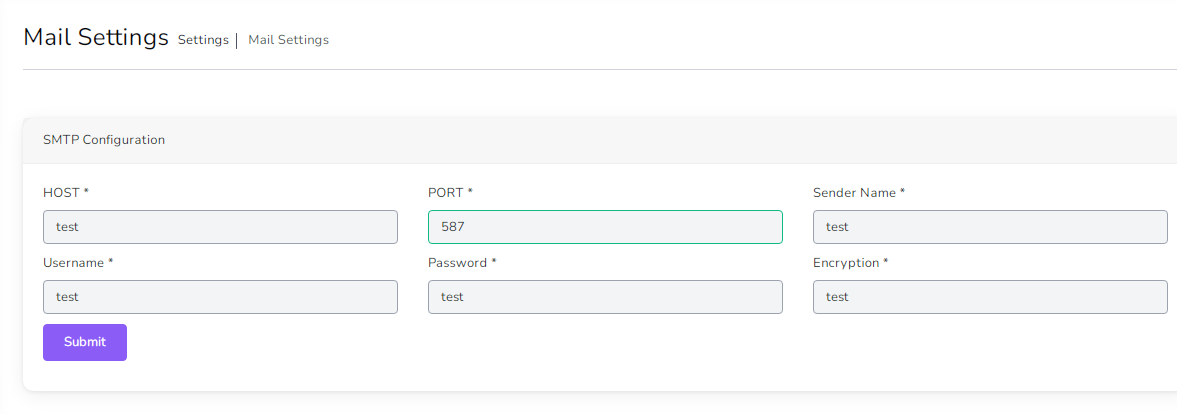
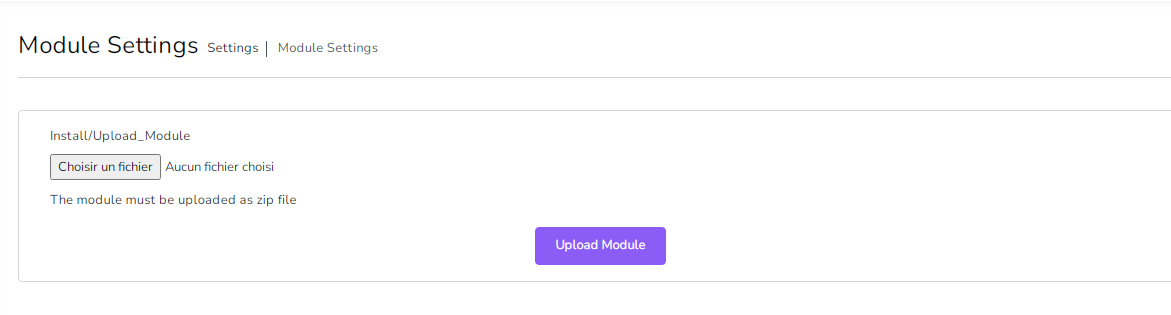
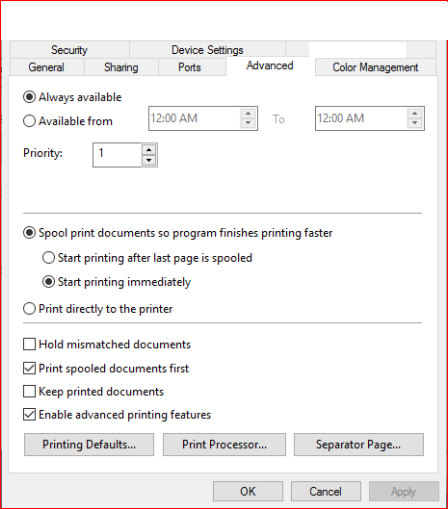
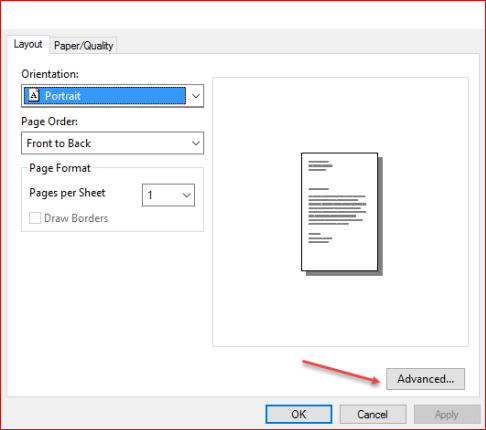
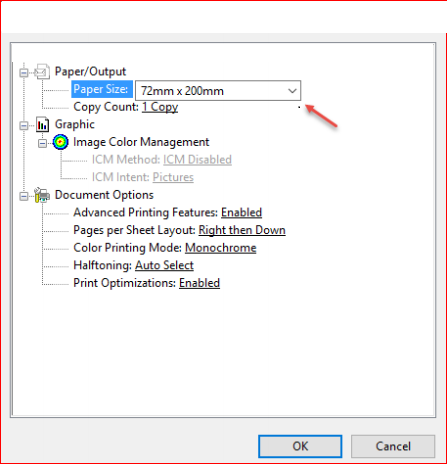
Configure POS, modules, payments, SMS, email, printer, language and other operational settings.
- General system settings
- POS settings and payment settings
- SMS and SMTP email configuration
- Printer setup and module controls
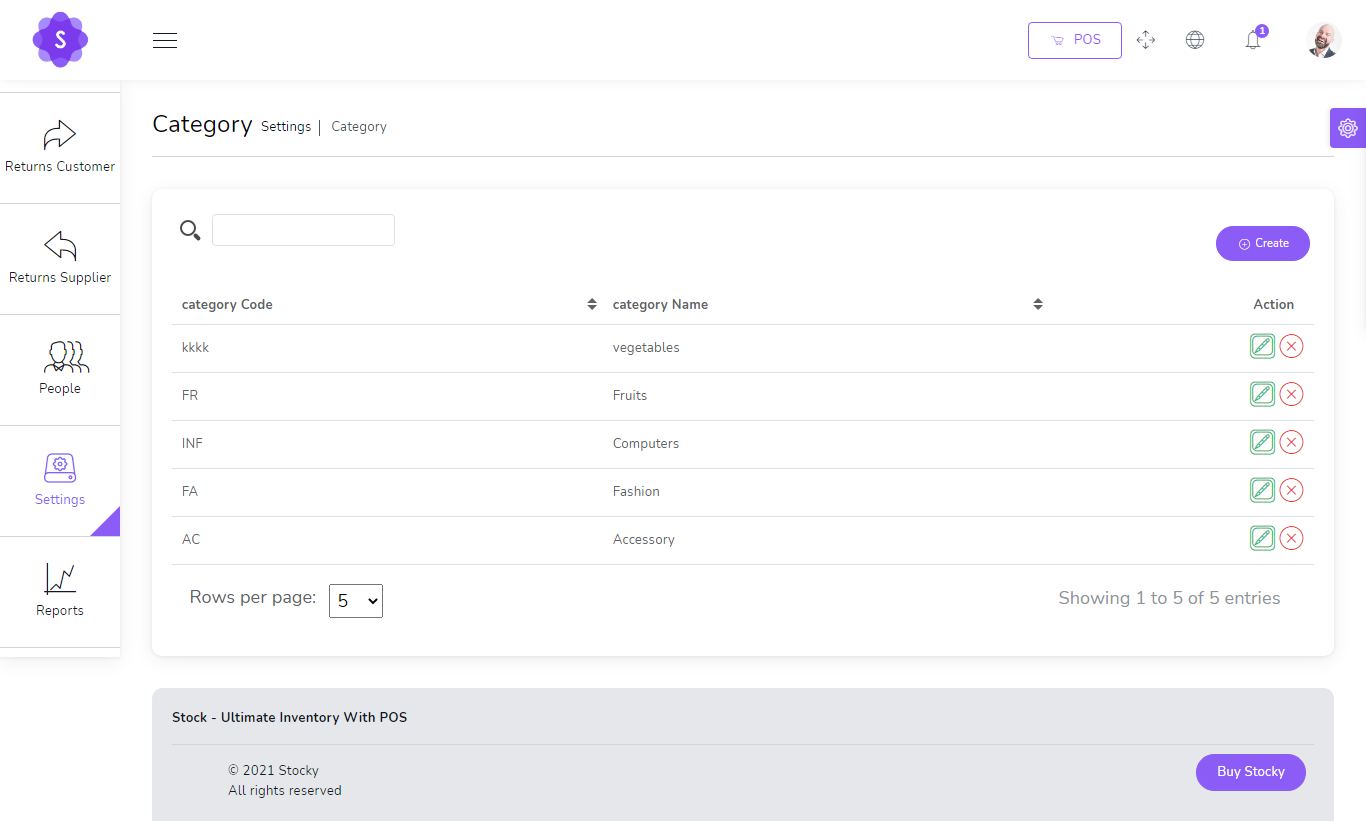
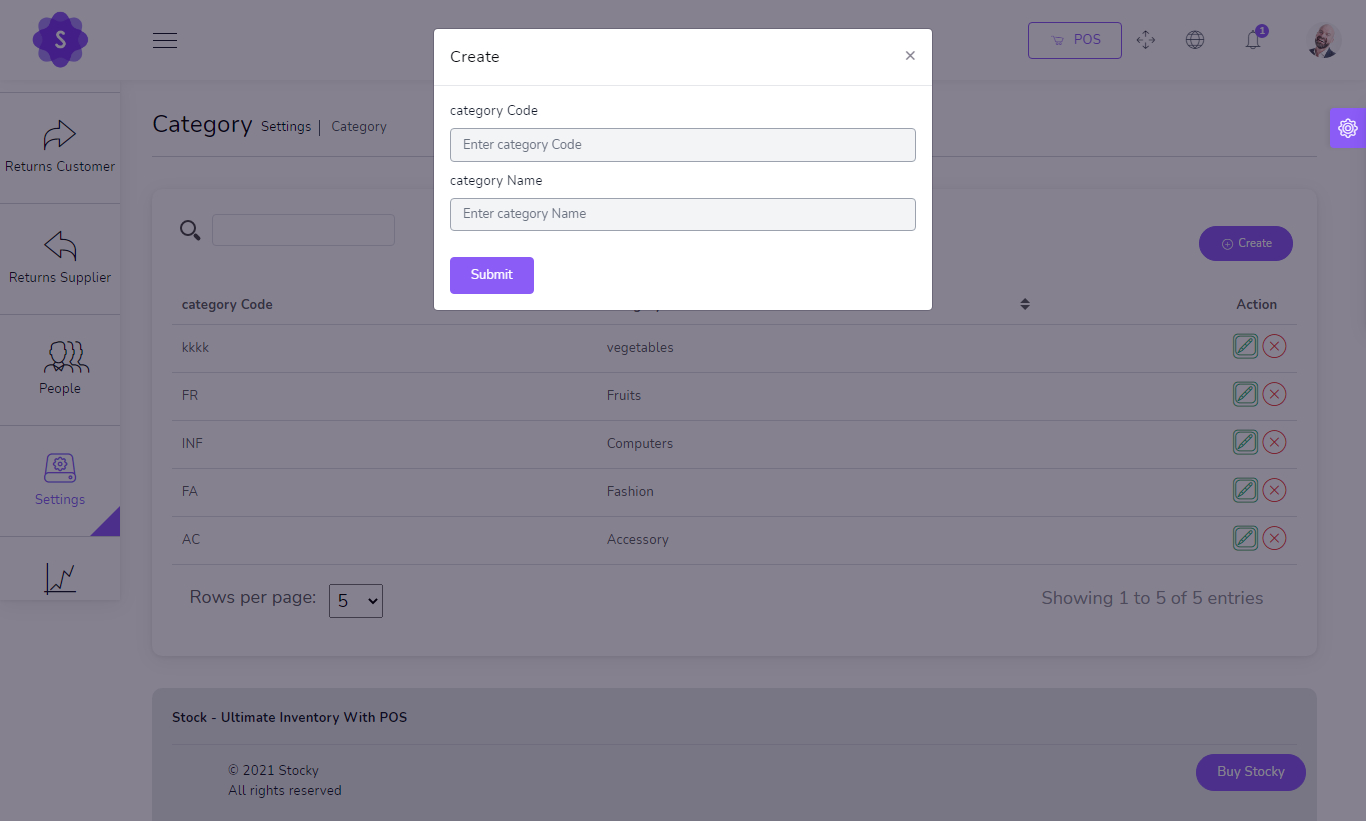
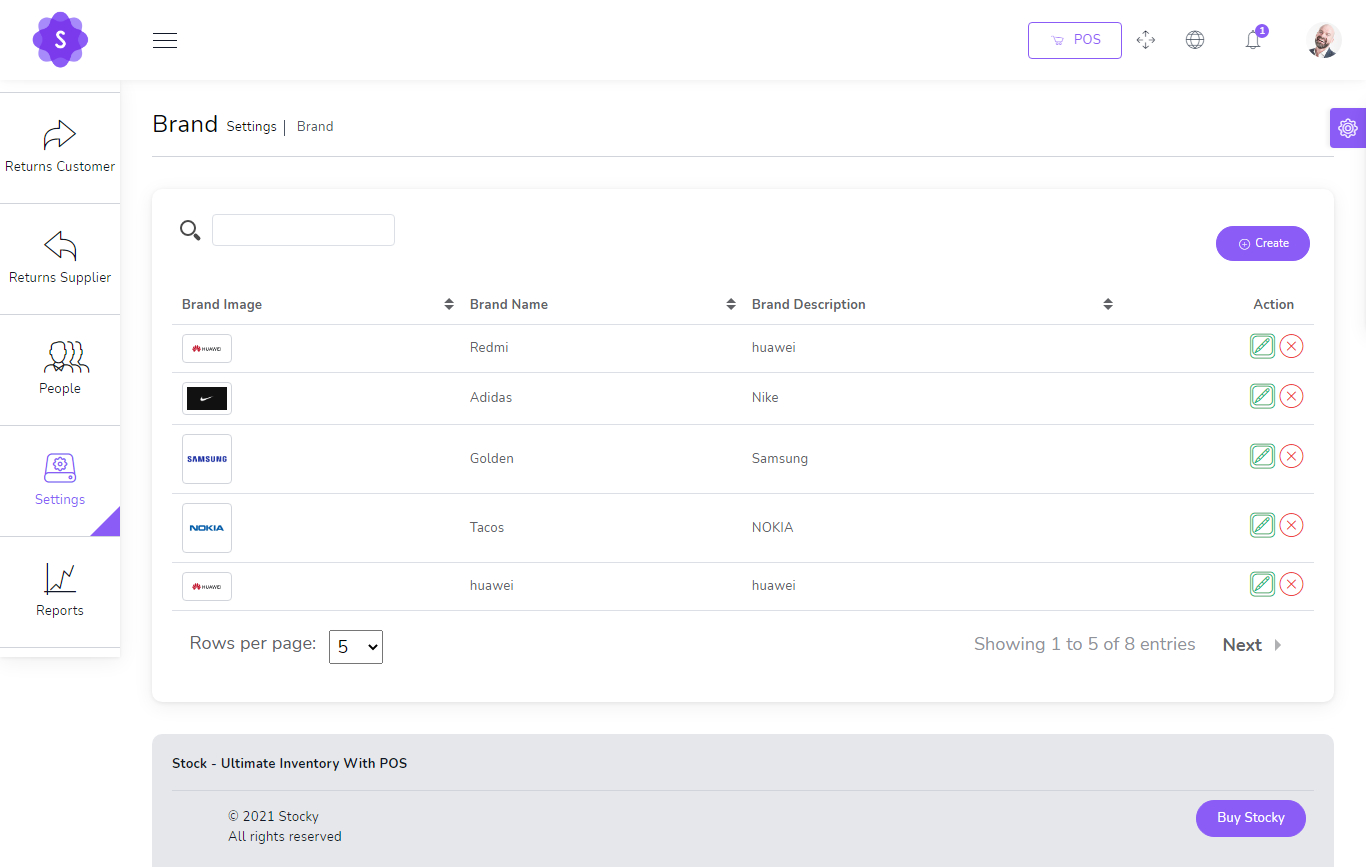
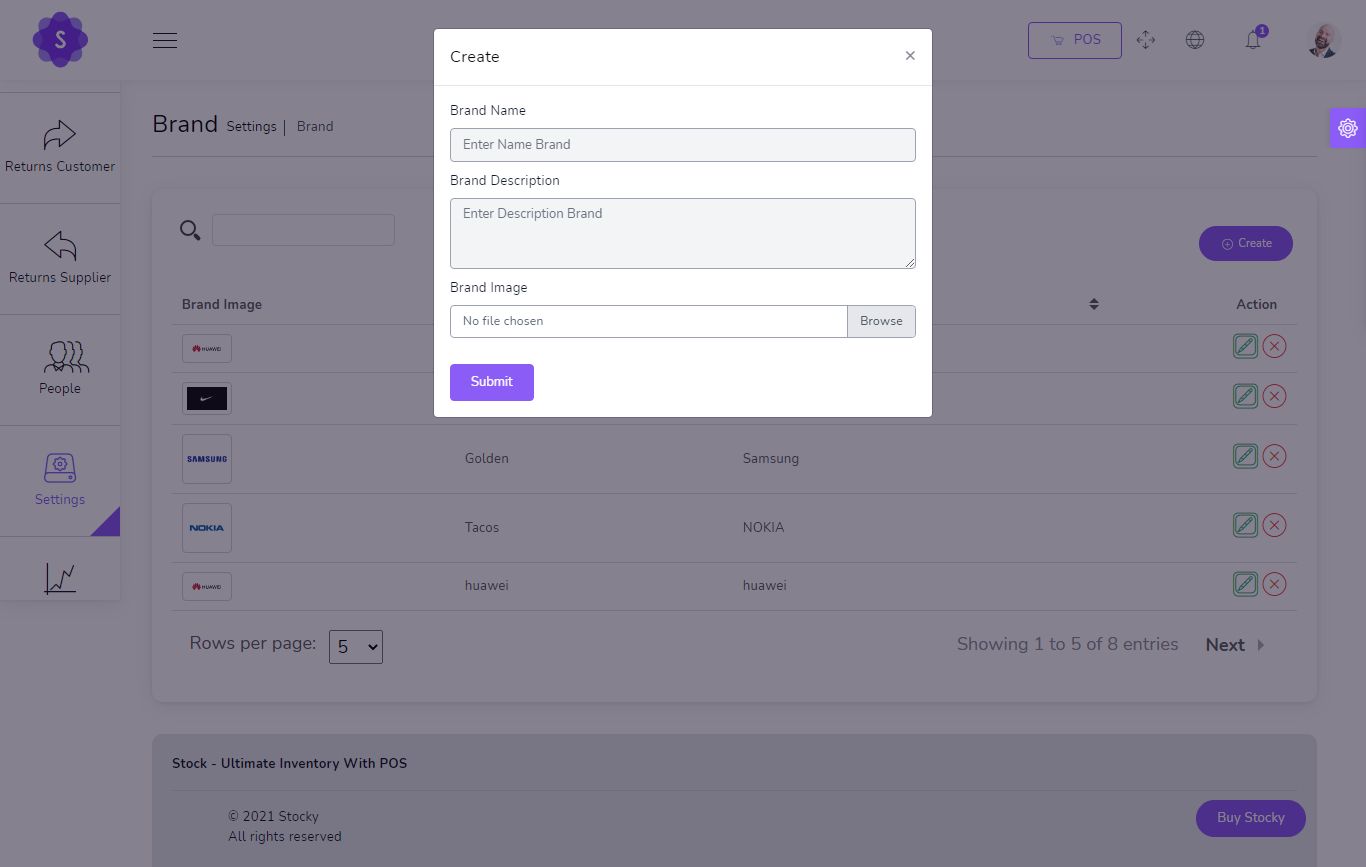
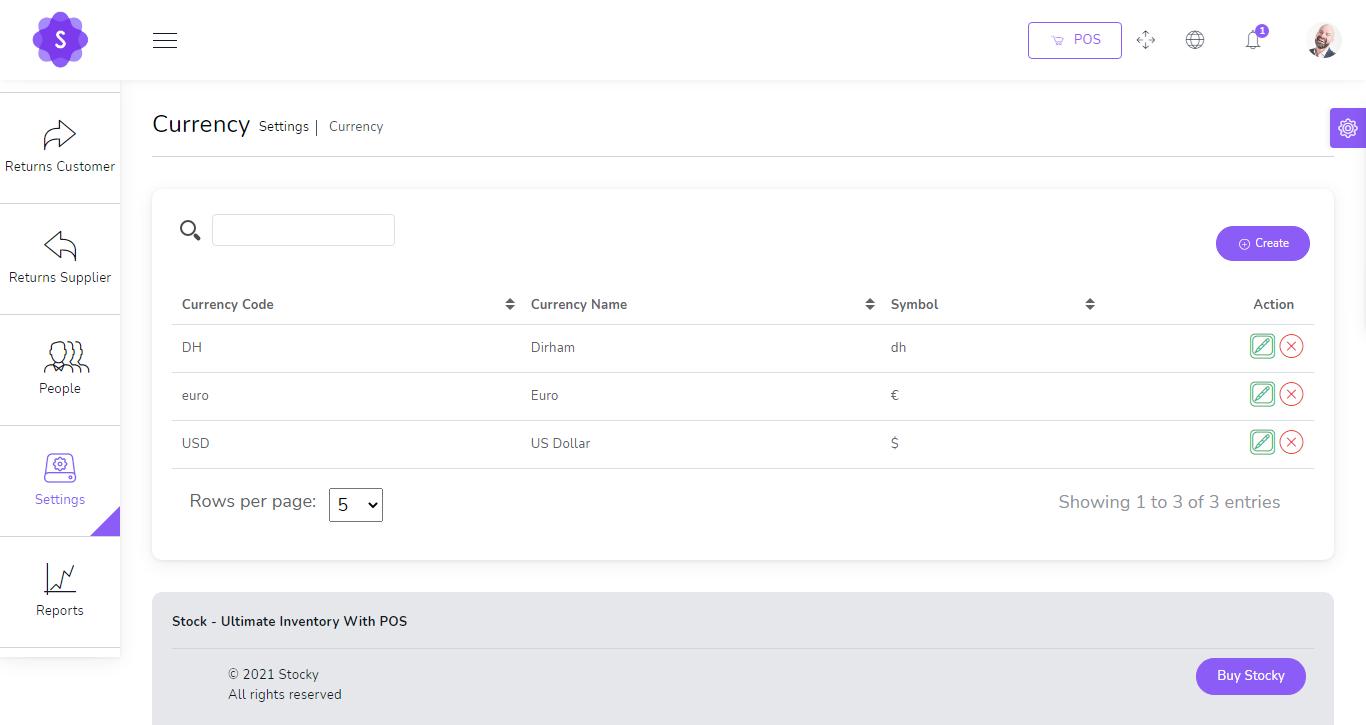
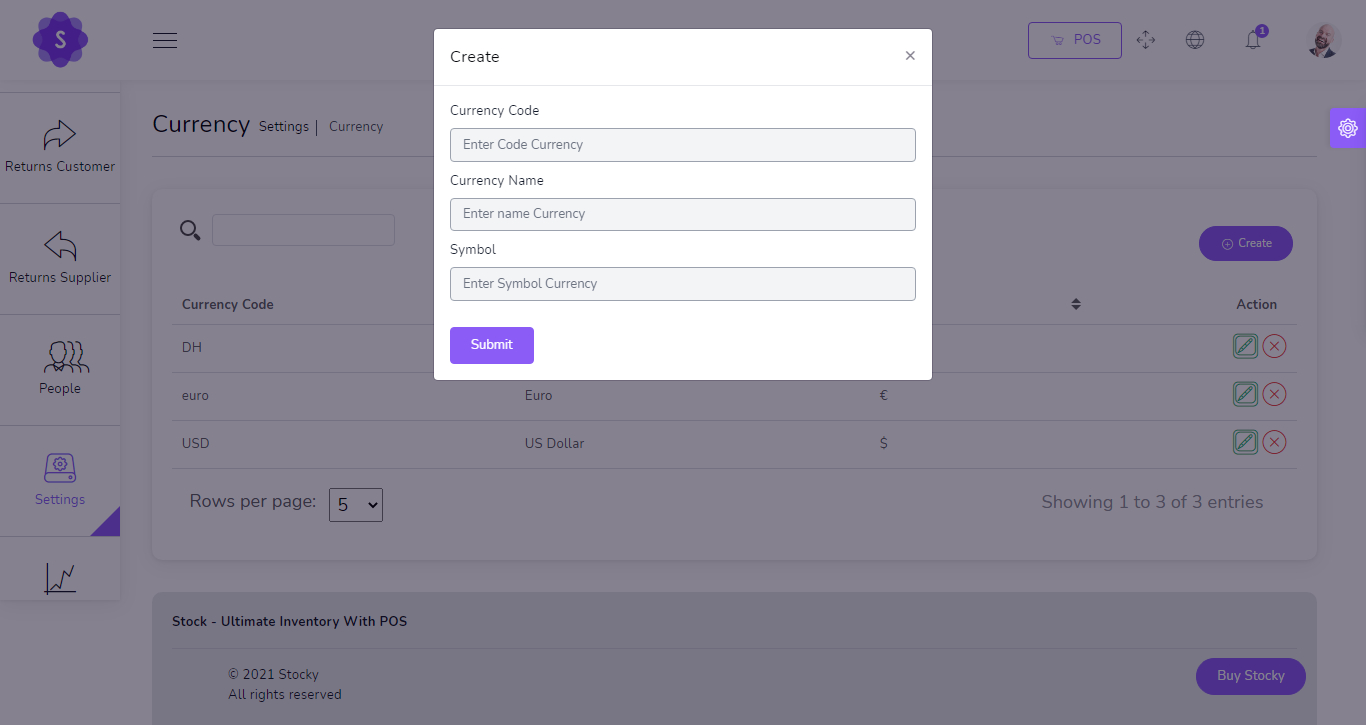
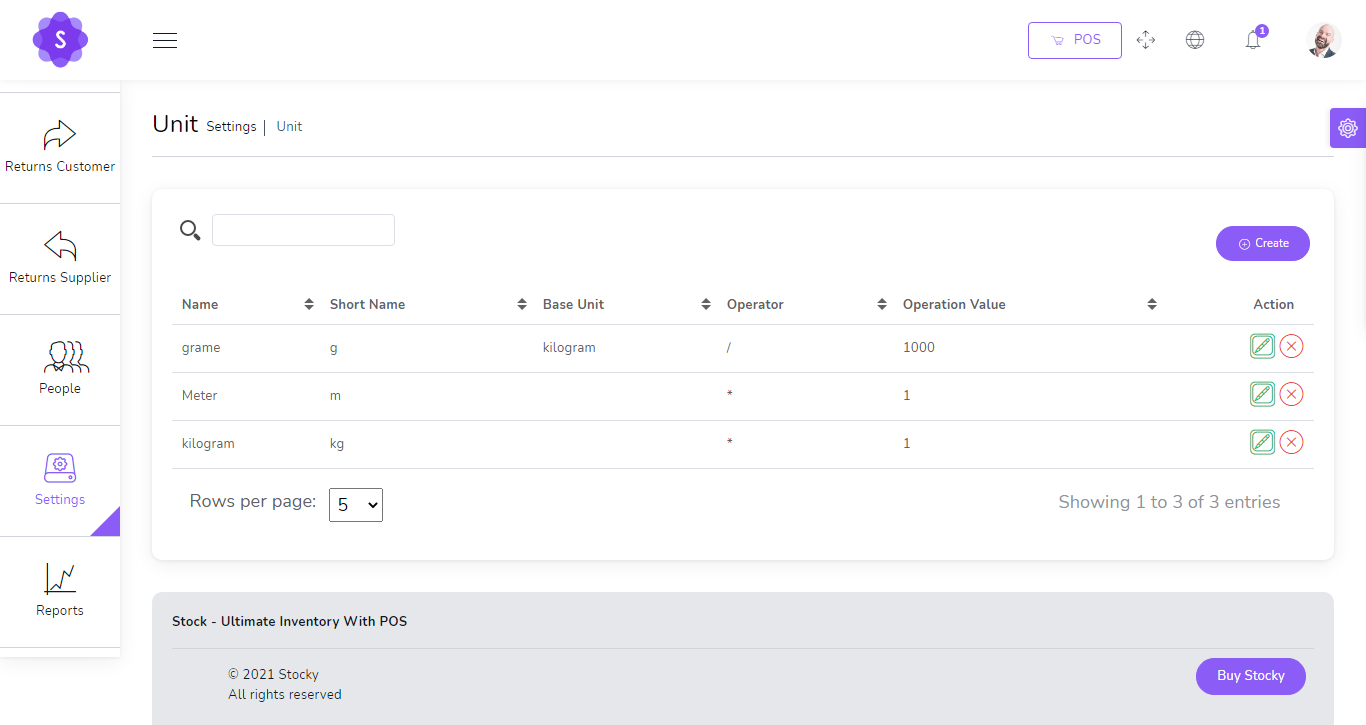
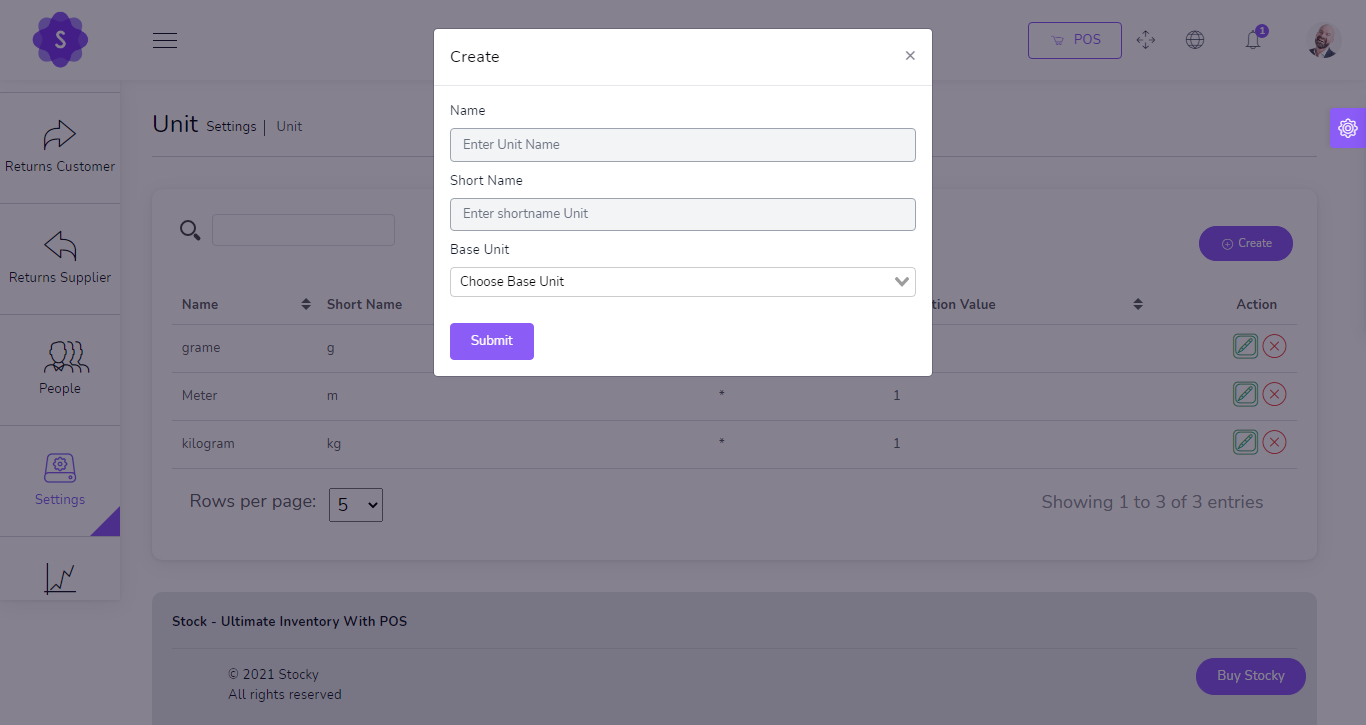
- Currency, units, categories and brand management
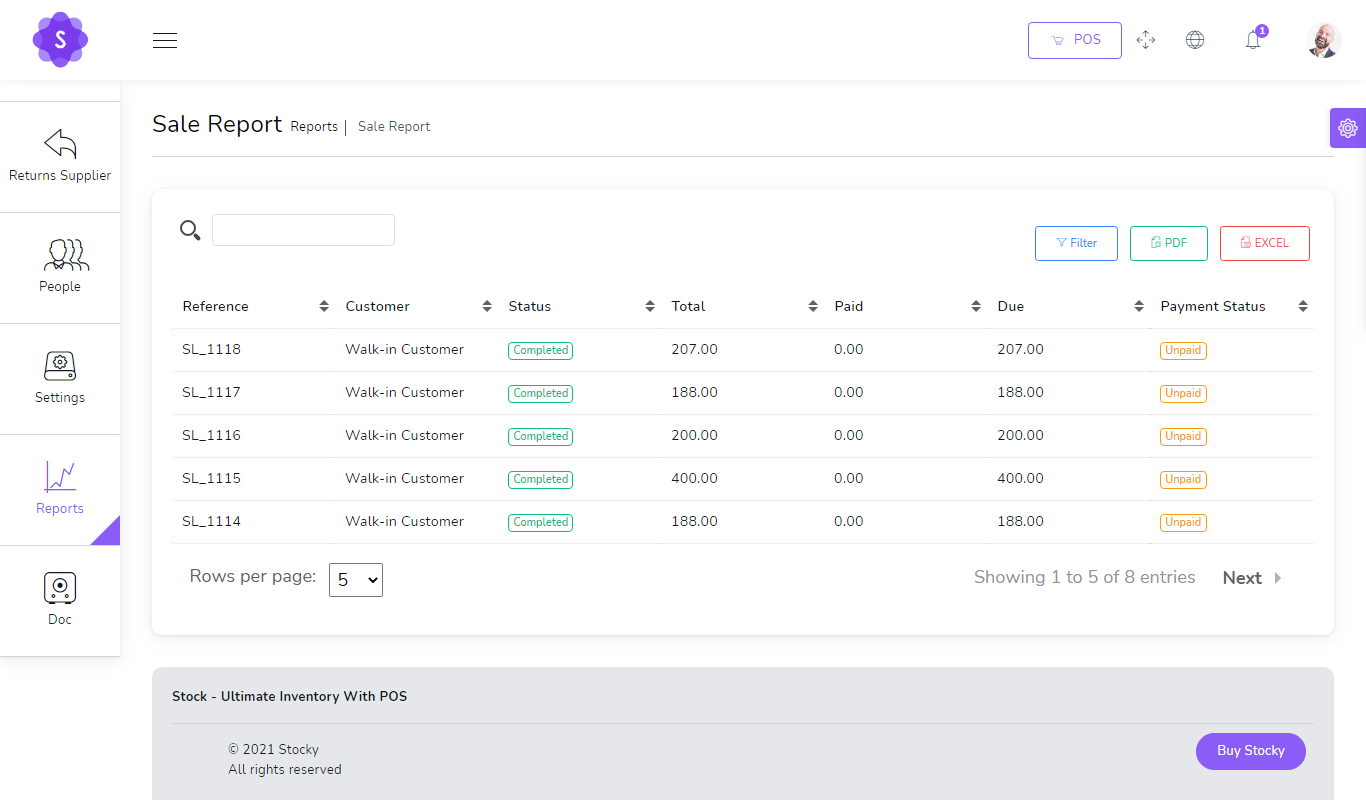
Business Reports
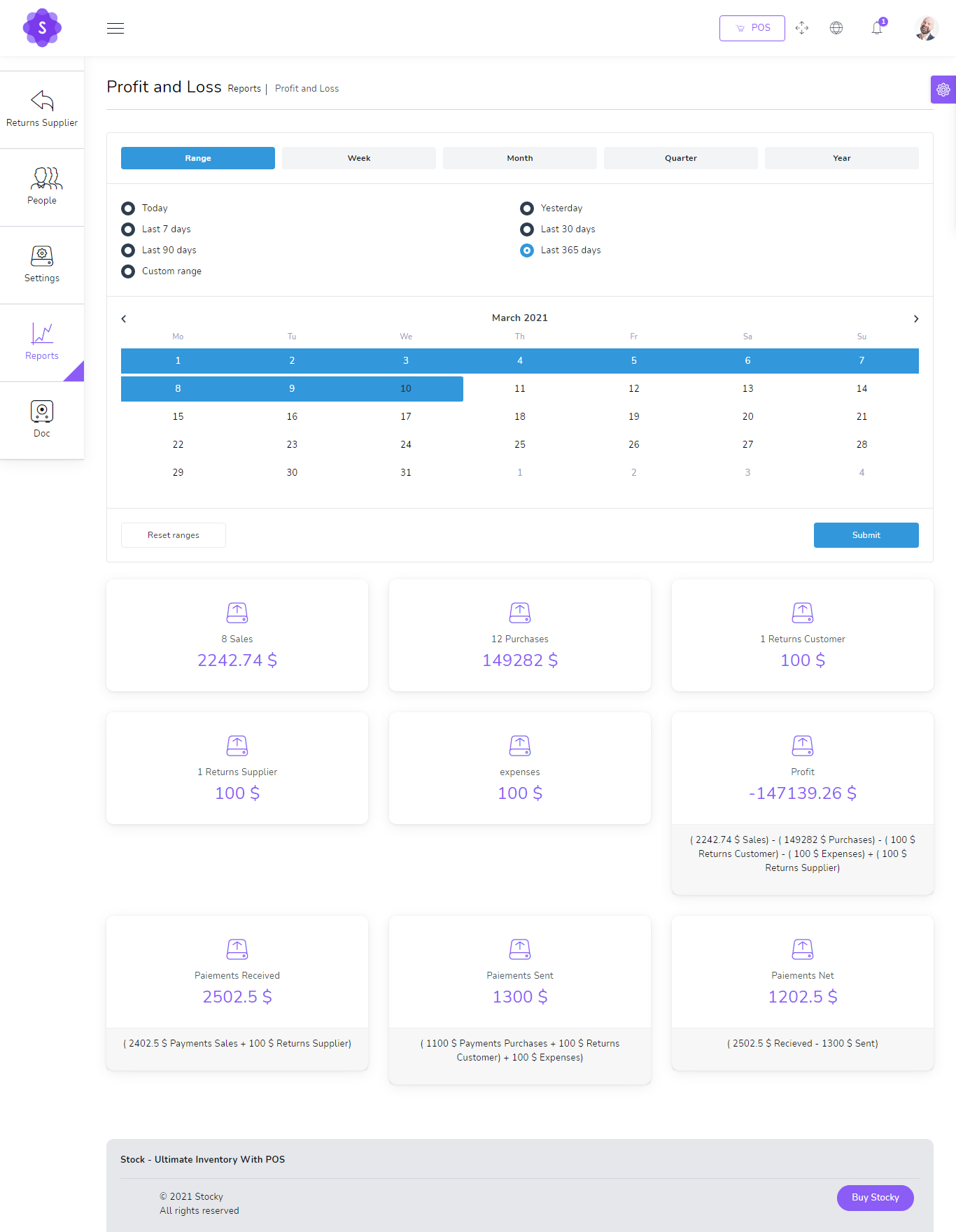
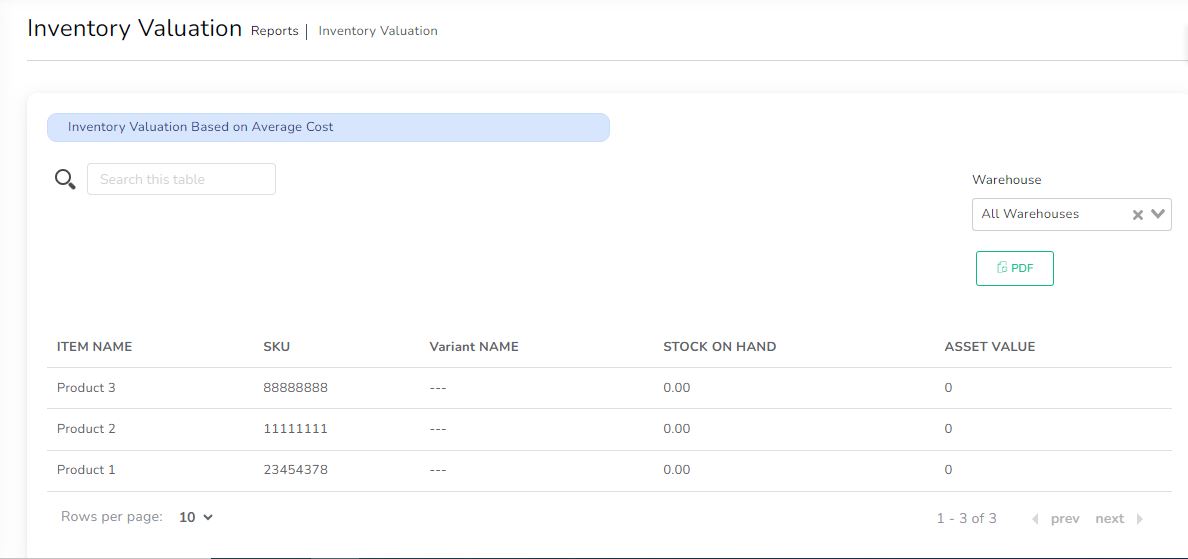
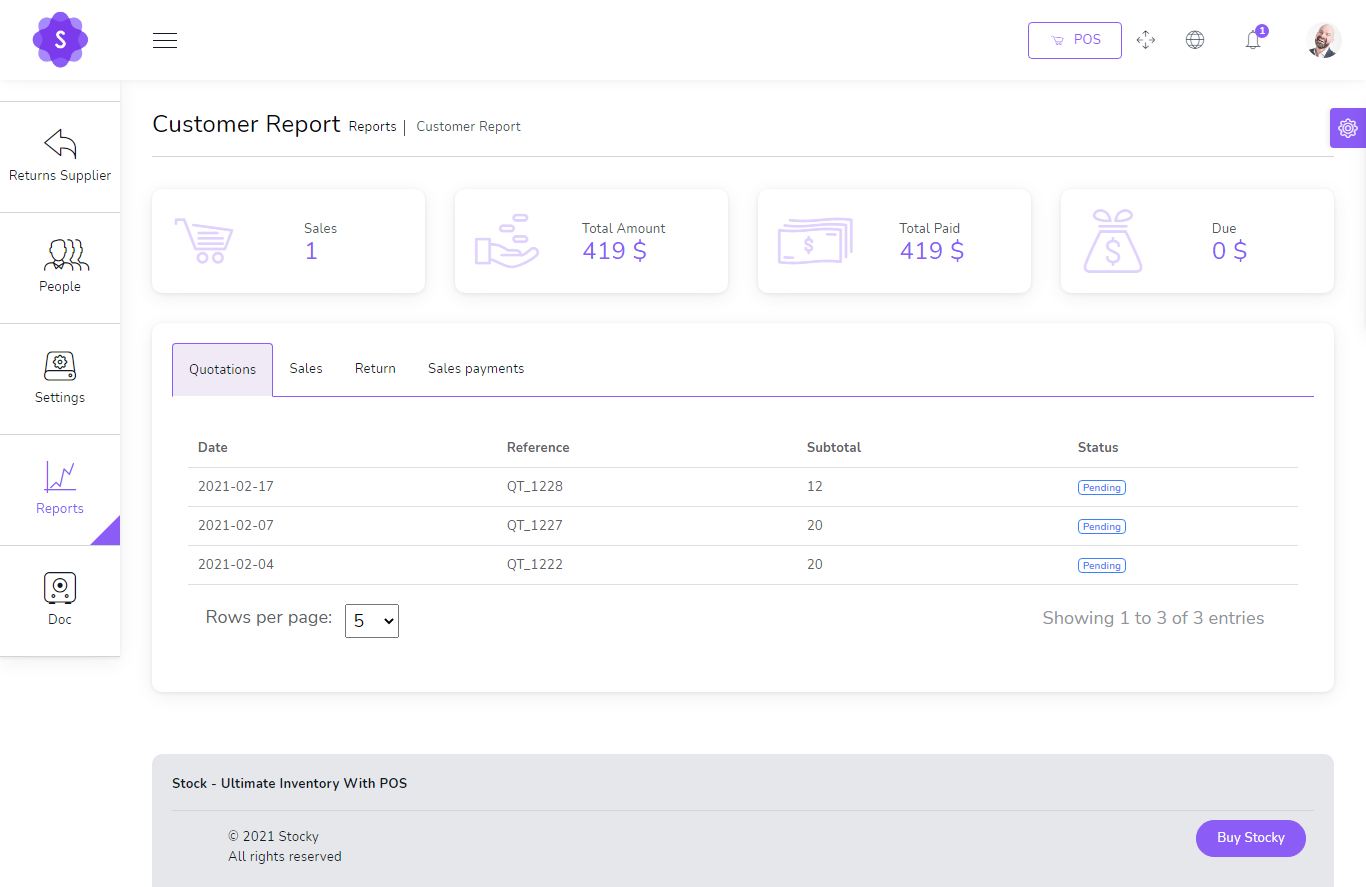
Make better decisions with sales, purchases, profit, inventory, customer, supplier and payment reports.
- Sales and purchase reports
- Profit and loss report
- Inventory valuation and product alert reports
- Customer and supplier reports
- Top selling products and best customer reports
Created & Supported by SD CORE PVT LTD
For website development, custom software, POS, e-commerce, ERP and digital automation solutions, contact SD CORE.
- Website development and custom software
- E-commerce, POS, ERP and LMS systems
- WhatsApp, email and payment integrations
- SEO, Google Business listing and digital marketing support

Premium Digital Solutions for Growing Businesses
From idea to launch, SD CORE helps businesses move online with reliable software, clean UI, automation and long-term technical support.